How to align a pie chart title to the left in Looker Studio
Here is how to align a pie chart title to the left in looker studio
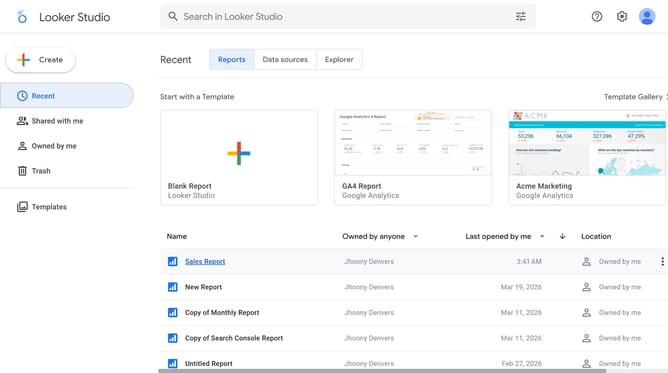
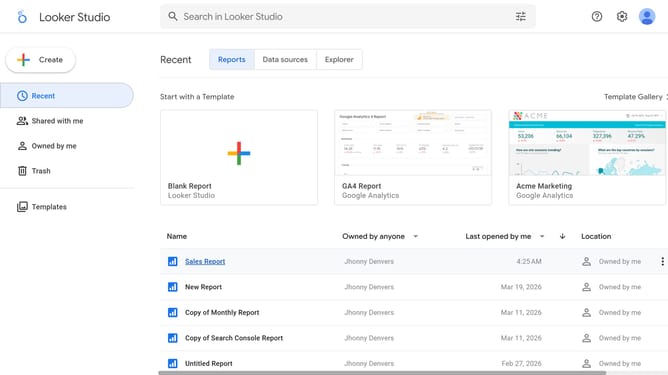
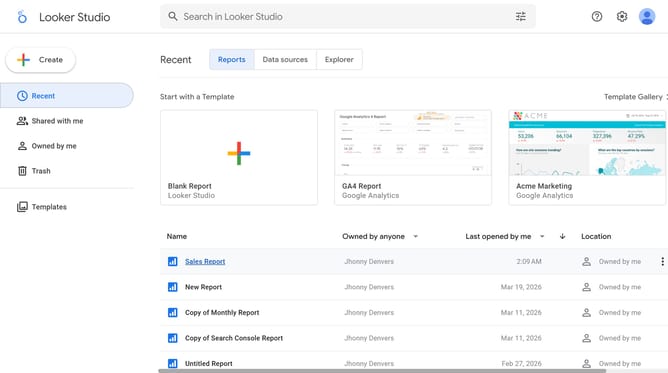
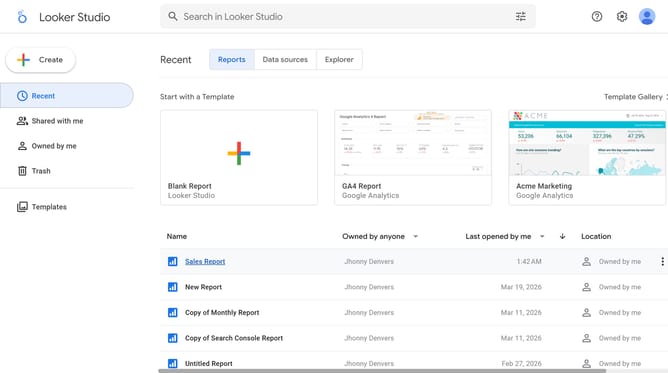
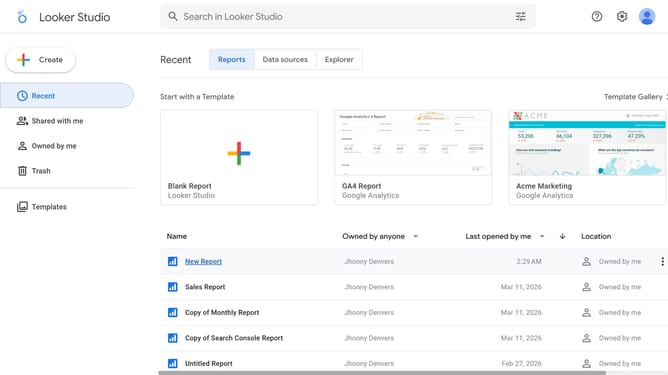
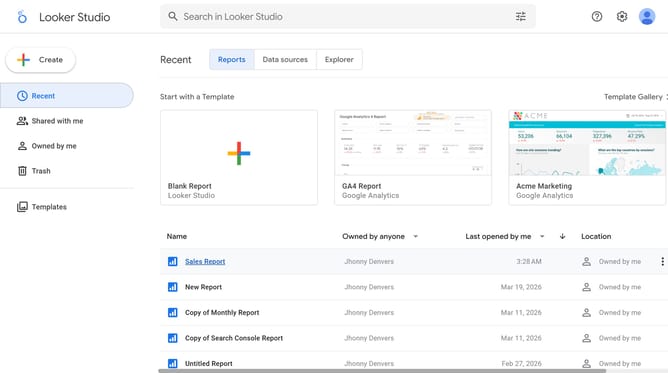
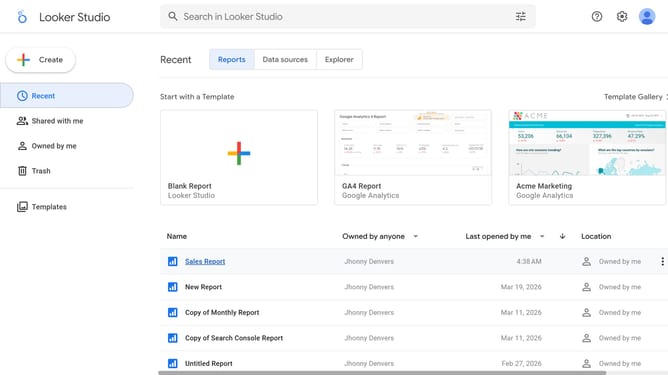
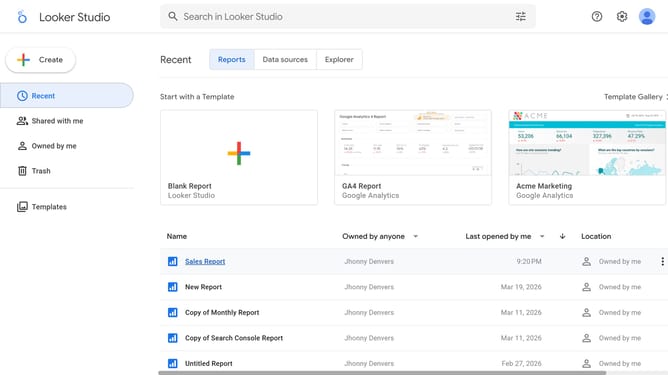
- First click on the file name from the reports list to open it
- Then click on "Edit" button in the top toolbar to enter edit mode
- Next click on "Manage pages" option in the page navigation toolbar
- Then click on the page name item in the Report Pages panel
- Next click on the "Show properties" button above the pie chart
- Then click on the alignment button in the right properties panel under Chart title formatting options
- Finally click on "Left" alignment option from the alignment dropdown menu
Why should you align a pie chart title to the left in Looker Studio
Looker Studio is a powerful tool designed to transform complex data into insightful visualizations.
Adjusting the alignment of a pie chart title to the left in Looker Studio enhances readability and aligns with design aesthetics by creating an asymmetrical balance.
This feature allows users to maintain a consistent visual language across multiple reports, ensuring clarity and focus.
By opting for left-aligned titles, users may improve viewer engagement and facilitate a seamless data interpretation experience.
Last update