How to manage the alignment of legends in a pie chart in Looker Studio
Here is how to manage the alignment of legends in a pie chart in looker studio
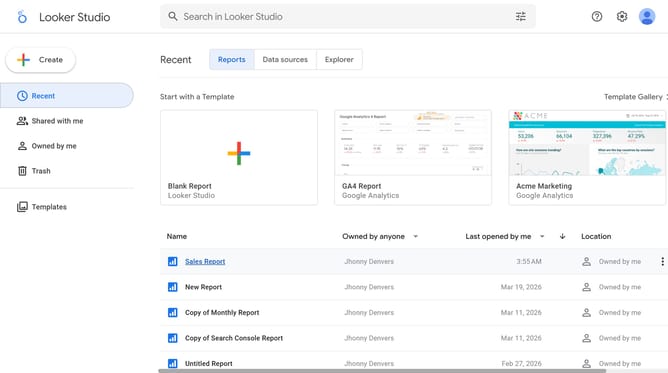
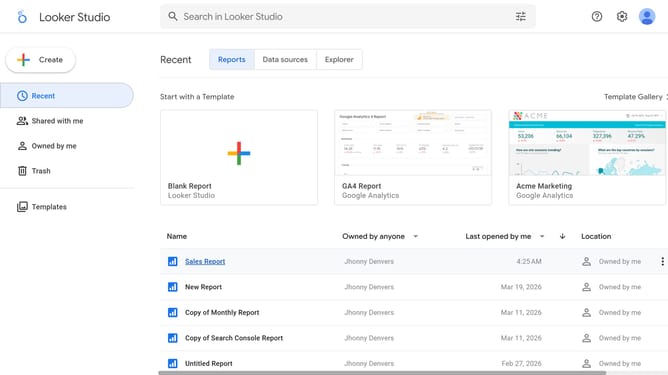
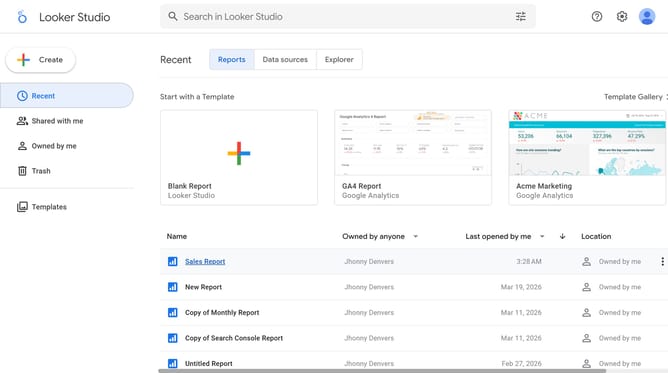
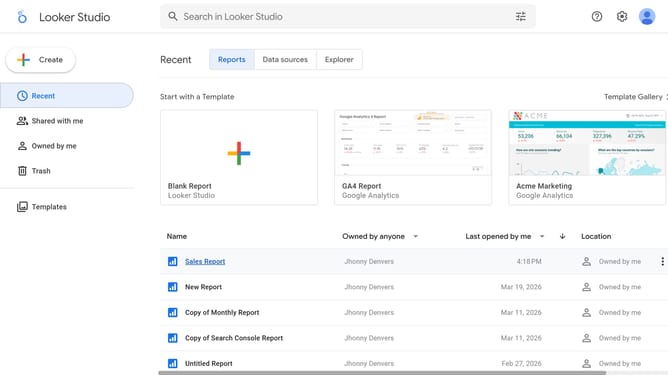
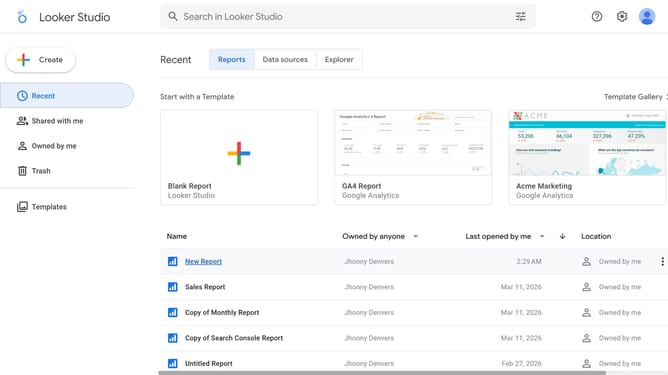
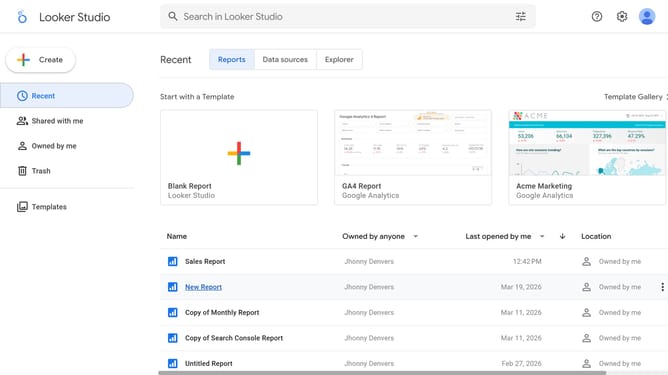
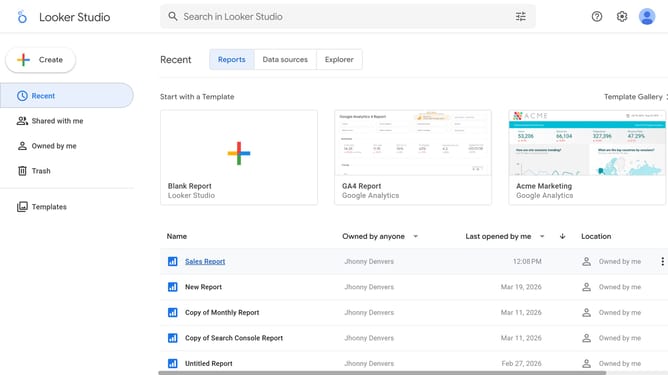
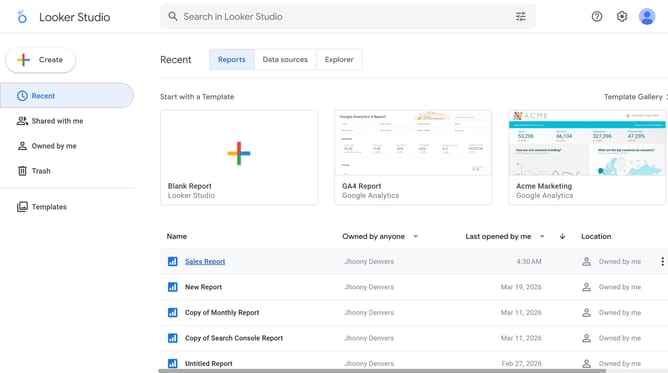
- First click on the file name from the reports list to open it
- Then click on "Edit" button in the top toolbar
- Next click on "Manage pages" option in the page navigation toolbar
- Then click on the page name in the Report Pages sidebar
- Next click on the edit icon above the pie chart to show properties
- Then click on "Alignment" dropdown in the Pie chart properties panel
- Finally select an option from the Alignment dropdown menu
Why should you manage the alignment of legends in a pie chart in Looker Studio
Looker Studio is a powerful tool designed to translate complex data into impactful visualizations.
Managing the alignment of legends in a pie chart within Looker Studio is a straightforward feature that enhances the clarity of your data presentation.
Proper alignment ensures that viewers can easily comprehend the chart's details, facilitating better decision-making. By customizing the legend placement, reports become more aesthetically pleasing and professional, reflecting well on both the analysis and the analyst.
Last update