How to change font color of a table chart title in Looker Studio
Here is how to change font color of a table chart title in looker studio
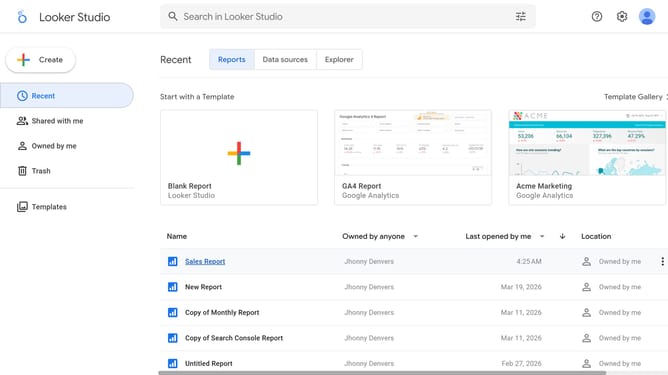
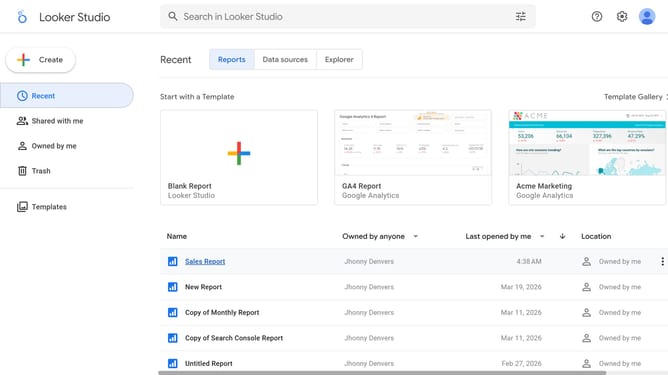
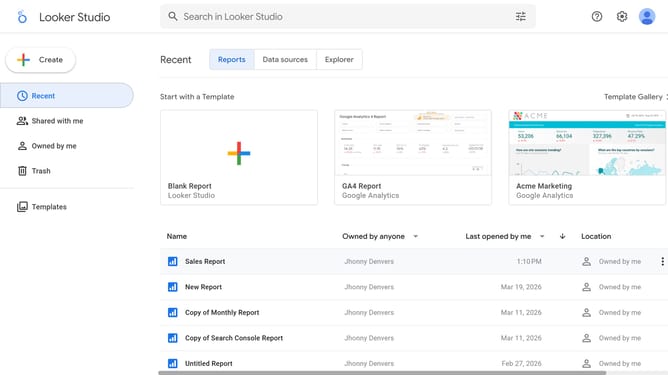
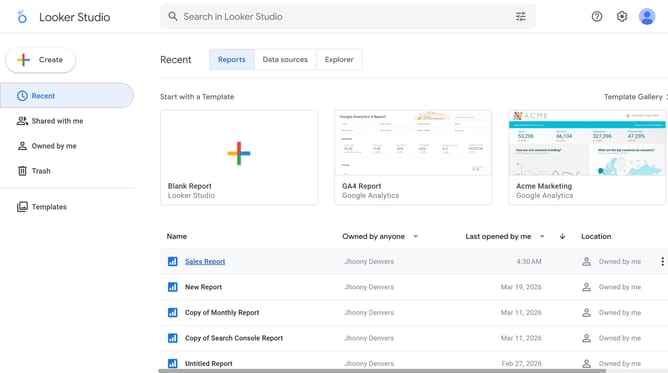
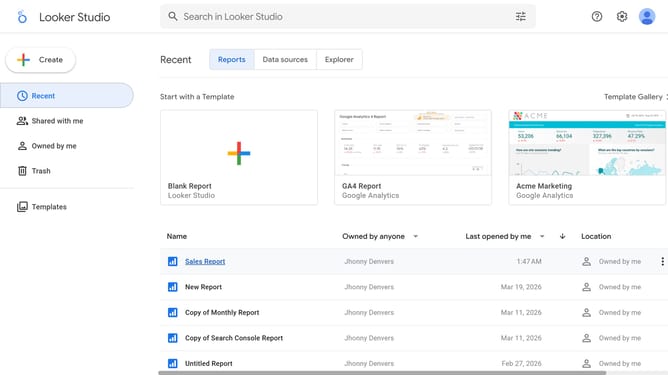
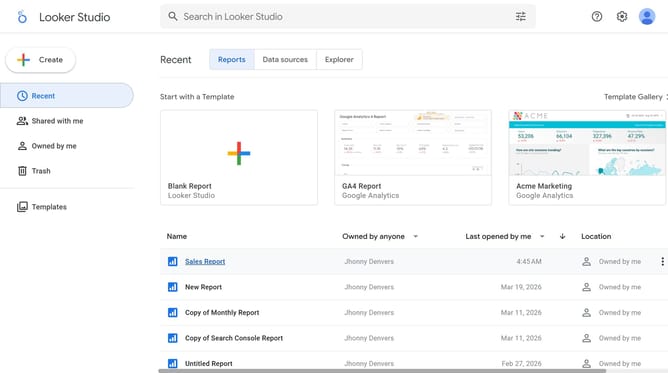
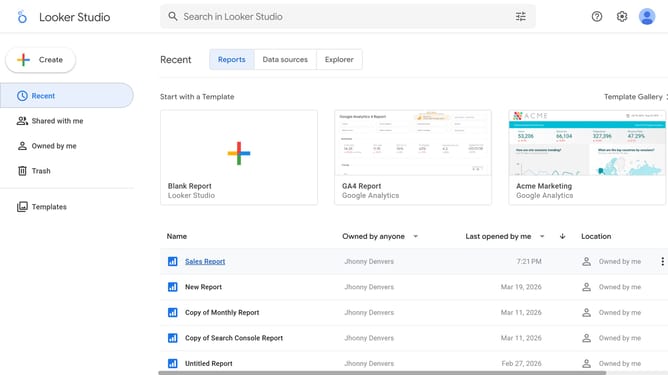
- First click on the file name from the reports list to open it
- Then click on "Edit" button in the top toolbar
- Next click on "Manage pages" option in the page navigation toolbar
- Next click on the page name that you want to manage in the right sidebar
- Next click on the "Show properties" button above the table chart
- Then click on the "Font color" dropdown selector in the Table properties panel
- Finally select a color from the color palette menu
Why should you change font color of a table chart title in Looker Studio
Looker Studio is a powerful tool that transforms raw data into insightful visualizations.
One standout feature is the ability to change the font color of a table chart title, which enhances the clarity and hierarchy of information.
By customizing font colors, you can highlight essential data, making it more appealing and easier for the audience to understand at a glance.
This simple yet effective customization works to elevate the overall presentation, ensuring significant insights are communicated effectively and stylishly.
Last update