How to rename title on your table chart in Looker Studio
Here is how to rename title on your table chart in looker studio
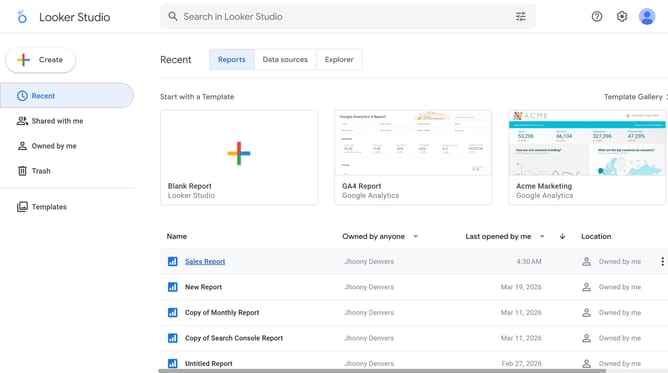
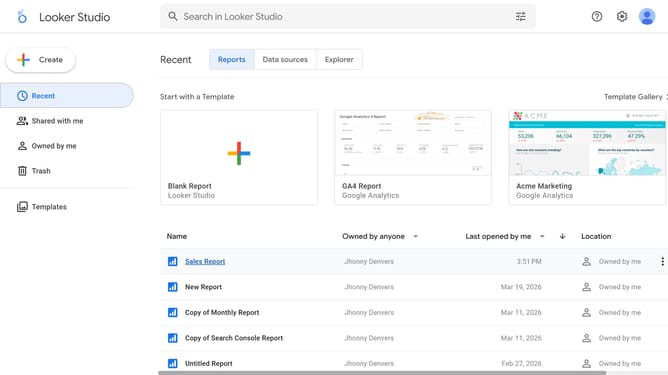
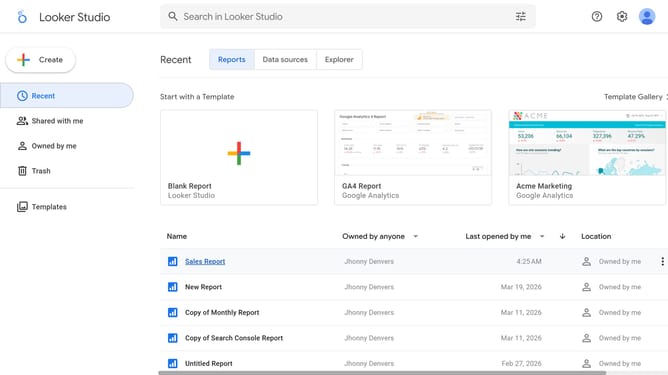
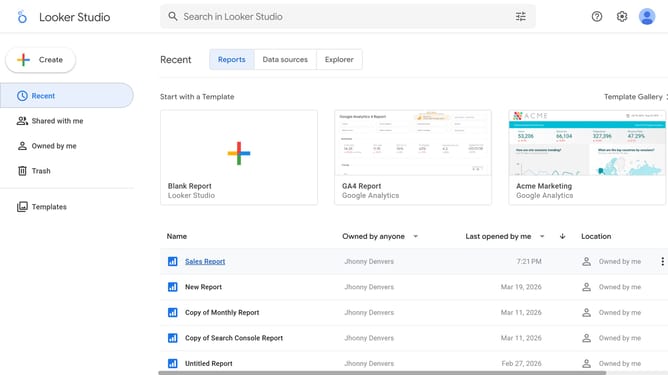
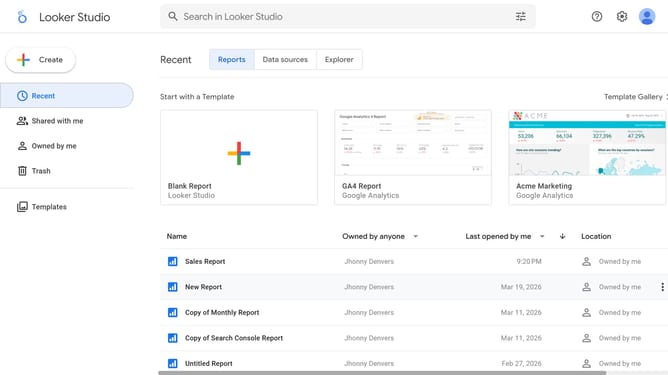
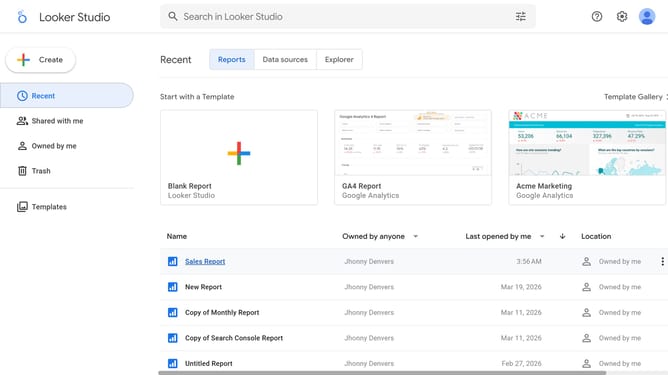
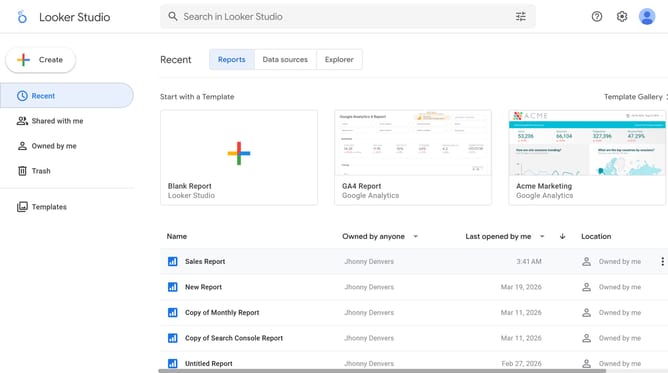
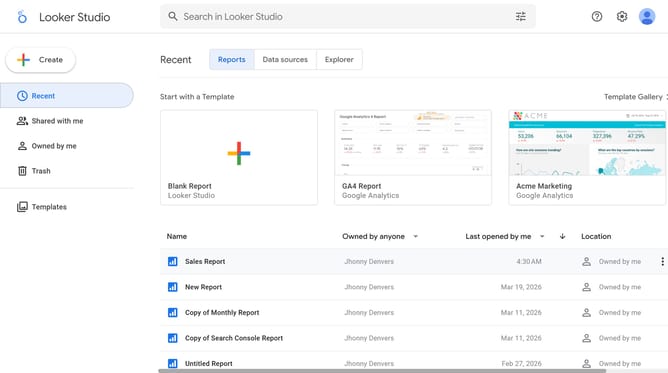
- First click on the file name from the reports list to open it
- Then click on "Edit" button in the top toolbar
- Next click on "Manage pages" option in the page navigation toolbar
- Next click on the page name that you want to manage in the right sidebar
- Next click on the table edit icon on page 4 to open table properties
- Finally modify the title in the "Chart title" field in the Table properties panel
Why should you rename title on your table chart in Looker Studio
Looker Studio is a powerful platform designed to transform complex data into clear, informative visualizations.
Renaming titles on your table chart in Looker Studio enhances understanding and clarity for your audience. This simple yet significant feature allows you to tailor your data presentation, aligning it perfectly with your specific business goals.
Personalizing chart titles not only aids in better organization, but it also ensures that your message is conveyed succinctly, boosting the overall efficiency of information digestion.
Last update