How to set opacity of a funnel chart in Looker Studio
Here is how to set opacity of a funnel chart in looker studio
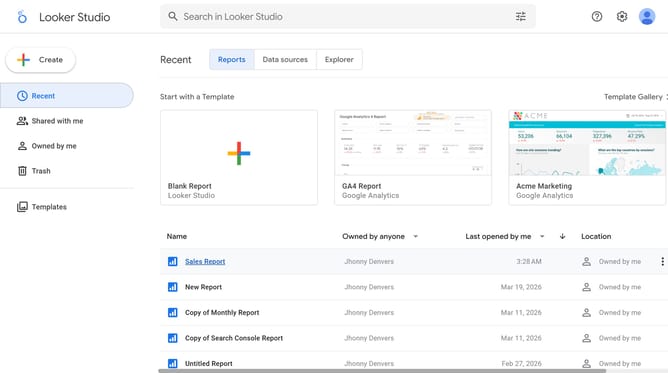
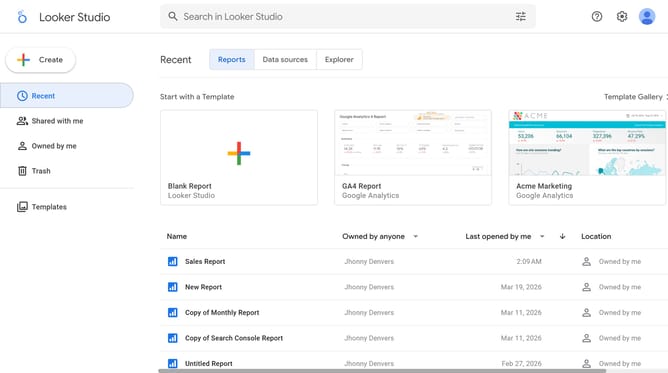
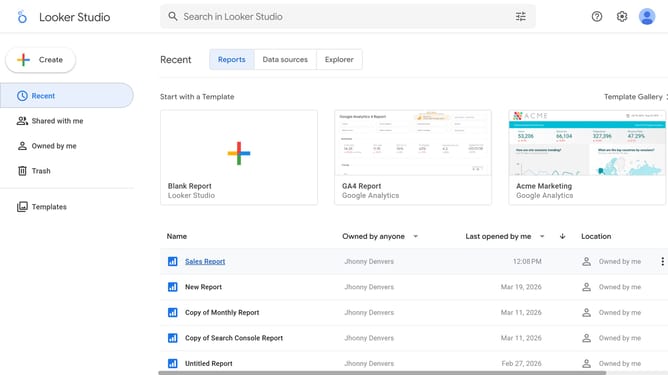
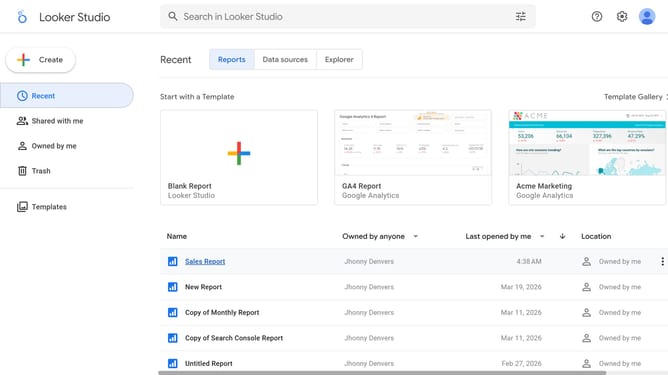
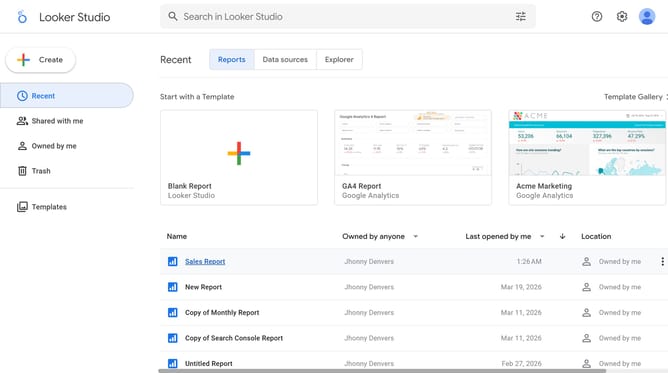
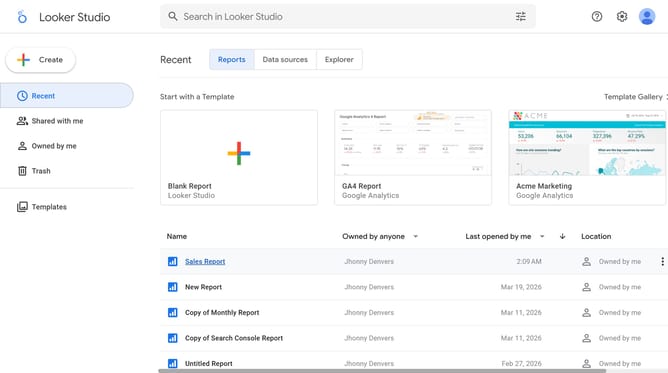
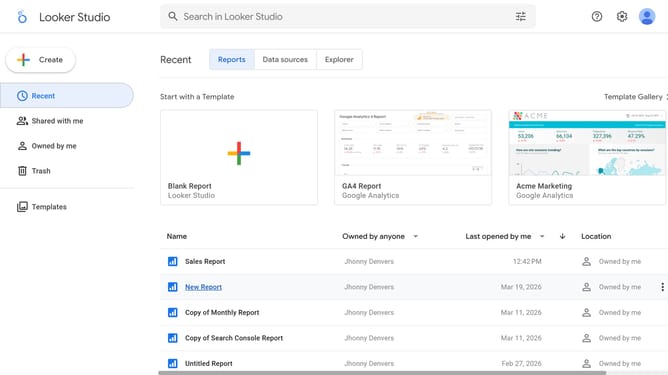
- First click on the file name from the reports list to open it
- Then click on "Edit" button in the top toolbar
- Next click on "Manage pages" option in the page navigation toolbar
- Next click on the page name that you want to manage in the right sidebar
- Next click on the "Show properties" button above the funnel chart
- Then click on "Opacity" dropdown in the Background and border section of the right sidebar
- Finally select "an option from the Opacity dropdown menu
Why should you set opacity of a funnel chart in Looker Studio
Looker Studio transforms raw data into insightful visual stories.
Adjusting the opacity of a funnel chart in Looker Studio allows you to highlight specific stages while keeping the overall structure visible.
This feature helps in managing visual emphasis, making it easier for viewers to focus on key data points without distractions.
Utilizing opacity settings enhances audience engagement and clarity, ensuring that your data insights are communicated effectively and beautifully.
Last update