How to hide title of your table chart in Looker Studio
Here is how to hide title of your table chart in looker studio
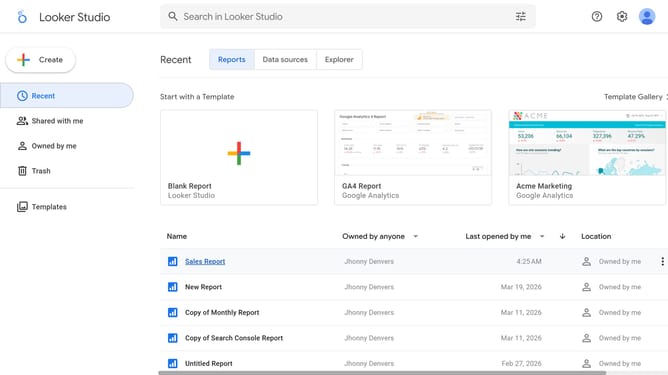
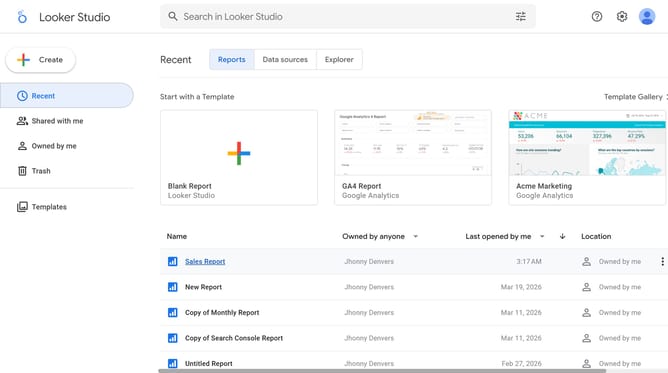
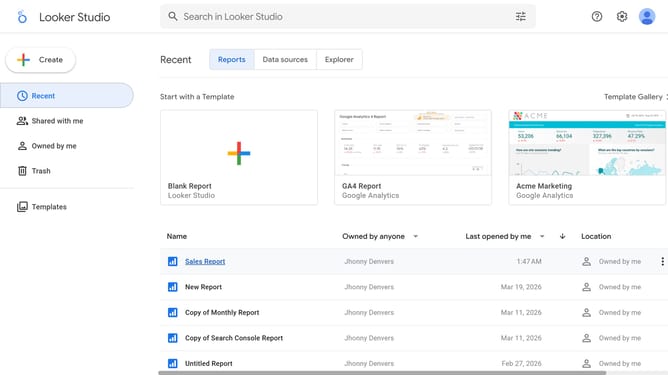
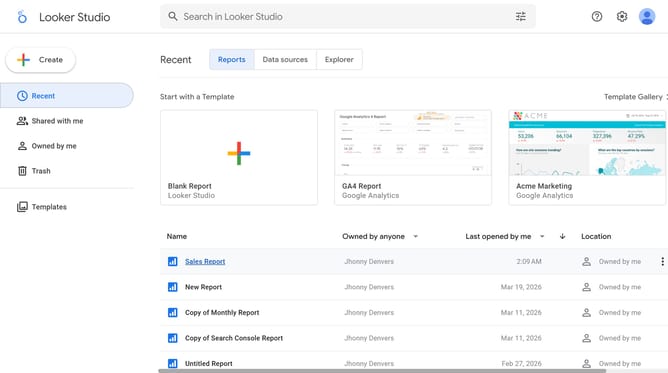
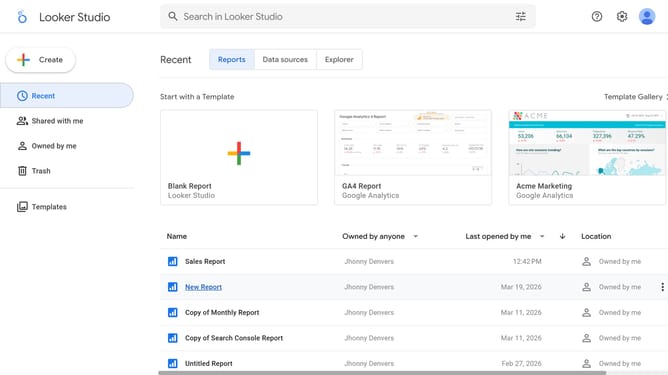
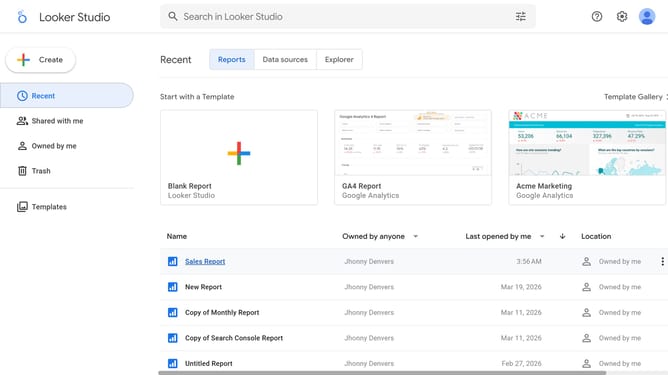
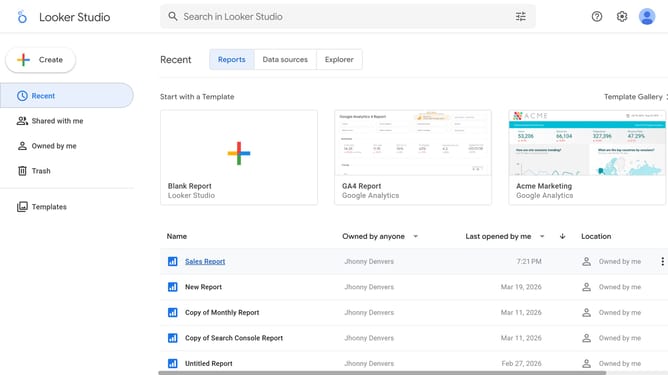
- First click on the file name from the reports list to open it
- Then click on "Edit" button in the top toolbar
- Next click on "Manage pages" option in the page navigation toolbar
- Then click on "Table" item in the Report Pages sidebar panel
- Then click on "Show properties" button for the table on the canvas
- Finally click on "Show title" toggle switch in the Table properties sidebar panel
Why should you hide title of your table chart in Looker Studio
Looker Studio transforms complex data into clear, actionable insights through intuitive visualizations.
Among its many powerful features is the ability to customize the visibility of elements, such as the title of a table chart. This feature addresses the need for uncluttered visual presentations where the main focus can remain on the data itself, rather than additional text.
By hiding the title, users can create a more seamless and professional-looking report, enhancing readability and maximizing the effectiveness of their data storytelling efforts.
Last update