How to manage page background of a pie chart in Looker Studio
Here is how to manage page background of a pie chart in looker studio
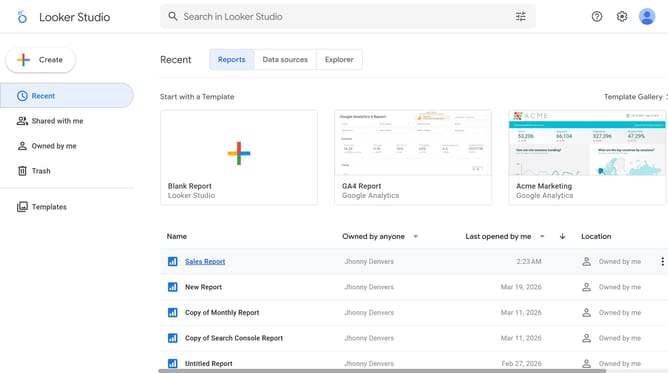
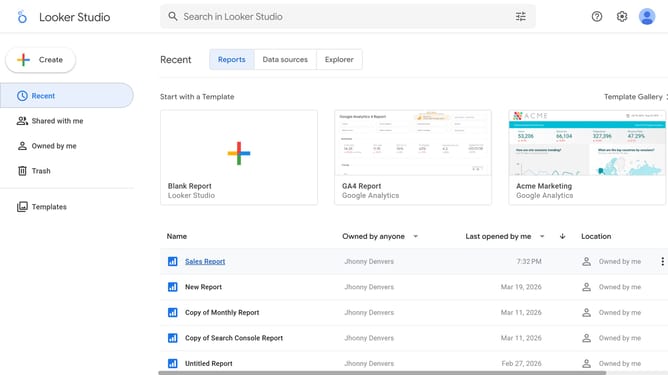
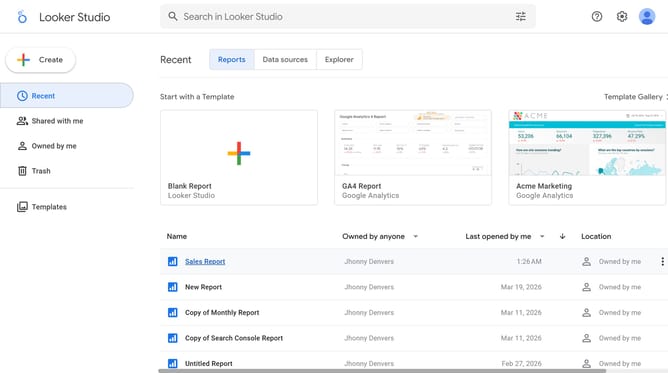
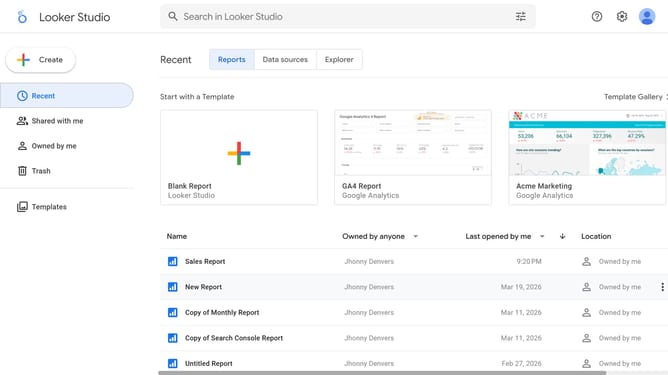
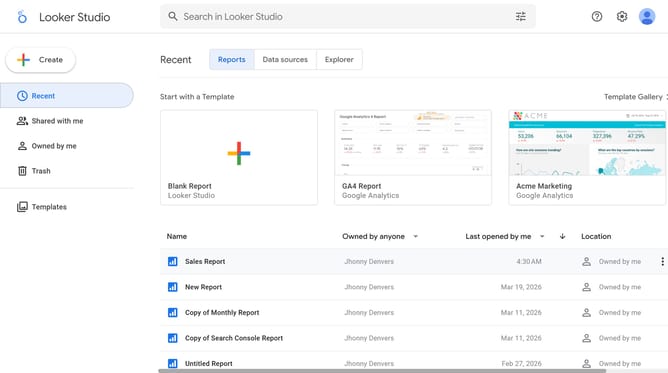
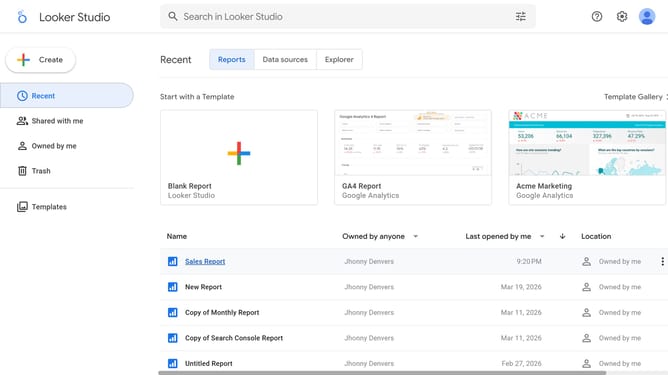
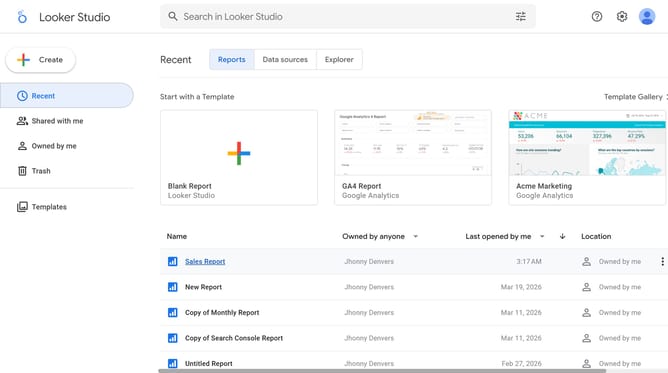
- First click on the file name from the reports list to open it
- Then click on "Edit" button in the top toolbar
- Next click on "Manage pages" button in the toolbar
- Then click on the page navigation link in the page header
- Next click on the "Show properties" button above the pie chart
- Then click on "Background" dropdown in the Background and border section of the properties panel
- Finally click on a color in the color picker palette
Why should you manage page background of a pie chart in Looker Studio
Looker Studio is a powerful tool designed to transform data into insights through dynamic visualizations.
Managing the page background of a pie chart in Looker Studio adds an extra layer of polish and customization to your data representation.
This capability allows users to align visual presentation with brand aesthetics, making reports not only informative but attractive.
Utilizing this feature enhances readability and focus, ultimately creating a more engaging and professional data storytelling experience.
Last update