How to align a pie chart title to the right in Looker Studio
Here is how to align a pie chart title to the right in looker studio
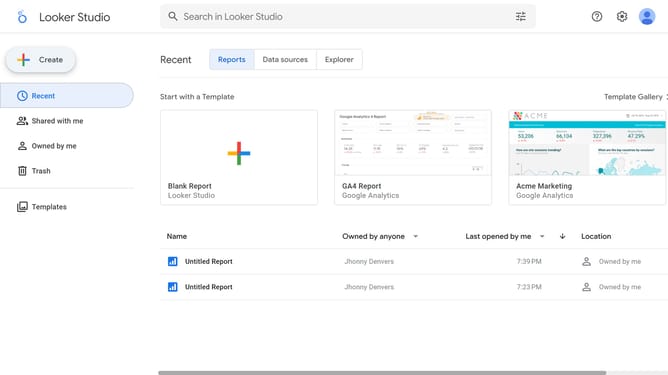
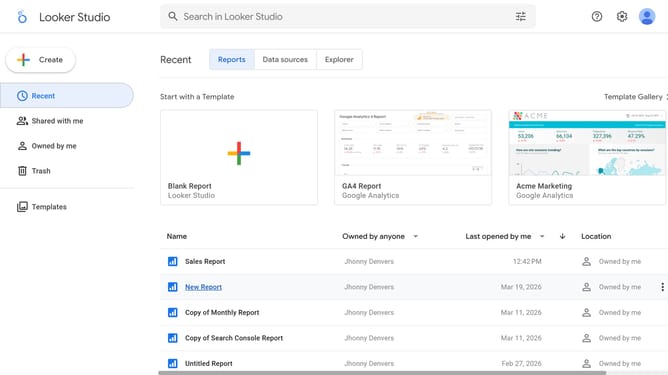
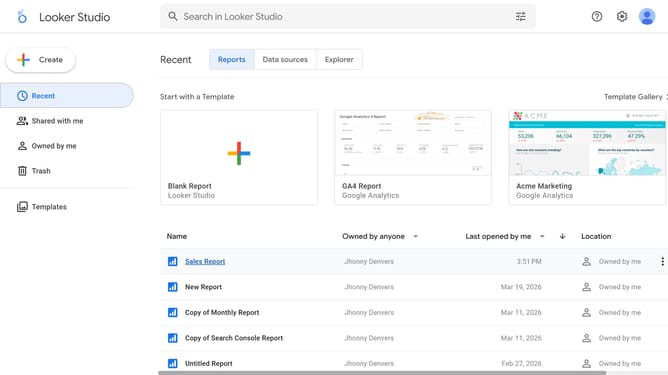
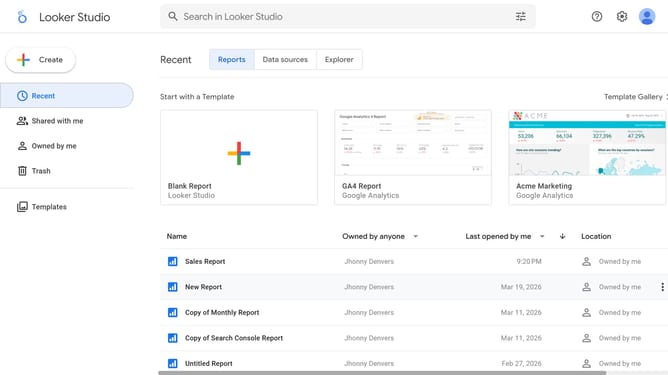
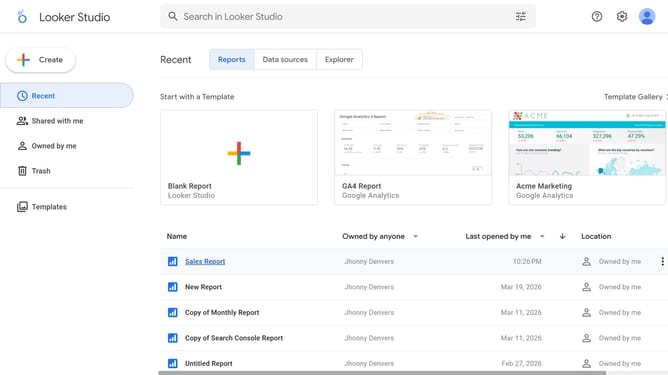
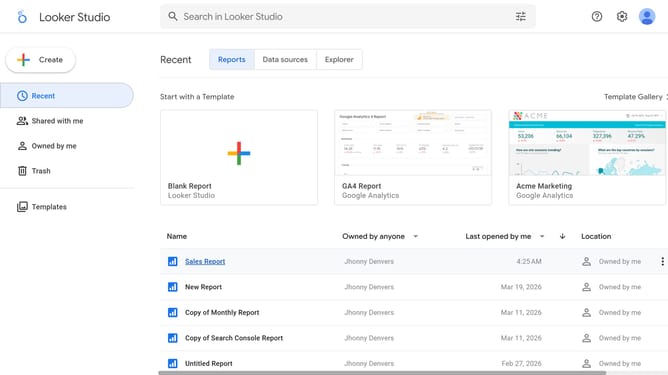
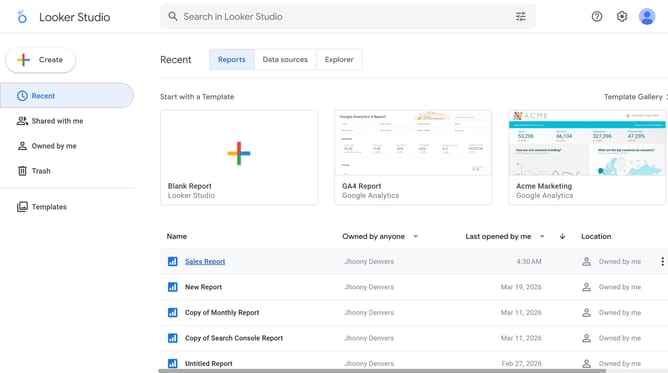
- First click on the file name from the reports list to open it
- Then click on "Edit" button in the top toolbar to enter edit mode
- Next click on "Manage pages" option in the page navigation toolbar
- Next click on the page name in the right sidebar
- Next click on the edit icon on the pie chart to show chart properties
- Then click on the alignment button in the Style tab of the properties panel
- Finally select the "Right" alignment option from the alignment dropdown menu
Why should you align a pie chart title to the right in Looker Studio
Looker Studio is a powerful tool for transforming diverse data into insightful visualizations for informed decision-making.
Aligning a pie chart title to the right in Looker Studio enhances readability and aesthetic balance, allowing viewers to quickly grasp the chart's focus.
This feature is particularly beneficial for creating presentations or reports that demand a polished look, making data interpretation more intuitive and visually engaging.
Ultimately, right-aligned titles in pie charts contribute to a cohesive and professional presentation of complex data.
Last update