How to change background border color of a funnel chart in Looker Studio
Here is how to change background border color of a funnel chart in looker studio
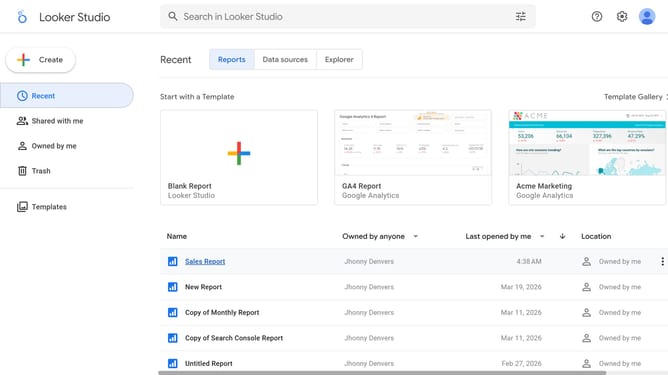
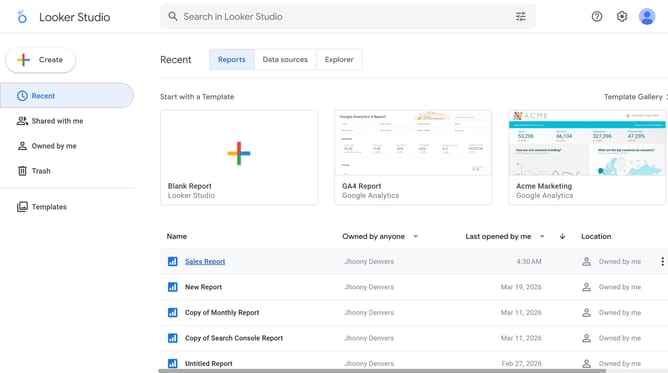
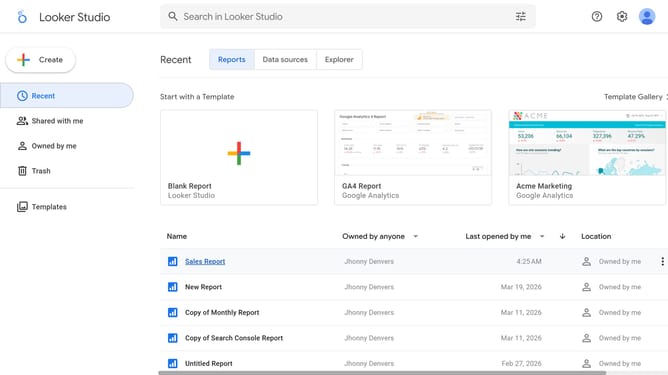
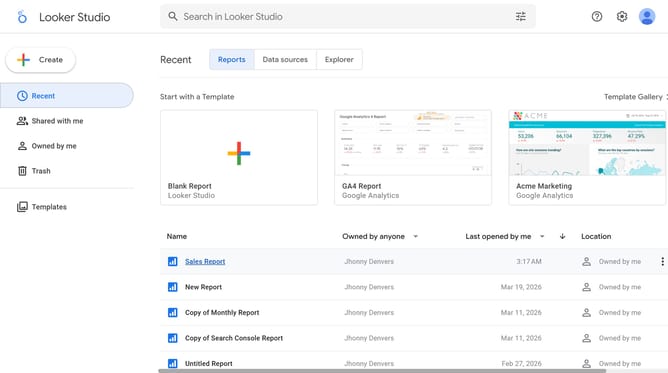
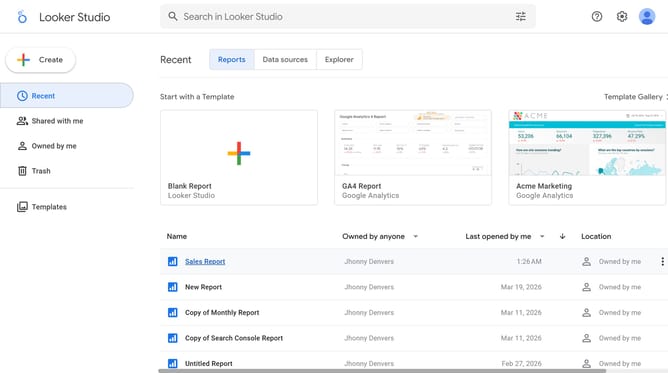
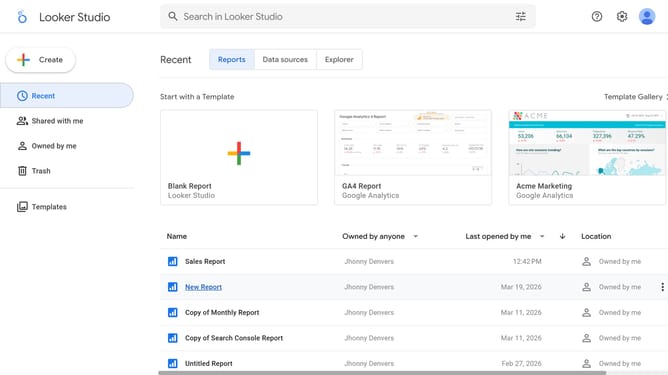
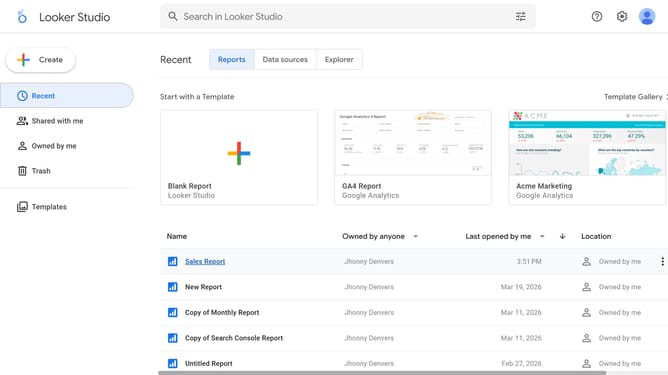
- First click on the file name from the reports list to open it
- Then click on "Edit" button in the top toolbar
- Next click on "Manage pages" option in the page navigation toolbar
- Next click on the page name that you want to manage in the right sidebar
- Next click on the "Show properties" button above the table chart
- Then click on "Border radius" dropdown in the Background and border section of the right properties panel
- Finally click on a color option in the Border color picker palette
Why should you change background border color of a funnel chart in Looker Studio
Looker Studio is a versatile tool designed to turn data into actionable insights through customizable visualizations.
Adjusting the background border color of a funnel chart in Looker Studio enhances its visual appeal, making critical data easier to interpret at a glance.
This feature allows users to align the chart's aesthetics with brand guidelines or presentation themes, promoting cohesive storytelling.
Ultimately, a well-designed funnel chart can lead to more effective communications and decision-making, as viewers can instantly grasp important information.
Last update