How to change background border radius of a funnel chart in Looker Studio
Here is how to change background border radius of a funnel chart in looker studio
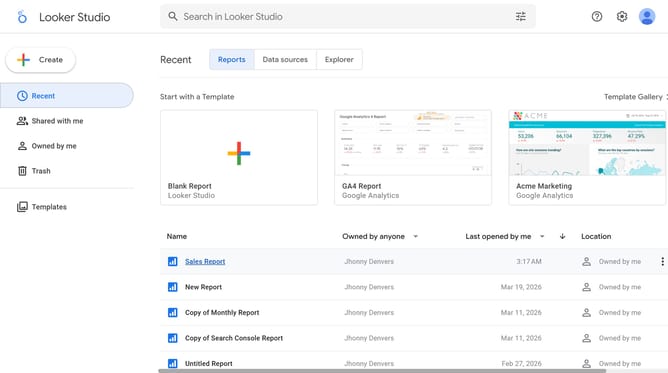
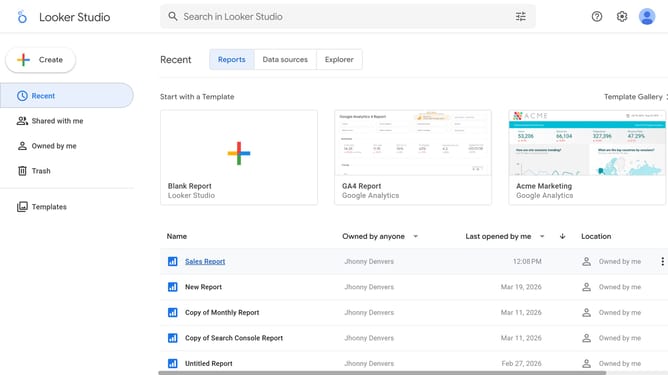
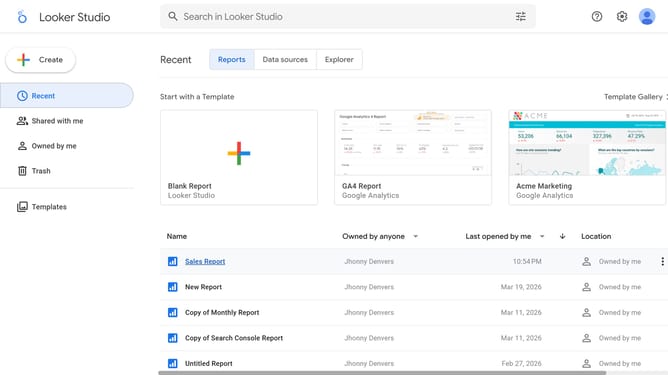
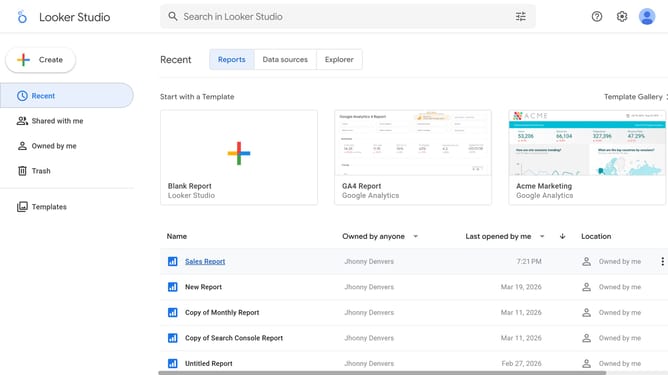
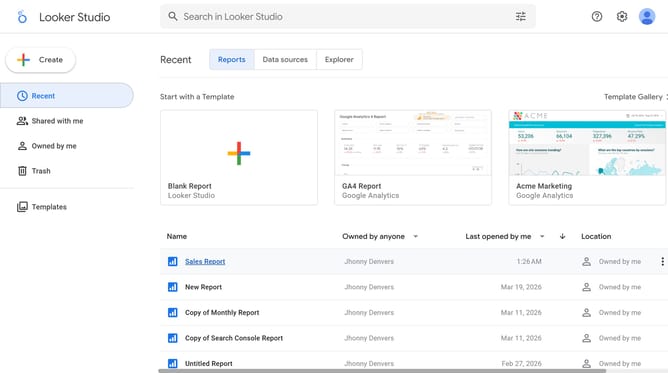
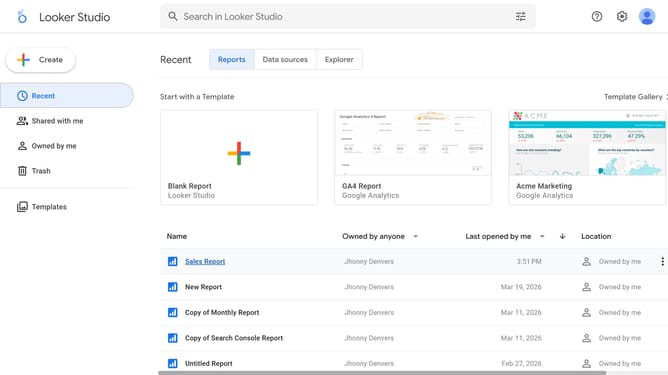
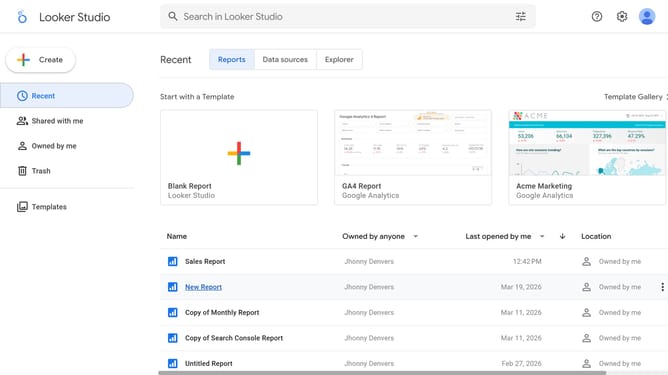
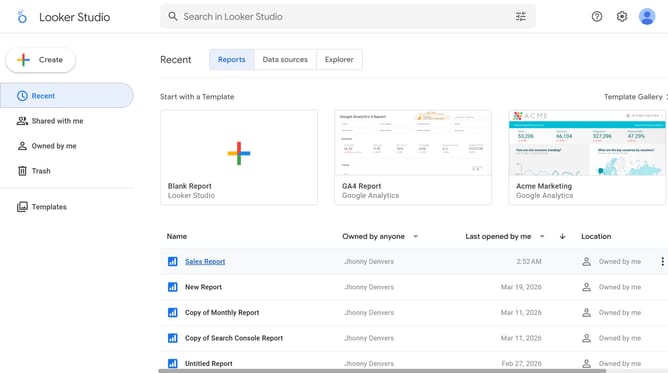
- First click on the file name from the reports list to open it
- Then click on "Edit" button in the top toolbar
- Then click on "Page 1 of 6" navigation indicator to access page options
- Next click on the page name that you want to manage in the right sidebar
- Then click on the "Edit" icon to show properties for the funnel chart
- Then click on "Border radius" dropdown menu in the properties panel
- Finally select an option from the border radius dropdown menu
Why should you change background border radius of a funnel chart in Looker Studio
Looker Studio is a dynamic platform designed to help users visualize data effortlessly and effectively.
Customizing the background border radius of a funnel chart in Looker Studio allows for a more tailored and visually appealing presentation. By adjusting this feature, users can enhance the aesthetics of their charts, making the data not only more engaging but also easier to interpret.
This flexibility adds a professional touch, aligning visual elements with specific branding or presentation needs while improving the overall user experience.
Last update