How to insert link in a textbox in Looker Studio
Here is how to insert link in a textbox in looker studio
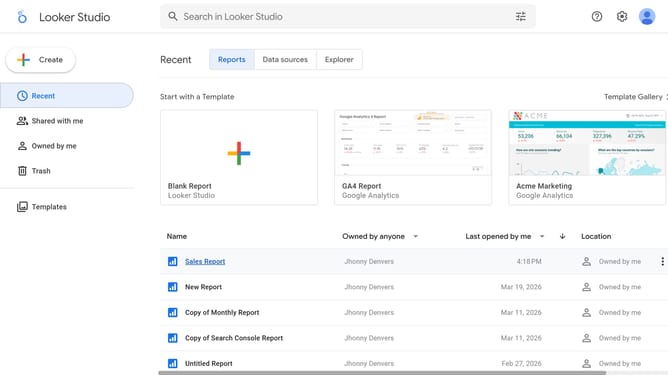
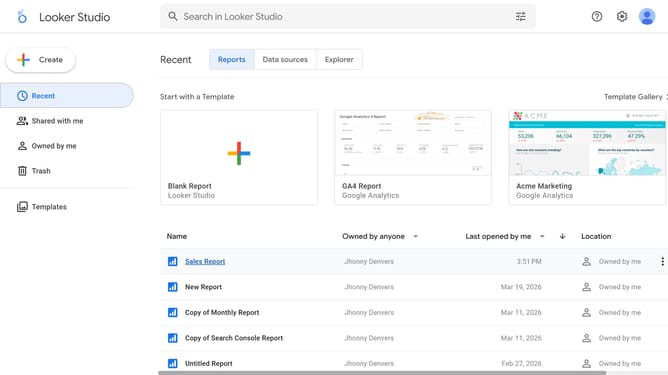
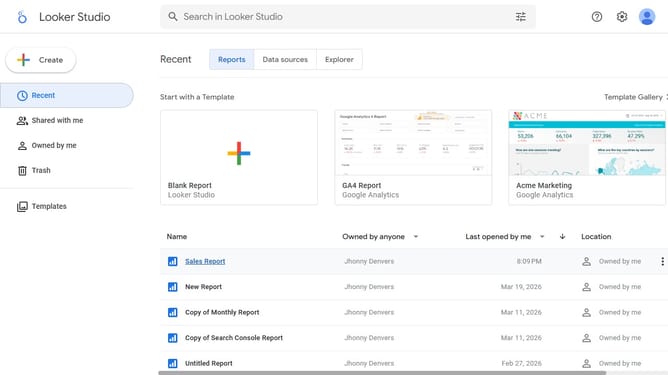
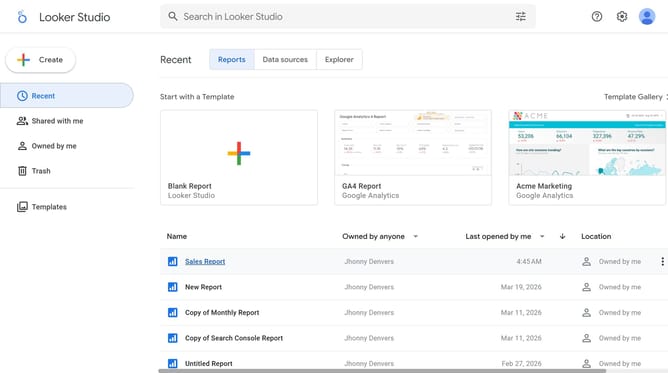
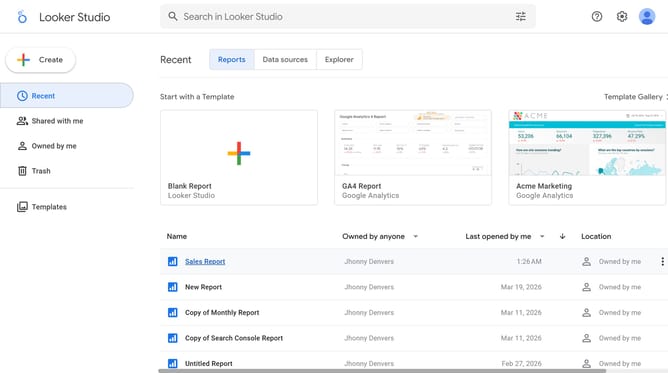
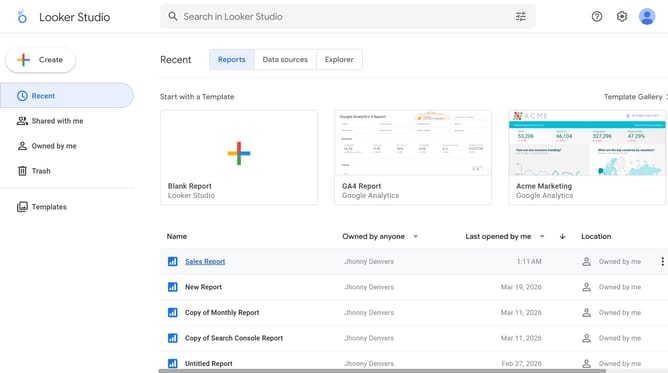
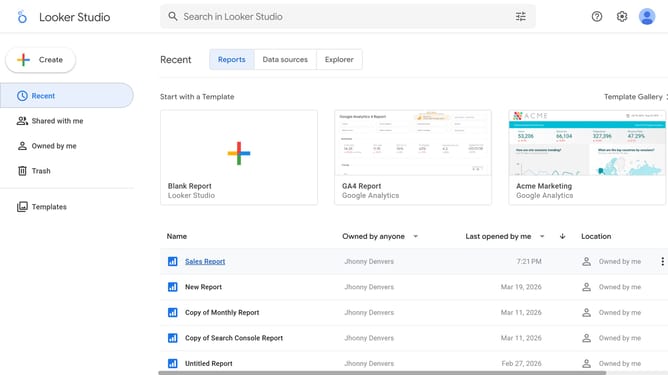
- First click on the file name from the reports list to open it
- Then click on "Edit" button in the top toolbar
- Next click on "Manage pages" option in the page navigation toolbar
- Next click on the page name that you want to manage in the right sidebar
- Now click on the textbox element to select it on the canvas
- Then click on "Insert link" button in the text formatting toolbar
- Next click on "Display text" field in the Insert Link dialog and enter your display text
- Then click on "Paste a link, or select a page" field in the Insert Link dialog and insert your link
- After that click on "Open link in new tab" checkbox in the Insert Link dialog
- Finally click on "Apply" button to confirm the link insertion
Why should you insert link in a textbox in Looker Studio
Looker Studio is a powerful tool designed to transform data into insightful visualizations for better decision-making.
One of its standout features is the ability to insert links in textboxes, adding a dynamic layer to your reports. By embedding hyperlinks, users can effortlessly guide viewers to additional resources or related data sources.
This capability enhances the interactivity of your dashboards, providing a seamless pathway to more information and improving the overall user experience significantly.
Last update