How to add border shadow on a pie chart page in Looker Studio
Here is how to add border shadow on a pie chart page in looker studio
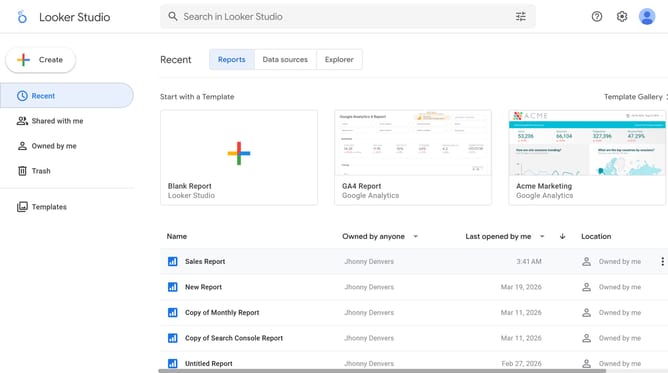
- First click on the file name from the reports list to open it
- Then click on "Edit" button in the top toolbar to enter edit mode
- Next click on "Manage pages" option in the page navigation toolbar
- Next click on the page name in the right sidebar
- Next click on the "Show properties" button above the pie chart
- Finally click on "Add border shadow" toggle on in the Pie chart properties sidebar panel
Why should you add border shadow on a pie chart page in Looker Studio
Looker Studio is a dynamic tool tailored for generating insightful data visualizations and business intelligence reports.
Enhancing the aesthetics of your pie charts with border shadows can add a refined, professional touch. This feature allows your chart to stand out, making complex data more digestible.
By incorporating border shadows, you create a visual depth that emphasizes critical insights and engages viewers, elevating the overall impact of your presentation.
Last update