How to manage the position of legends in a pie chart in Looker Studio
Here is how to manage the position of legends in a pie chart in looker studio
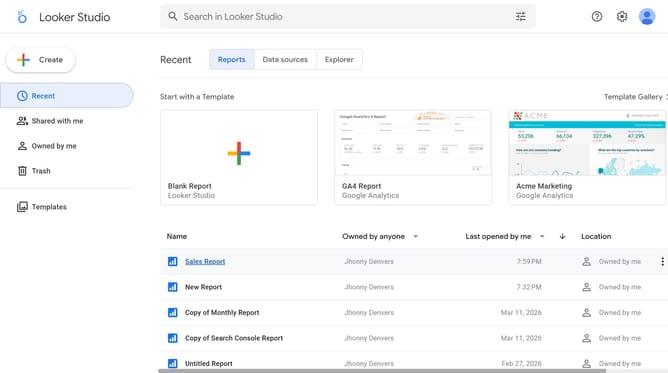
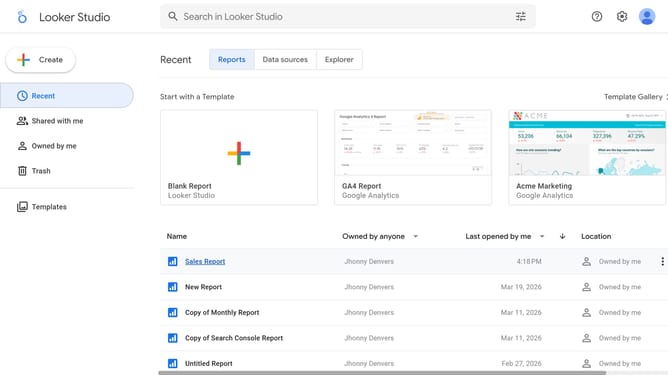
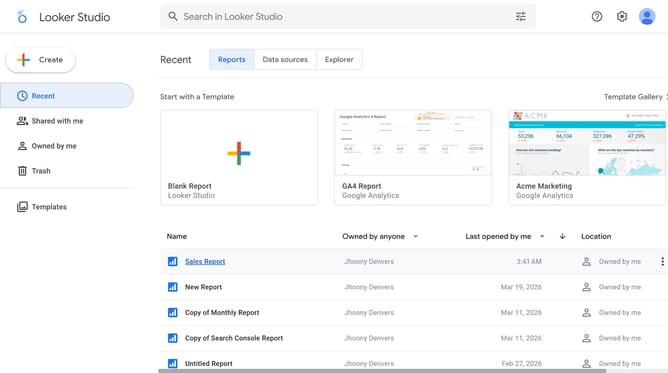
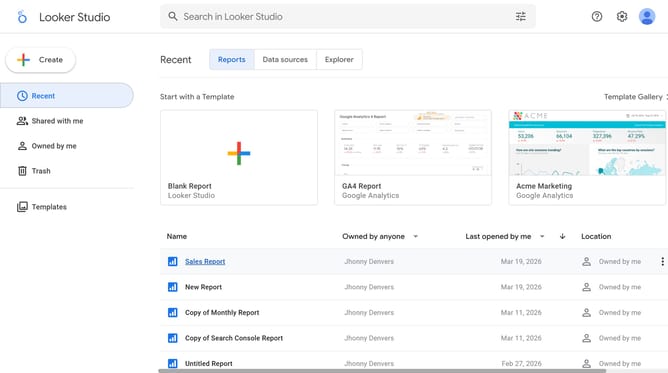
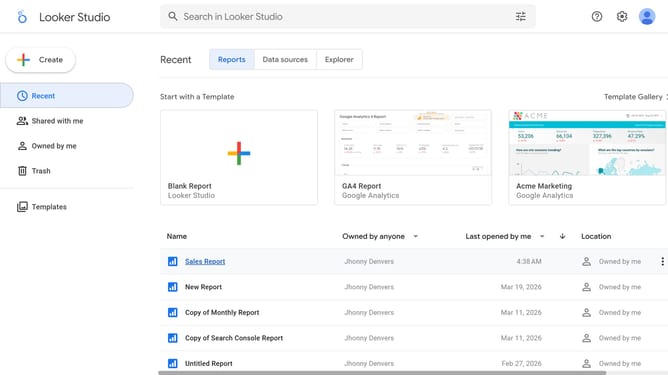
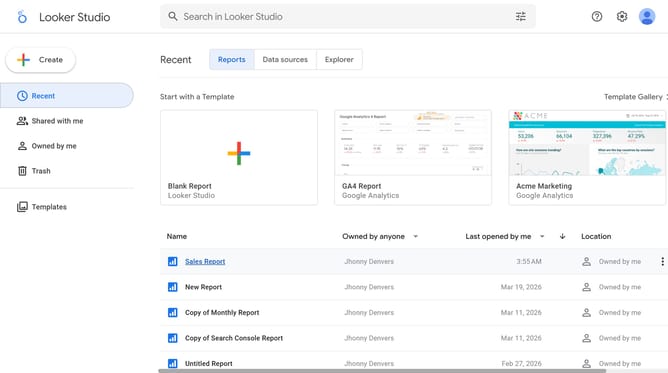
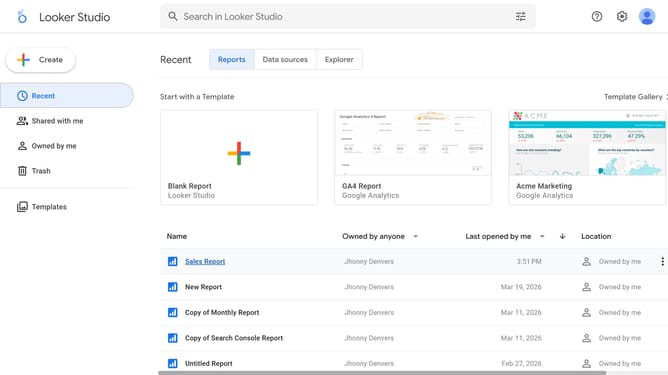
- First click on the file name from the reports list to open it
- Then click on "Edit" button in the top toolbar
- Then click on "Page" menu in the top menu bar
- Then click on the page name in the Report Pages sidebar panel
- Next click on the "Show properties" button above the pie chart
- Then click on "Position" dropdown in the Pie chart properties panel
- Finally select an option from the Position dropdown menu
Why should you manage the position of legends in a pie chart in Looker Studio
Looker Studio is a powerful data visualization tool designed to transform raw data into insightful, interactive reports.
To enhance clarity in your pie charts, managing the position of legends can make a significant difference.
In Looker Studio, you have the flexibility to position the legends to optimize readability and enhance your audience's understanding.
Properly positioned legends ensure that key information is accessible, making your reports not only visually appealing but also highly functional.
Last update