How to change font style of a pie chart title in Looker Studio
Here is how to change font style of a pie chart title in looker studio
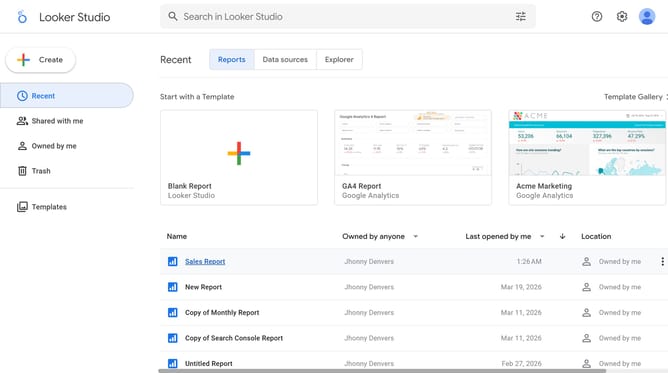
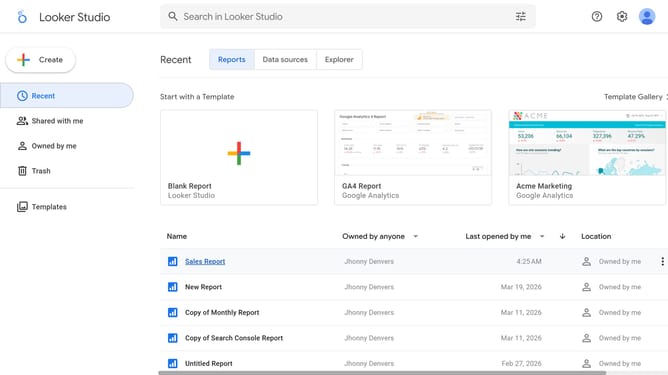
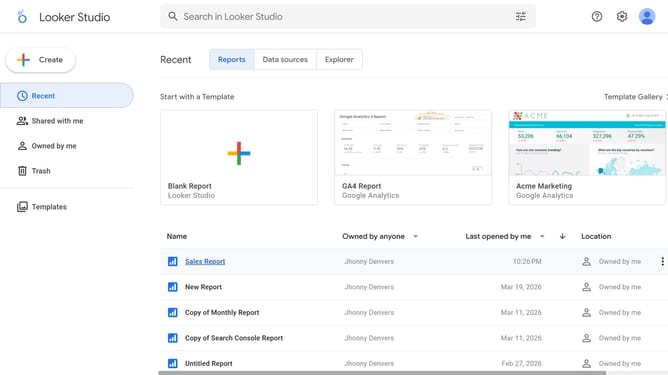
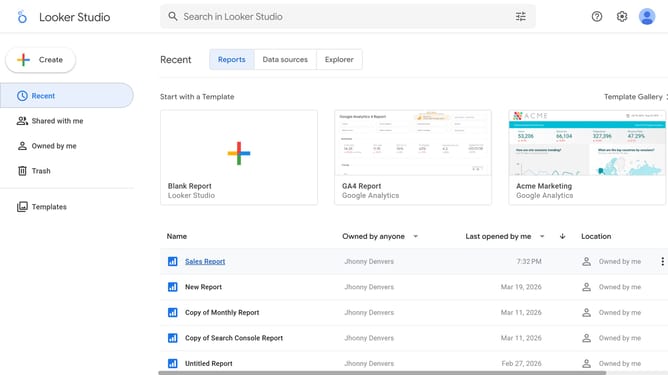
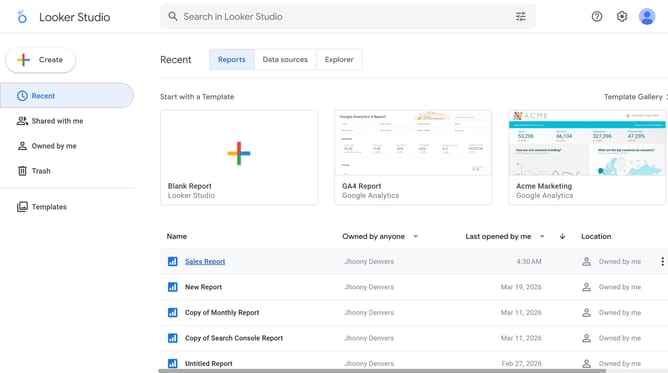
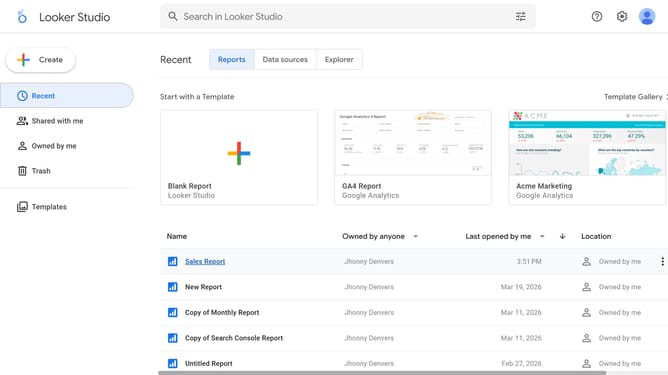
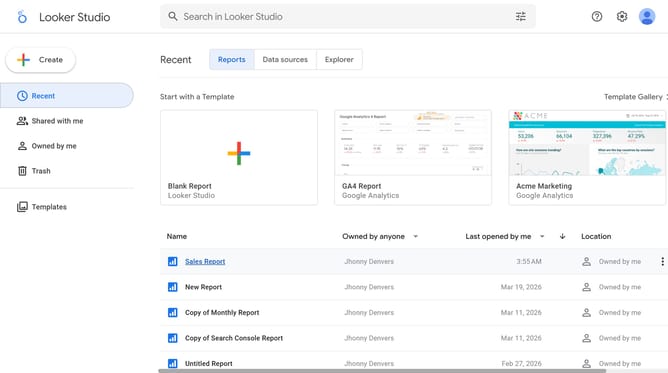
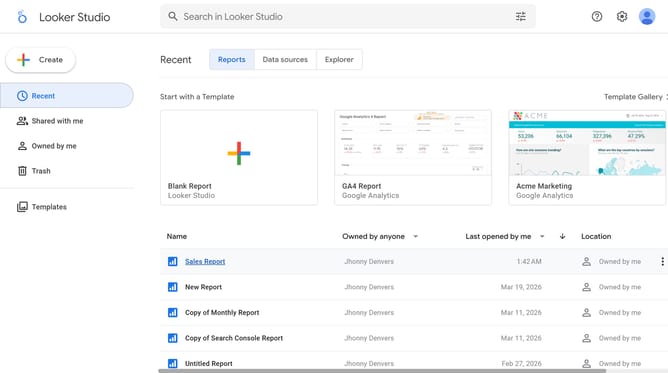
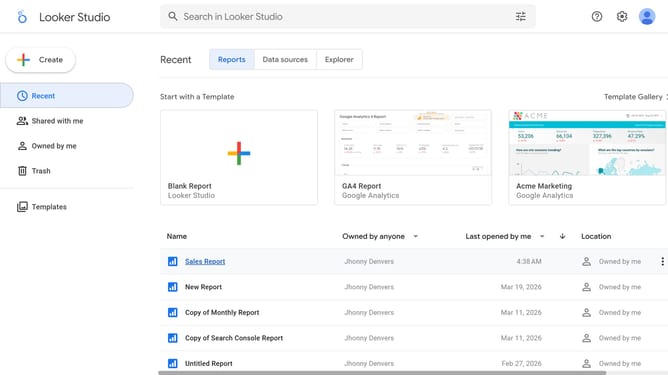
- First click on the file name from the reports list to open it
- Then click on "Edit" button in the top toolbar
- Next click on "Page" menu in the top menu bar
- Next click on the page name in the right sidebar
- Next click on the edit icon to show chart properties
- Then click on "Font family" dropdown in the Pie chart properties panel
- Finally select a font option from the Font family dropdown menu
Why should you change font style of a pie chart title in Looker Studio
Looker Studio is your go-to platform for transforming data into insightful, visually appealing stories.
One standout feature is the ability to change the font style of a pie chart title, allowing users to customize their visualizations to align with branding or to improve readability.
Using varied font styles not only enhances aesthetic appeal but also grabs attention, making data interpretations more distinct and impactful. This simple customization can significantly amplify your presentation's effectiveness, keeping your audience engaged.
Last update