How to manage border weight of a pie chart page in Looker Studio
Here is how to manage border weight of a pie chart page in looker studio
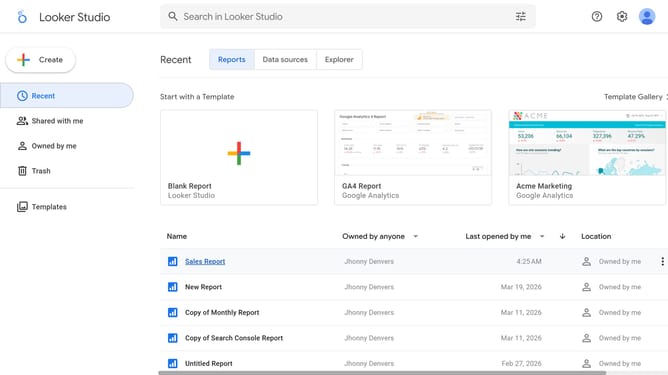
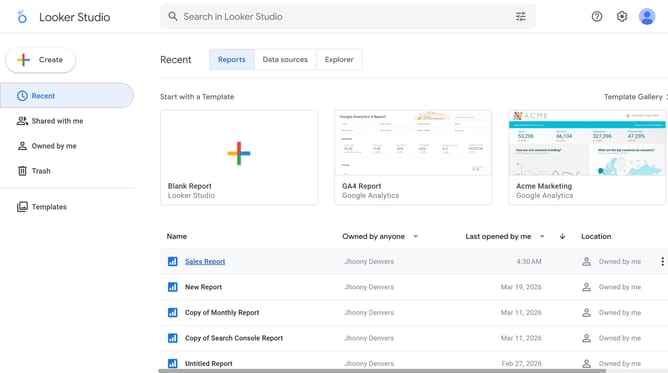
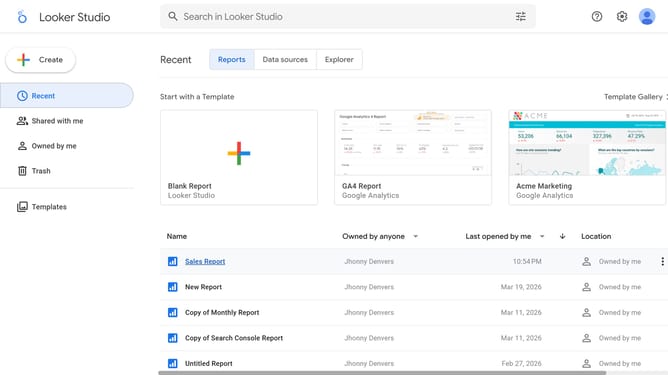
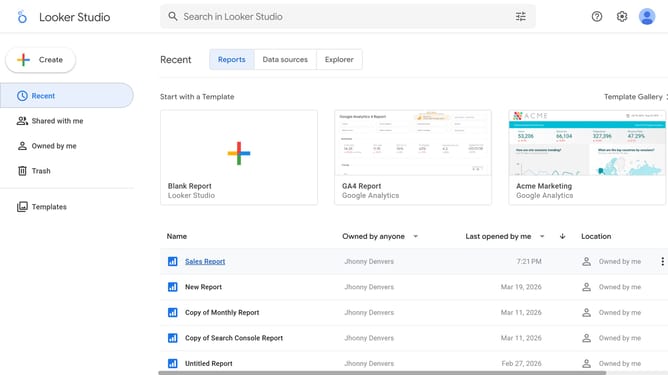
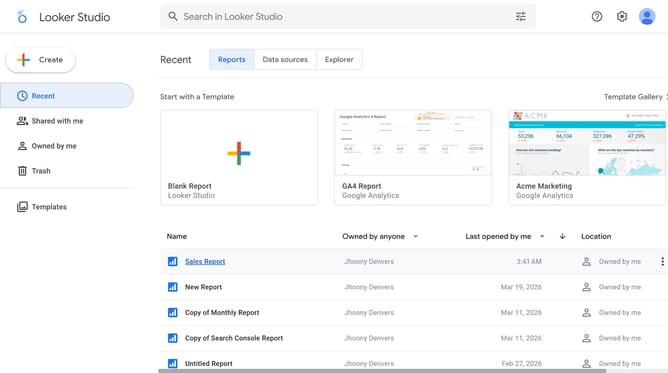
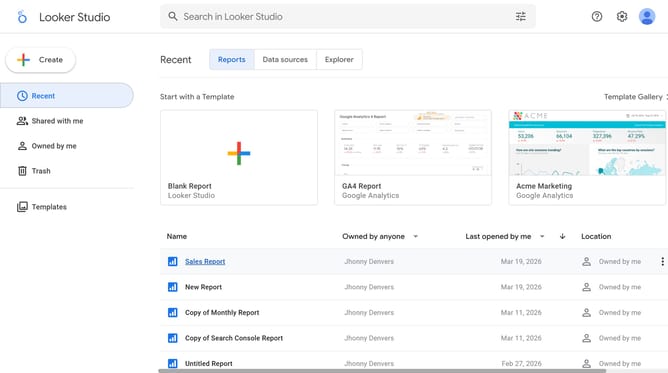
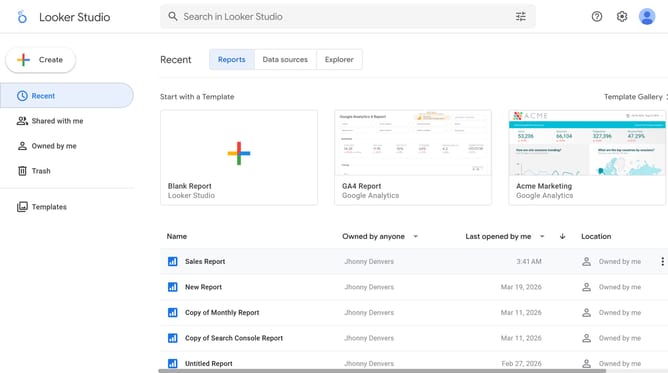
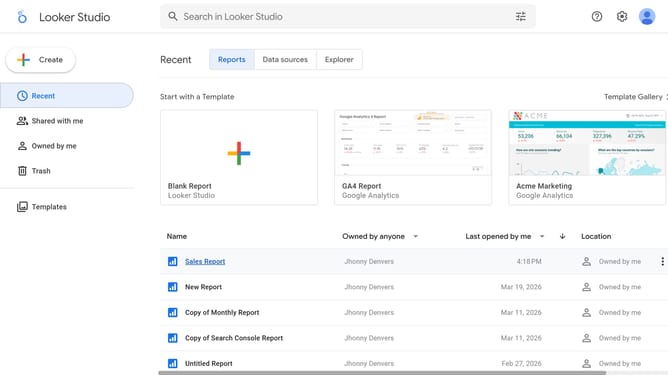
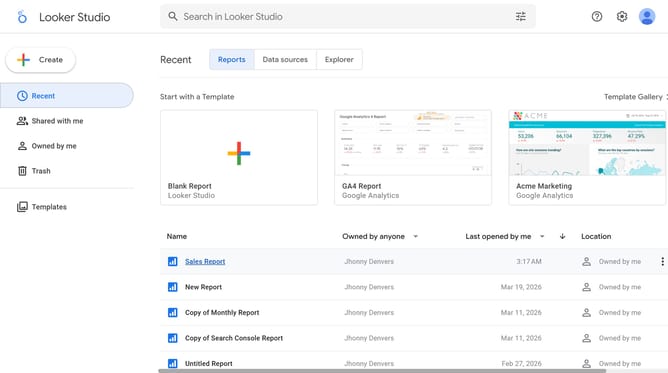
- First click on the file name from the reports list to open it
- Then click on "Edit" button in the top menu
- Next click on "Manage pages" option in the page navigation toolbar
- Next click on the page name in the right sidebar
- Next click on the "Show properties" button above the pie chart
- Next click on "Border weight" dropdown in the Style tab of the right sidebar
- Finally select from the border weight dropdown menu
Why should you manage border weight of a pie chart page in Looker Studio
Looker Studio is a dynamic platform designed for crafting insightful data reports and visualizations.
In this tool, managing the border weight of a pie chart page enhances the clarity and appeal of your data presentation. Adjusting the border weight helps in emphasizing different sections, ensuring your data stands out effectively.
Using this feature is crucial for tailoring your charts to match your branding or presentation style, thereby improving the overall impact of your visuals. The ability to fine-tune borders allows for a precise and sophisticated presentation of data insights.
Last update