How to bold the font of a pie chart title in Looker Studio
Here is how to bold the font of a pie chart title in looker studio
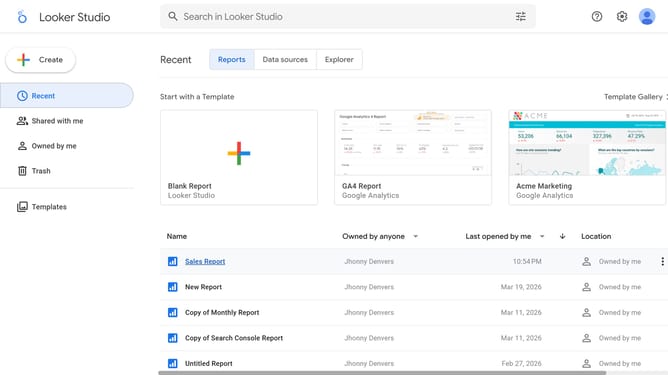
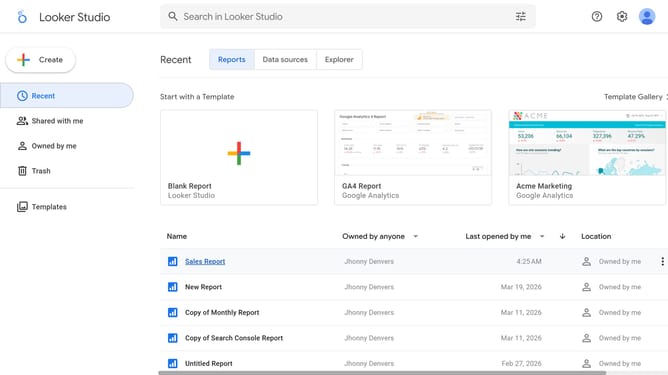
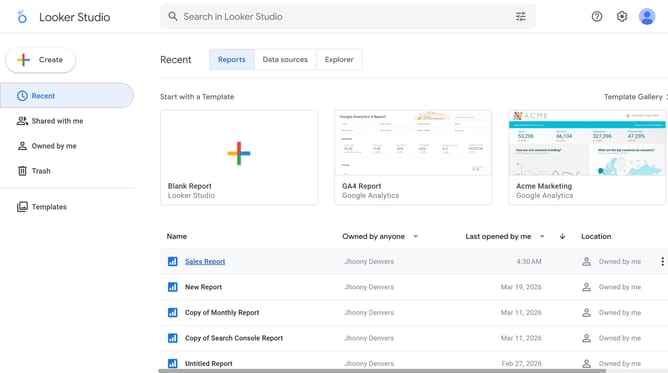
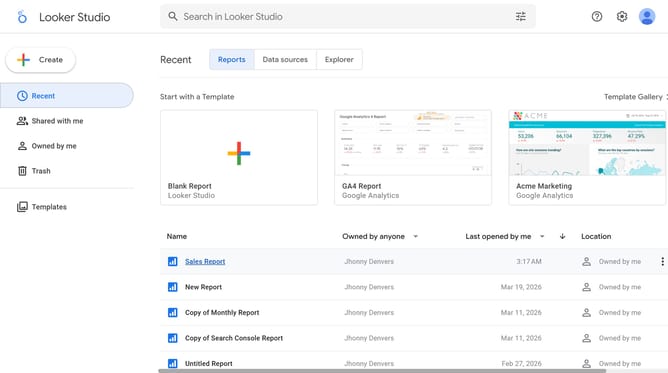
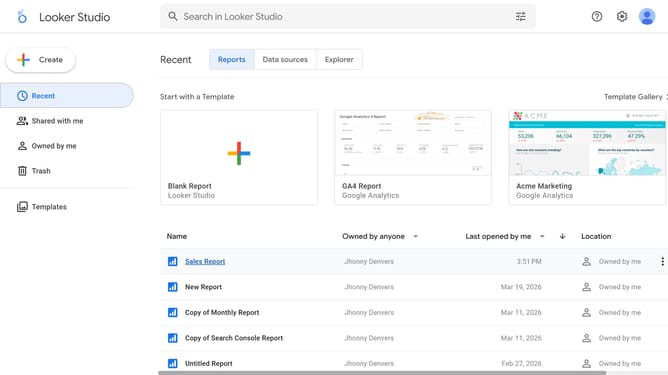
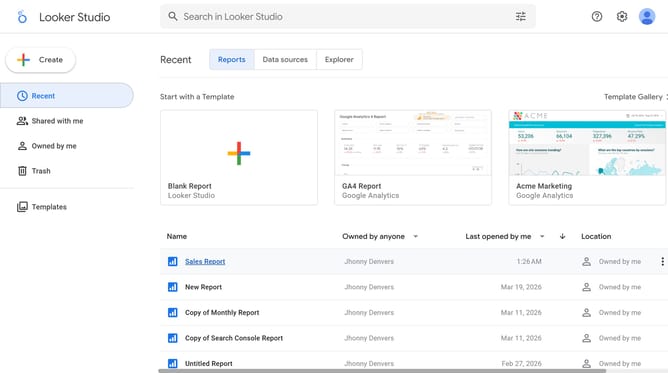
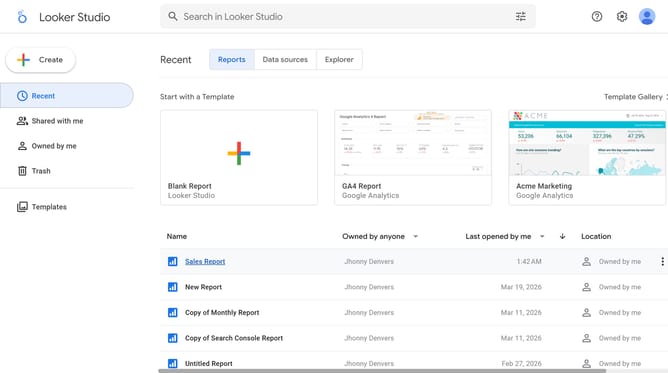
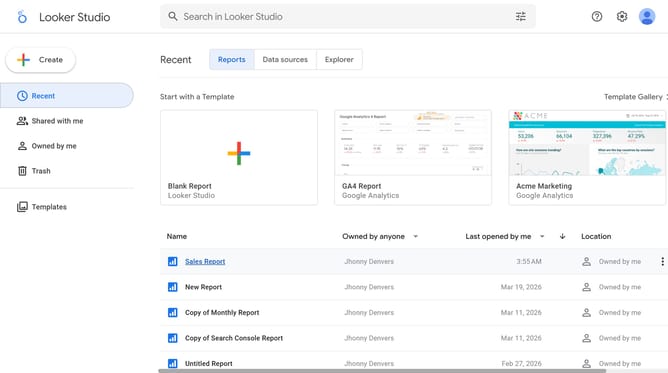
- First click on the file name from the reports list to open it
- Then click on "Edit" button in the top toolbar
- Next click on "Manage pages" option in the Page menu
- Then select the page name from the Report Pages panel
- Next click on the edit button in the chart title area
- Finally click on "Bold" formatting button in the properties panel
Why should you bold the font of a pie chart title in Looker Studio
Looker Studio is a dynamic data analytics platform designed to transform complex data into meaningful insights through stunning visualizations.
One essential feature is the ability to bold the font of a pie chart title, enhancing the readability and impact of your data presentation. This simple yet effective feature allows users to draw attention to key information, ensuring that critical insights aren't overlooked.
Bold titles in a pie chart not only improve the visual hierarchy but also help maintain focus on important data at first glance, making your reports more engaging and accessible.
Last update