How to change font color of a pie chart title in Looker Studio
Here is how to change font color of a pie chart title in looker studio
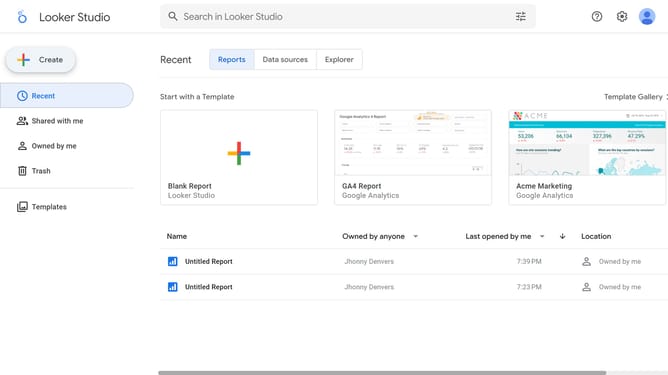
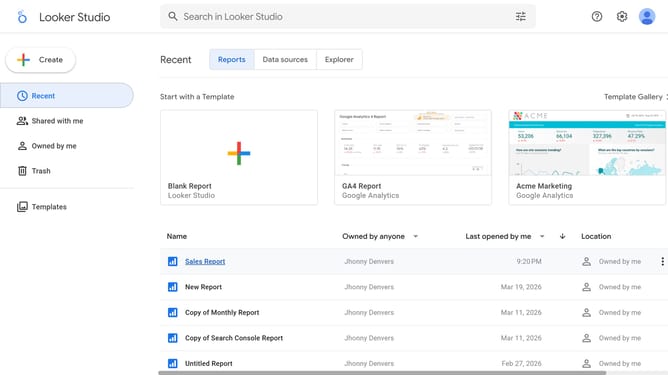
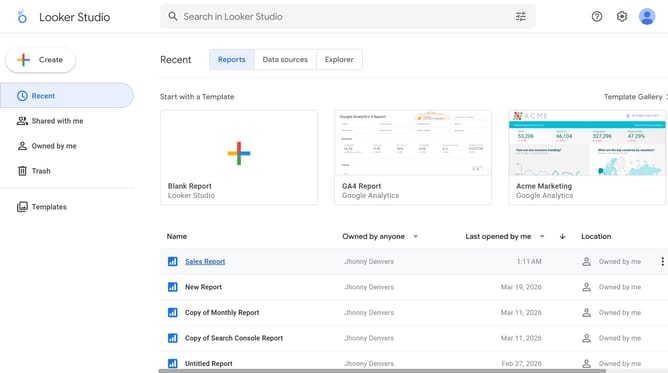
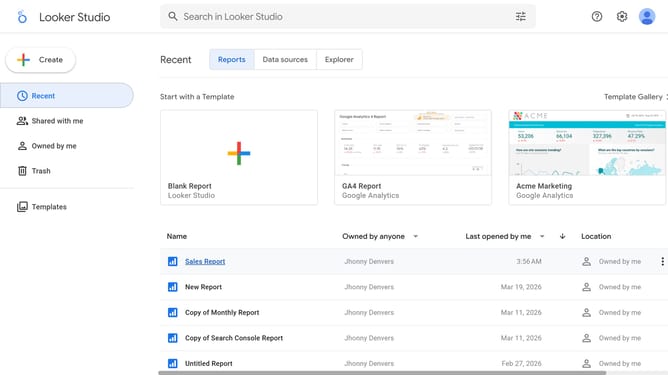
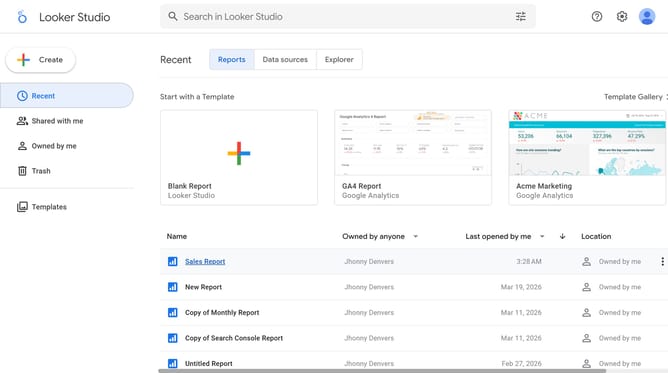
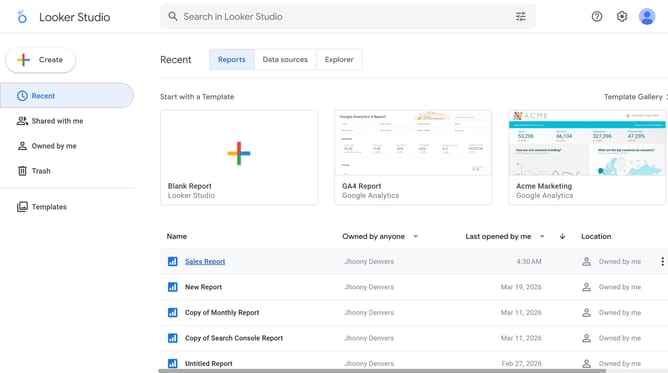
- First click on the file name from the reports list to open it
- Then click on "Edit" button in the top toolbar
- Next click on "Manage pages" option in the page navigation toolbar
- Then click on "Pie Chart" page in the Report Pages sidebar panel
- Next click on the edit icon to show properties of the chart
- Then click on "Font color" dropdown in the Style section of the right sidebar
- Finally select a color option from the color picker palette
Why should you change font color of a pie chart title in Looker Studio
Looker Studio is an intuitive tool designed to transform complex data into insightful visualizations, empowering users to make data-driven decisions with ease.
Changing the font color of a pie chart title in Looker Studio allows for a more personalized and visually appealing presentation of data. Customizing the font color helps emphasize specific data points, making the visualization more engaging and easier to understand for your audience.
This feature enhances the readability of your charts, aligns with brand aesthetics, and highlights key information, ensuring your insights stand out effectively. By enabling color customization, Looker Studio offers flexibility in design, ultimately improving the overall impact of your data storytelling.
Last update