How to align a table chart title to the center in Looker Studio
Here is how to align a table chart title to the center in looker studio
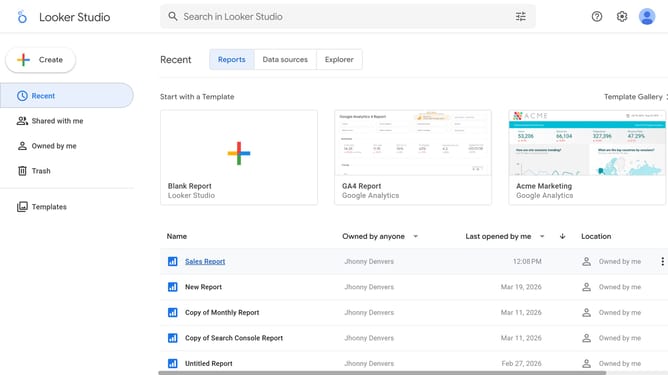
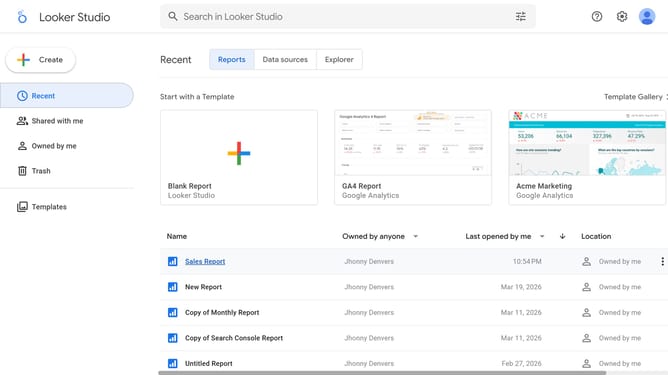
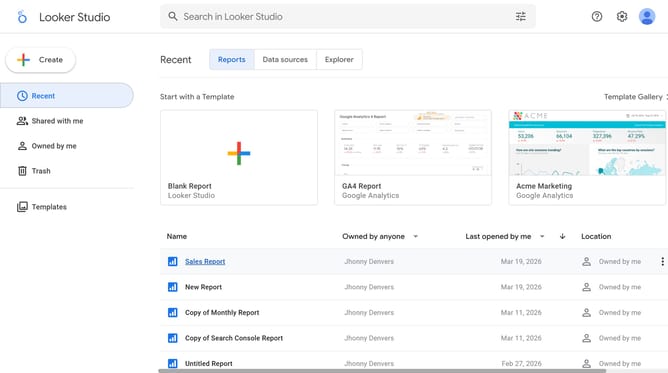
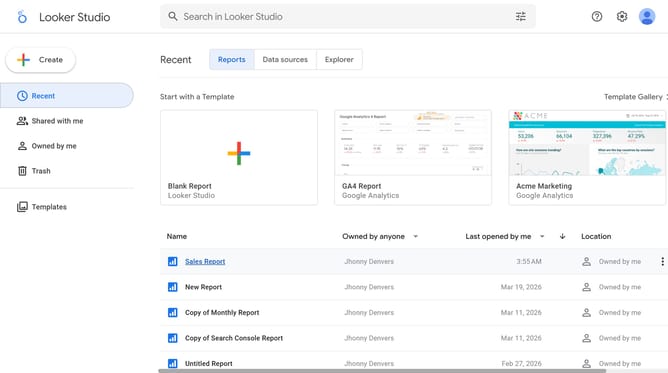
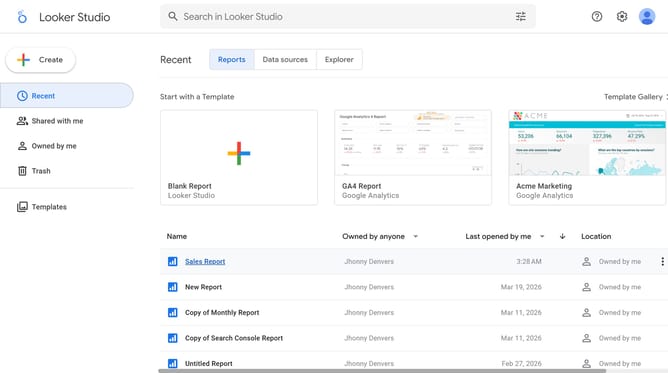
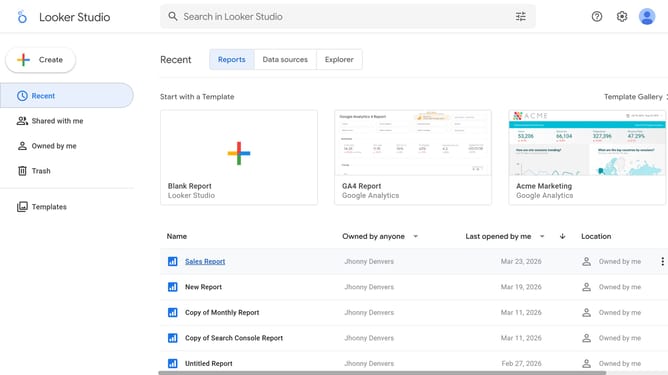
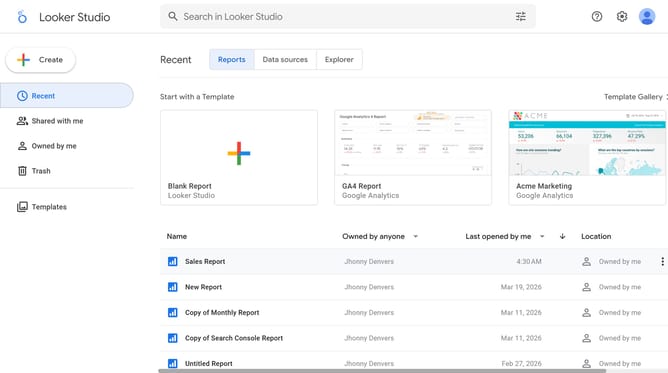
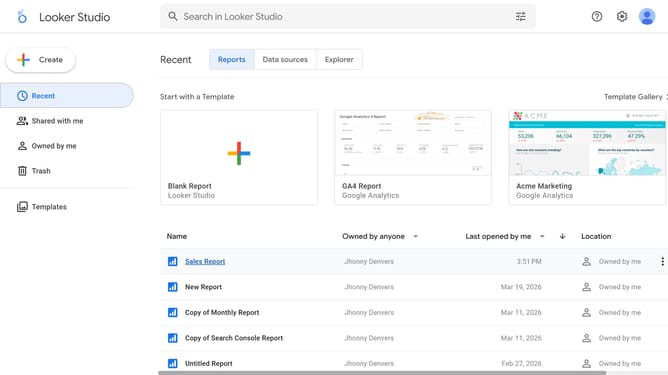
- First click on the file name from the reports list to open it
- Then click on "Edit" button in the top toolbar
- Next click on "Manage pages" option in the page navigation toolbar
- Next click on the page name that you want to manage in the right sidebar
- Then click on the edit icon button on the table element
- Next click on "Left" alignment button in the Table properties Style tab
- Finally click on alignment button in the Table properties Style tab
Why should you align a table chart title to the center in Looker Studio
Looker Studio is a powerful tool designed for transforming raw data into insightful visualizations.
A notable feature of Looker Studio is its ability to align a table chart title to the center, enhancing the aesthetic appeal and readability of your reports.
Center-aligning your chart titles not only improves the overall symmetry but also ensures that your data presentation is more professional and engaging.
This alignment feature helps in drawing viewer's attention directly to the key information, creating a seamless and effective data storytelling experience.
Last update