How to show title of your funnel chart in Looker Studio
Here is how to show title of your funnel chart in looker studio
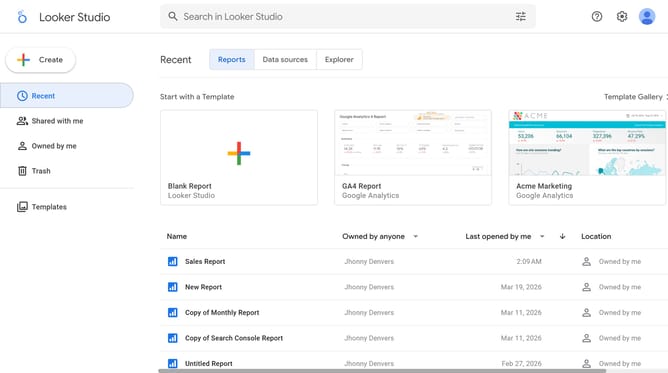
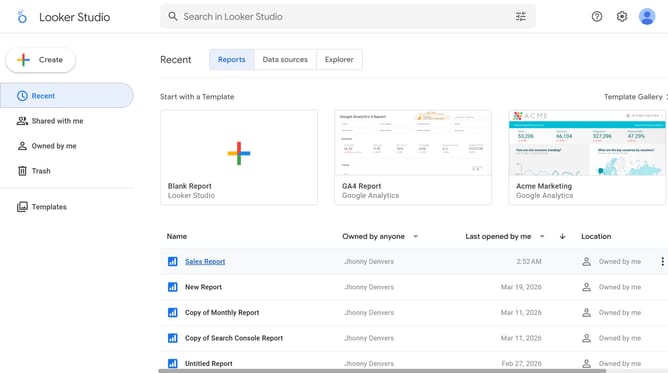
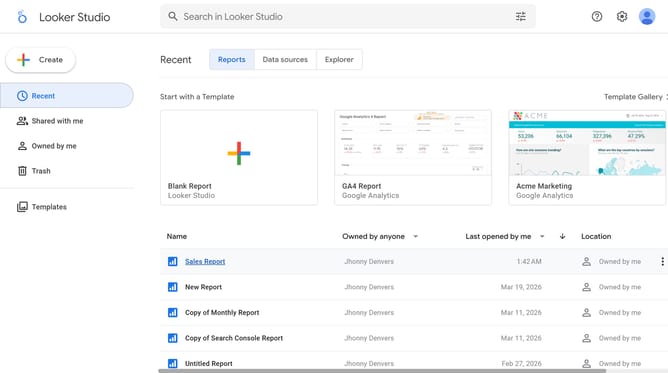
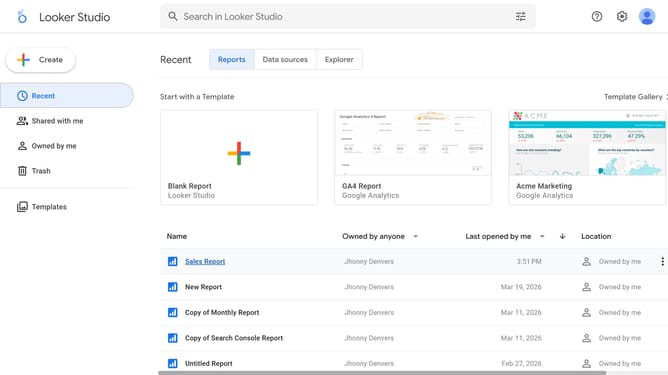
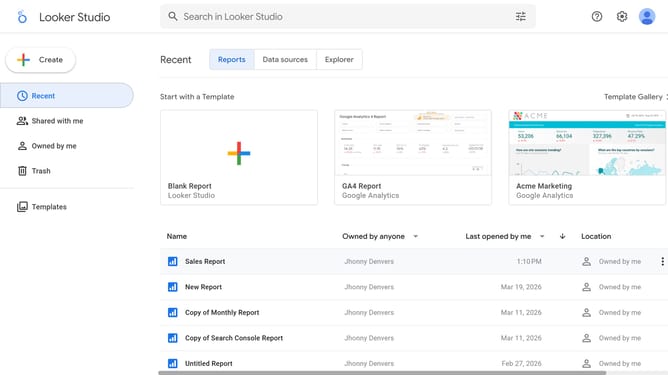
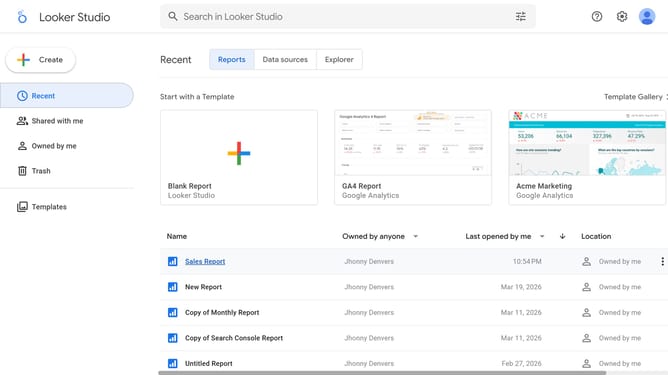
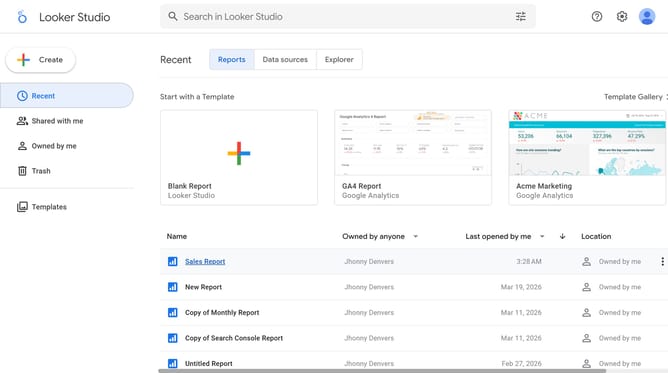
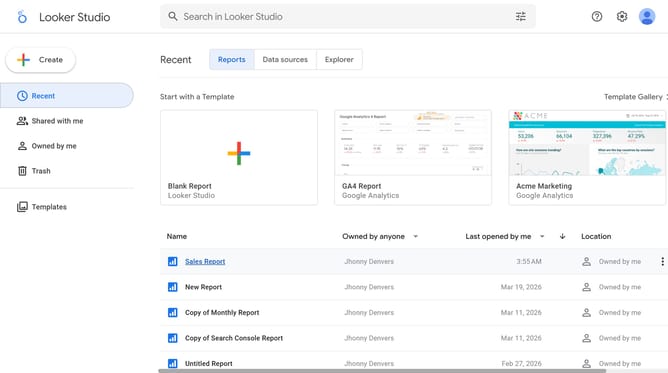
- First click on the file name from the reports list to open it
- Then click on "Edit" button in the top toolbar
- Next click on "Manage pages" option in the page navigation toolbar
- Next click on the page name that you want to manage in the right sidebar
- Next click on the "Show properties" button above the chart
- Finally, click on "Show title" toggle in the Chart title section of the right sidebar properties panel
Why should you show title of your funnel chart in Looker Studio
Looker Studio is a dynamic data visualization tool designed to make complex data accessible and understandable.
Displaying a title on your funnel chart in Looker Studio can significantly enhance user comprehension by clearly identifying the purpose or data context of the chart.
Titles offer a concise snapshot of information, setting the stage for an insightful analysis right at first glance.
Utilizing well-defined titles not only clarifies the data narrative but also elevates the overall presentation, making your insights more impactful and memorable.
Last update