How to manage location of a pie chart title in Looker Studio
Here is how to manage location of a pie chart title in looker studio
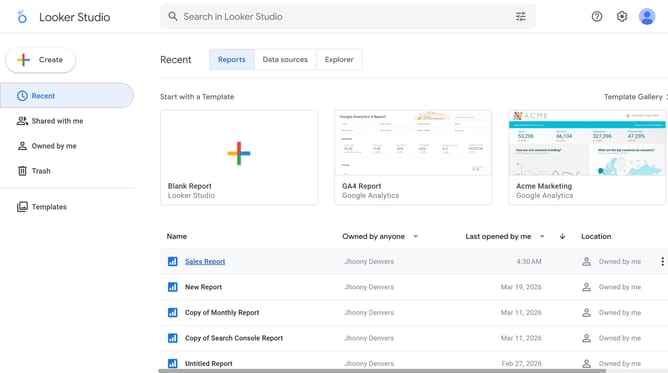
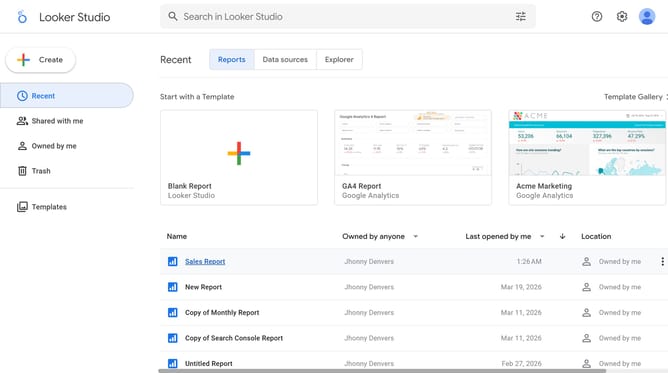
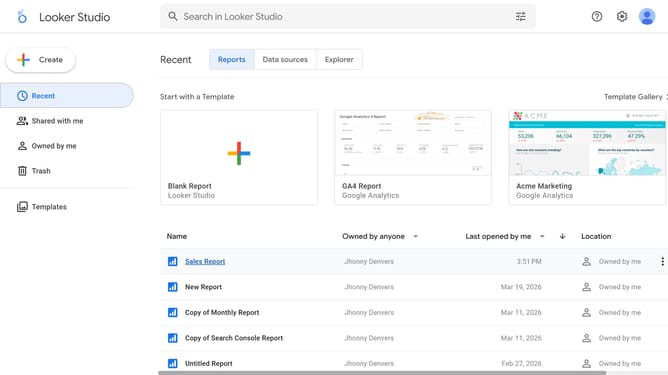
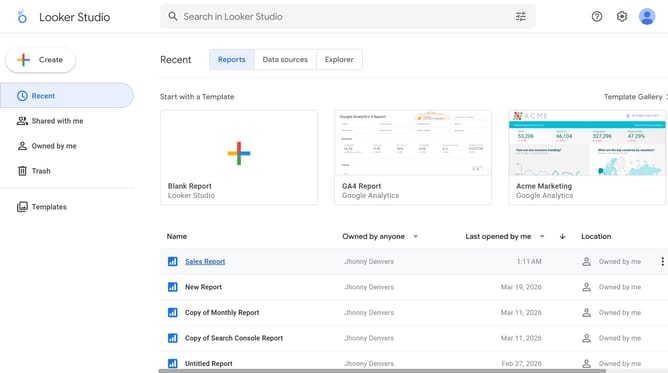
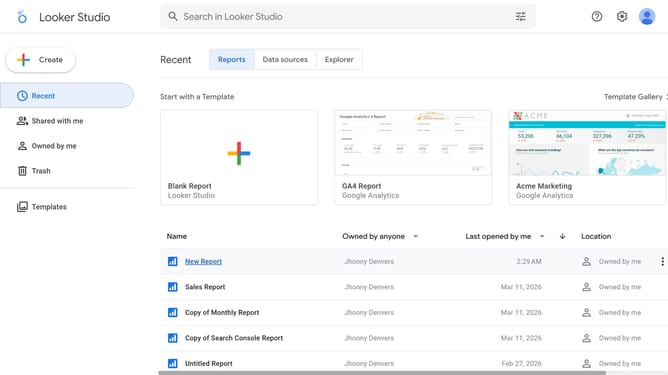
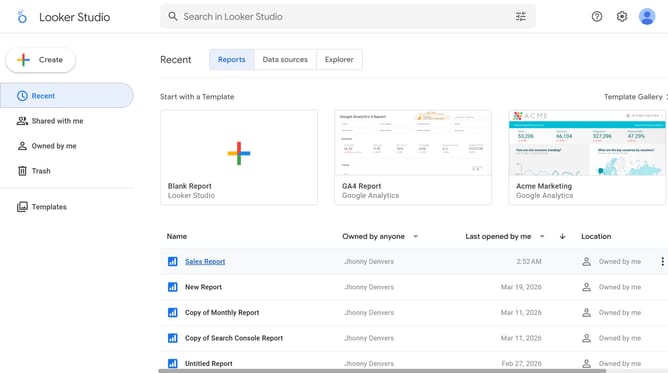
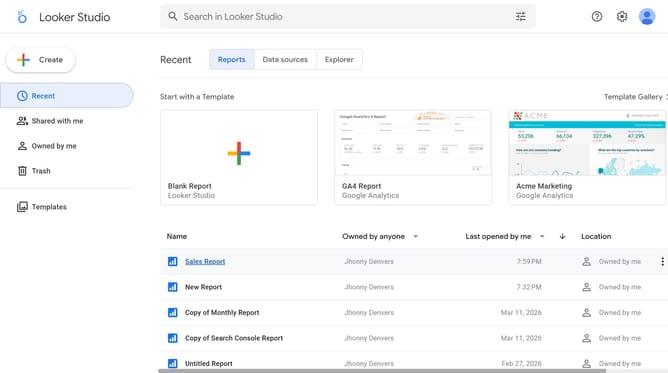
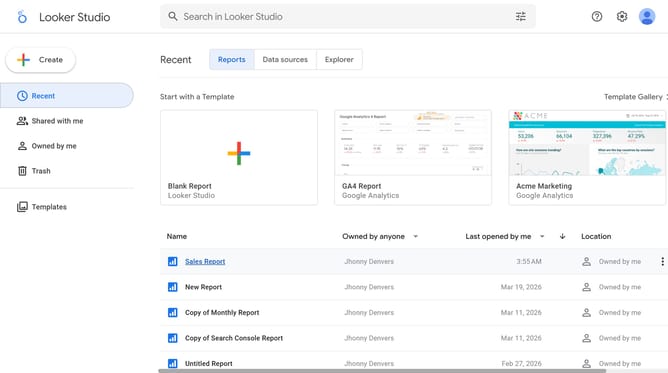
- First click on the file name from the reports list to open it
- Then click on "Edit" button in the top toolbar
- Next click on "Manage pages" option in the page navigation toolbar
- Then click on the page name in the Report Pages panel
- Next click on the "Show properties" button above the pie chart
- Then click on the "Background color" button in the Style tab under font formatting options
- Finally click on the alignment button in the formatting toolbar
Why should you manage location of a pie chart title in Looker Studio
Looker Studio is a dynamic tool designed to transform raw data into meaningful visual insights.
One of its intuitive features includes managing the location of pie chart titles, allowing users to customize how data is presented and interpreted.
Positioning the title correctly enhances readability, ensuring the story behind the numbers is crystal clear.
This capability not only improves the overall aesthetic appeal but also emphasizes key information, driving more impactful and data-driven decisions.
Last update