How to remove border shadow of a pentagon shape in Looker Studio
Here is how to remove border shadow of a pentagon shape in looker studio
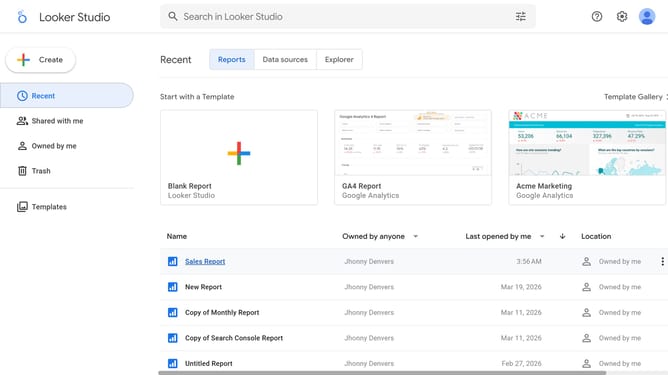
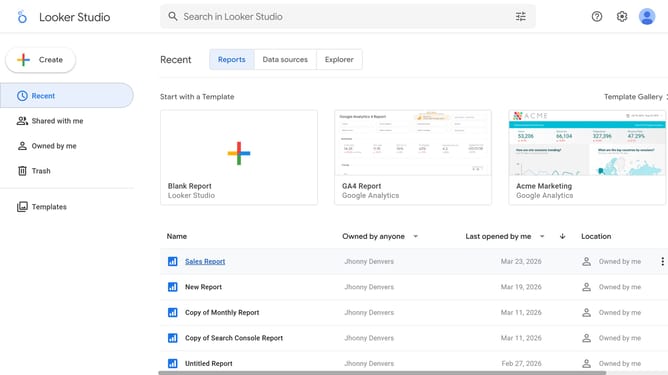
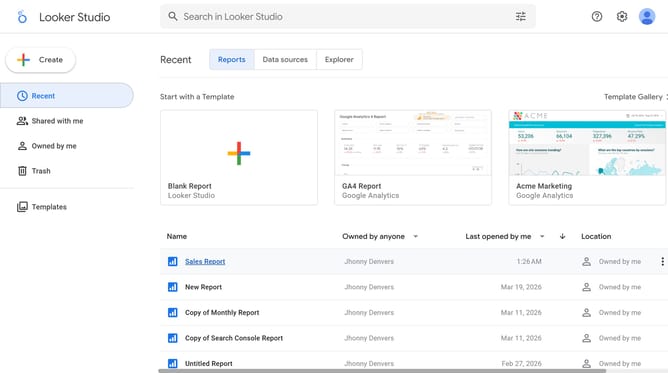
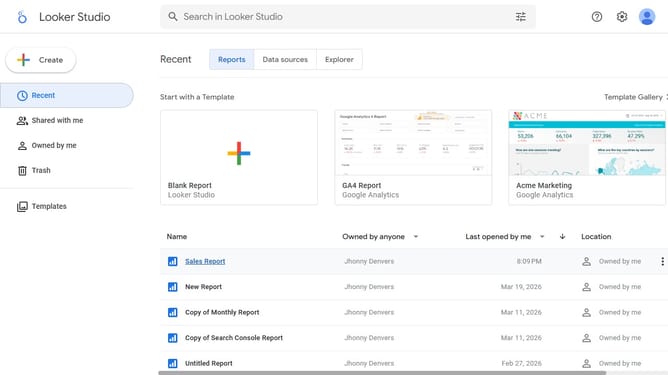
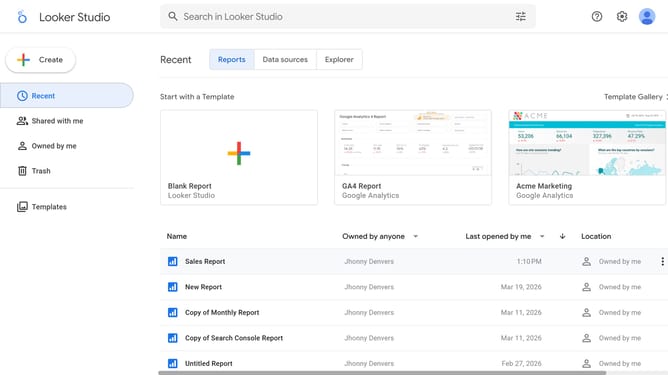
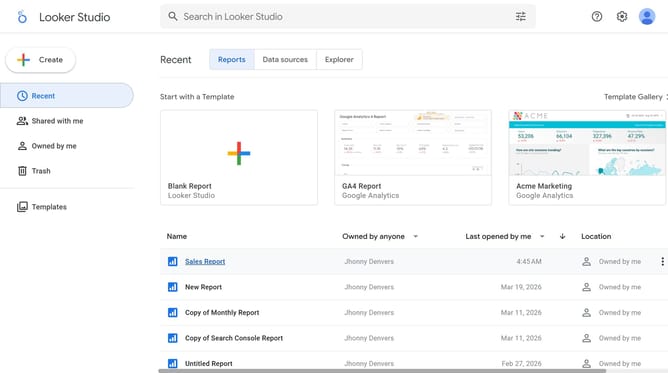
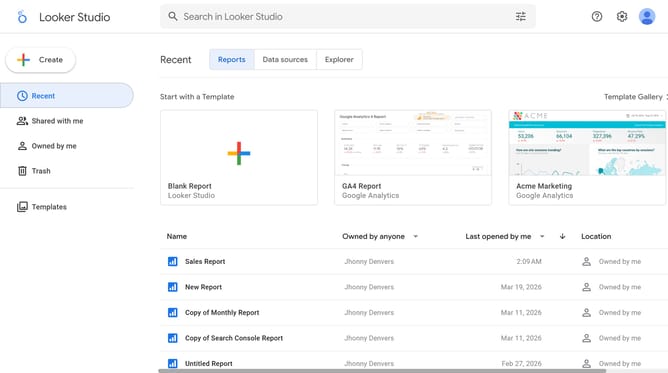
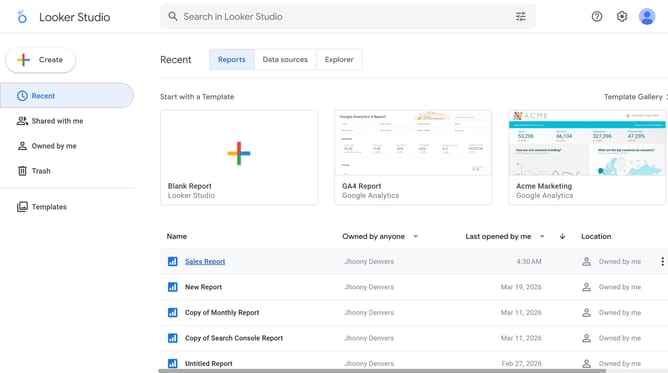
- First click on the file name from the reports list to open it
- Then click on "Edit" button in the top toolbar
- Next click on "Manage pages" option in the page navigation toolbar
- Next click on the page name in the right sidebar
- Click on the pentagon shape in the canvas area
- Finally, click on "Add border shadow" toggle in the Shape properties panel
Why should you remove border shadow of a pentagon shape in Looker Studio
Looker Studio is a dynamic platform designed to transform data into informative insights through compelling visuals.
Removing the border shadow of a pentagon shape in Looker Studio allows for cleaner and more focused presentations. This feature enhances visual clarity by eliminating unnecessary distractions, ensuring the data remains at the forefront of viewer attention.
By opting to remove such embellishments, users can maintain a sleek and professional look, adding to the visual appeal and effectiveness of their data storytelling.
Last update