How to manage border style of a pie chart page in Looker Studio
Here is how to manage border style of a pie chart page in looker studio
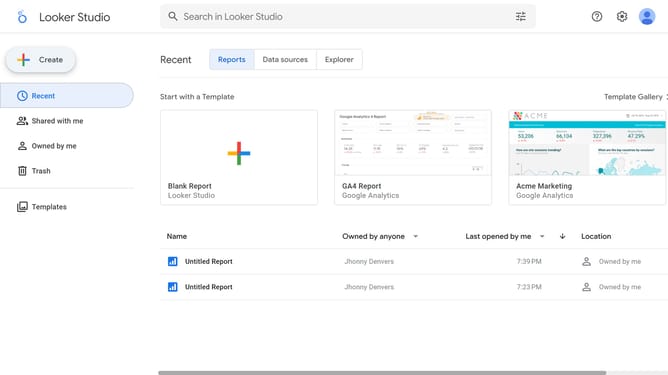
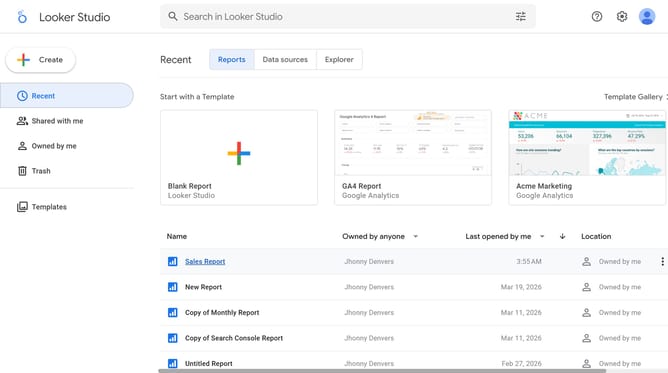
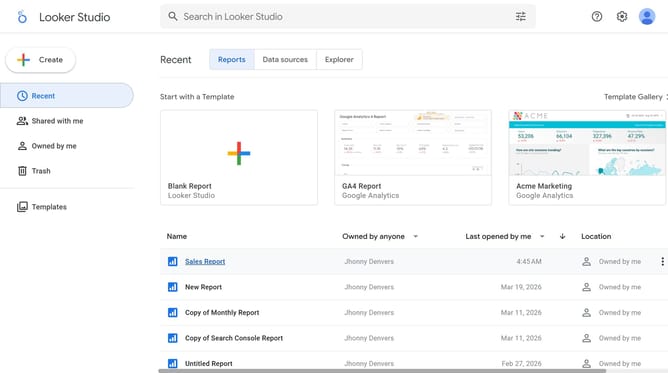
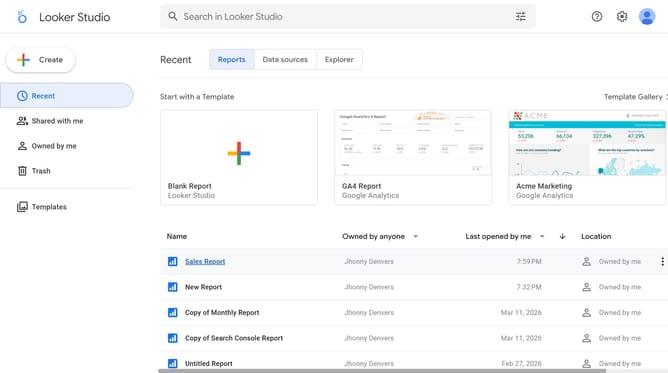
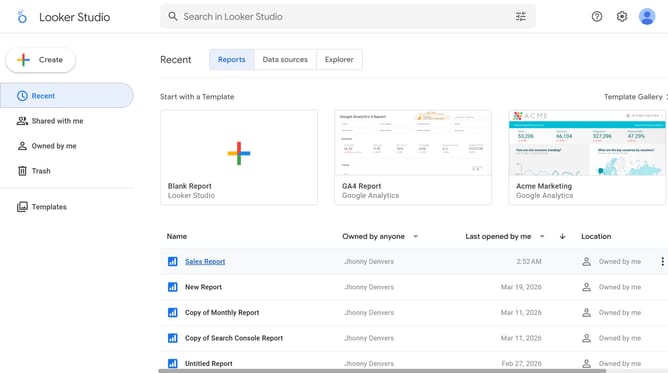
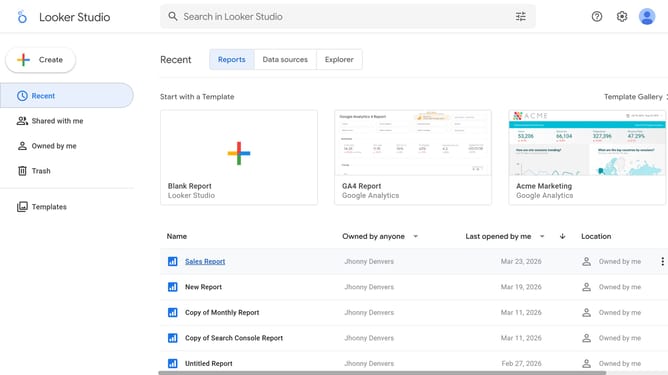
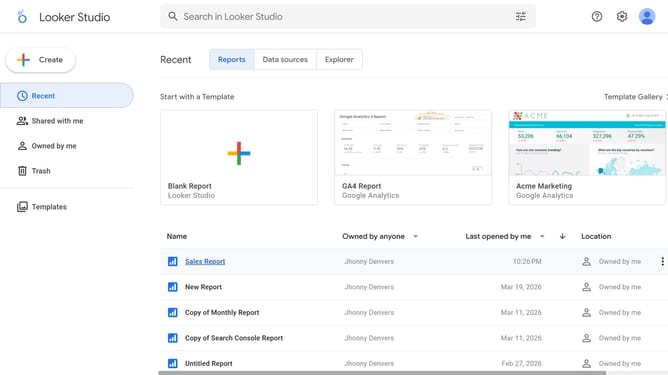
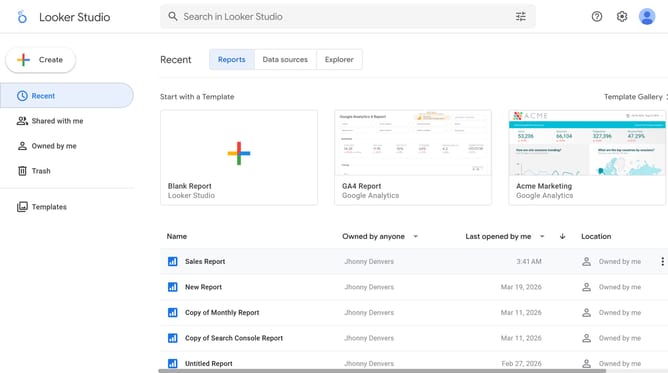
- First click on the file name from the reports list to open it
- Then click on "Edit" button in the top toolbar
- Next click on "Manage pages" option in the page navigation toolbar
- Next click on the page name in the right sidebar
- Next click on "Show properties" button on the pie chart
- Then click on "Border style" dropdown in the Pie chart properties panel
- Finally select an option from the Border style dropdown menu
Why should you manage border style of a pie chart page in Looker Studio
Looker Studio is a powerful data visualization tool designed to transform complex data into understandable insights quickly.
The ability to manage the border style of a pie chart page in Looker Studio enhances visualization aesthetics, allowing for more engaging presentations.
Adjusting border styles not only makes the chart visually appealing but also helps in emphasizing data points, improving comprehension.
Utilizing this feature ensures your data narrates a story effectively, capturing audience attention succinctly and engagingly.
Last update