How to align a table chart title to the left in a chart in Looker Studio
Here is how to align a table chart title to the left in a chart in looker studio
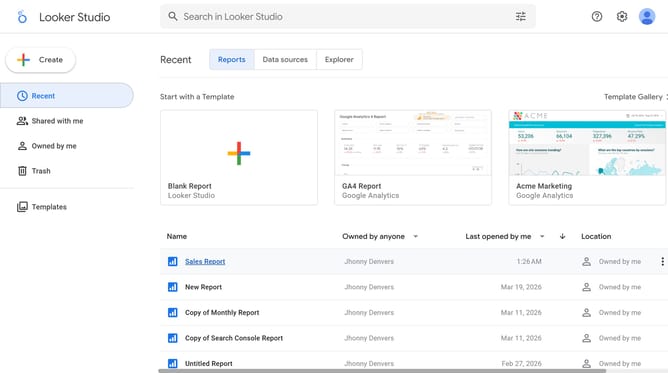
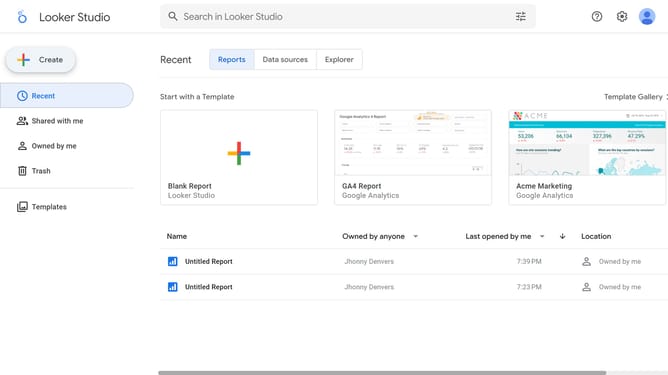
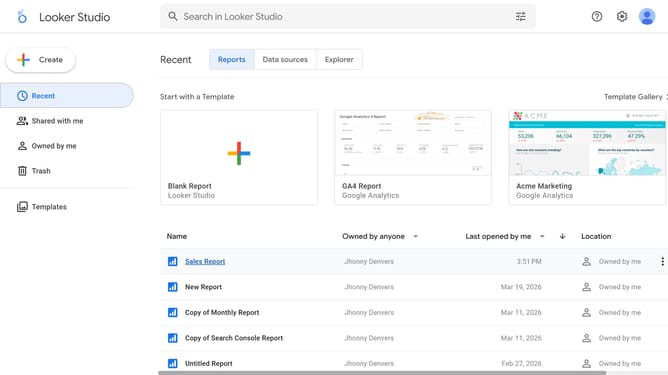
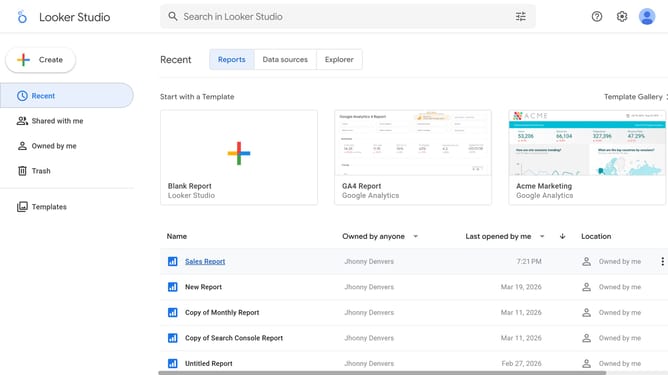
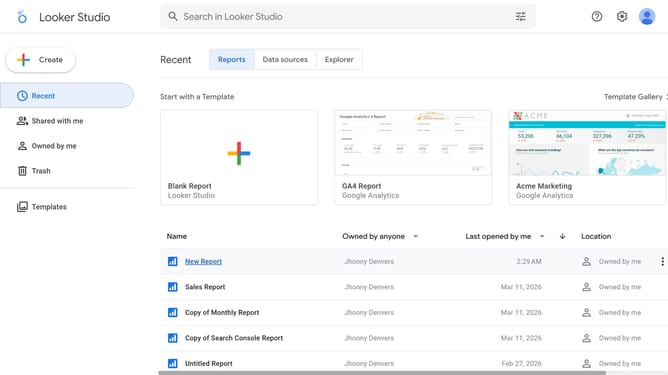
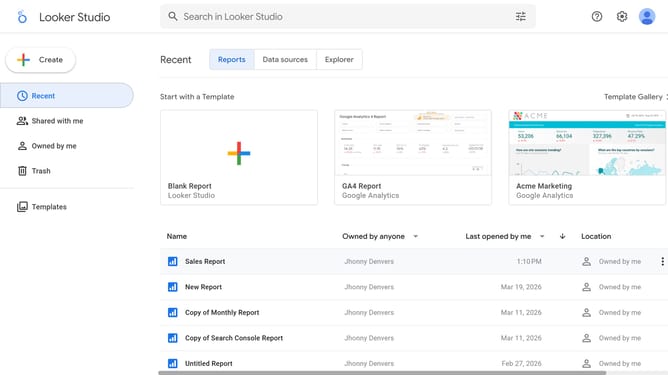
- First click on the file name from the reports list to open it
- Then click on "Edit" button in the top toolbar
- Next click on "Manage pages" option in the page navigation toolbar
- Next click on the page name that you want to manage in the right sidebar
- Next click on the "Show properties" button above the table chart
- Then click on "Style" tab in the Table properties sidebar panel
- Finally click on "Left" alignment button in the text alignment options
Why should you align a table chart title to the left in a chart in Looker Studio
Looker Studio is a powerful tool designed to turn your raw data into insightful and visually appealing reports.
One standout feature is aligning a table chart title to the left in a chart, which offers a streamlined appearance. By moving the title to the left, the report gains a more professional and cohesive look. This alignment also enhances readability, making it simpler for viewers to quickly absorb and understand crucial information.
Such intuitive design adjustments are beneficial for delivering clear, impactful reports that resonate with your audience.
Last update