How to change font style of a table chart title in Looker Studio
Here is how to change font style of a table chart title in looker studio
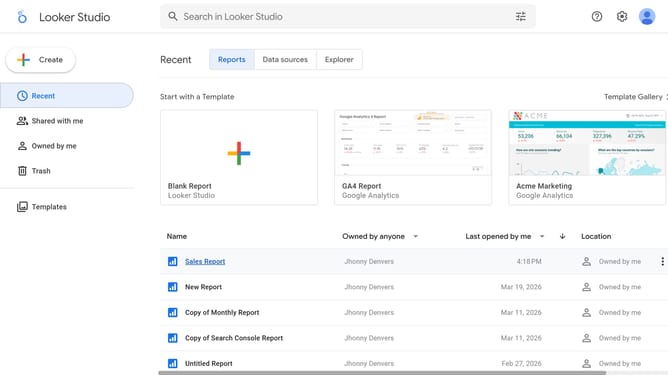
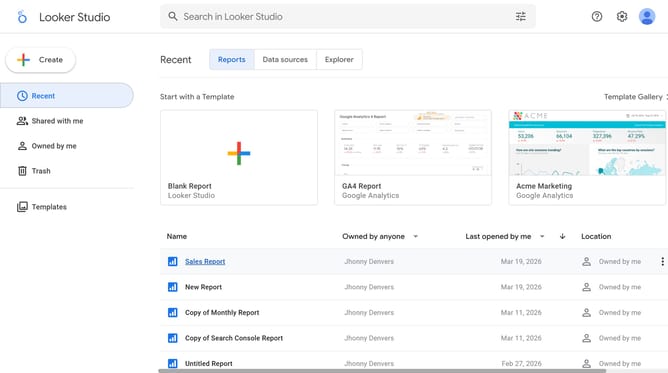
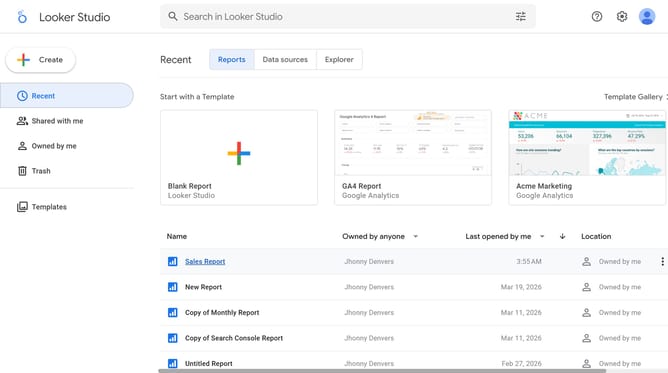
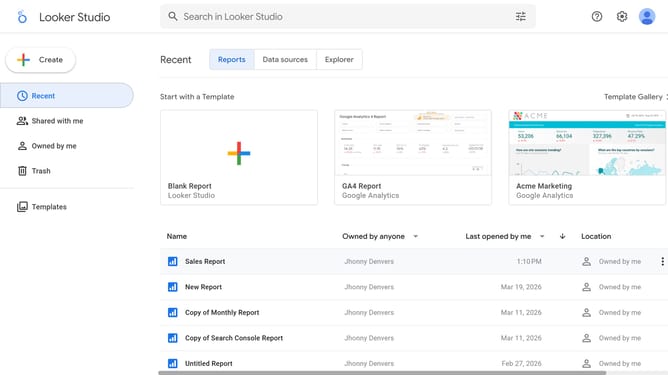
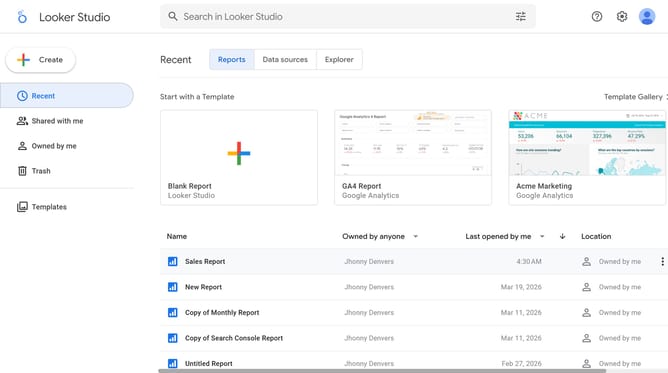
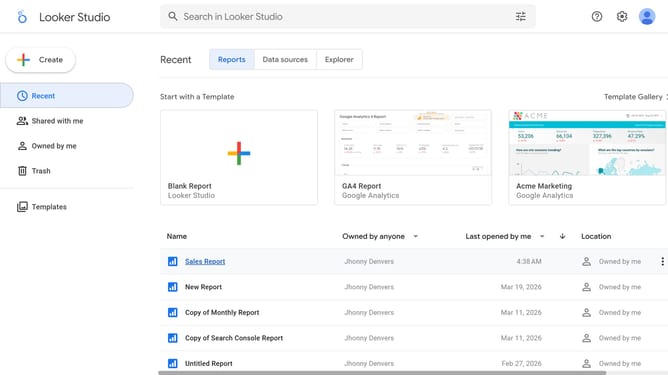
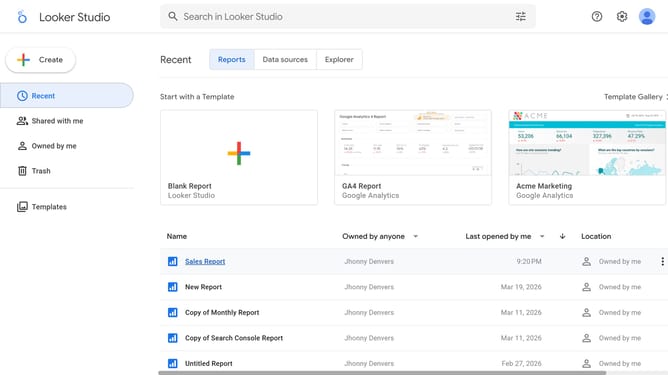
- First click on the file name from the reports list to open it
- Then click on "Edit" button in the top toolbar
- Next click on "Manage pages" option in the page navigation toolbar
- Next click on the page name that you want to manage in the right sidebar
- Next click on the table edit icon in the top-right corner of the table
- Then click on the "Font family" dropdown in the Table properties panel
- Finally click on a font option in the dropdown menu
Why should you change font style of a table chart title in Looker Studio
Looker Studio is a powerful tool designed to transform your data into insightful and visually appealing dashboards.
One of its standout features is the ability to customize the font style of a table chart title, allowing you to express your data story compellingly.
By altering the font style, you can draw attention to key insights and enhance readability, crafting a dashboard that is both informative and engaging.
Utilizing this feature not only elevates the aesthetic value of your reports but also maintains a consistent brand identity, ensuring your data conveys the intended message effectively.
Last update