How to show display legend in a chart in Looker Studio
Here is how to show display legend in a chart in looker studio
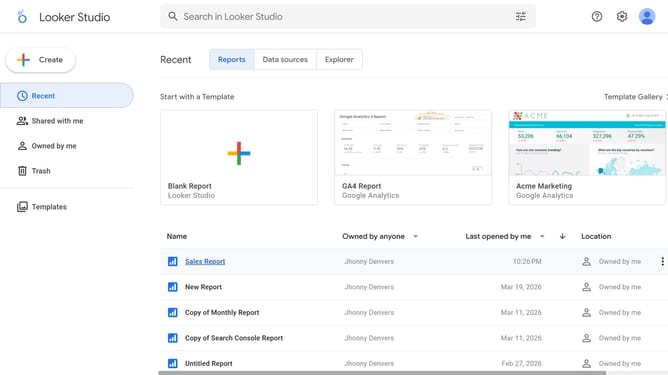
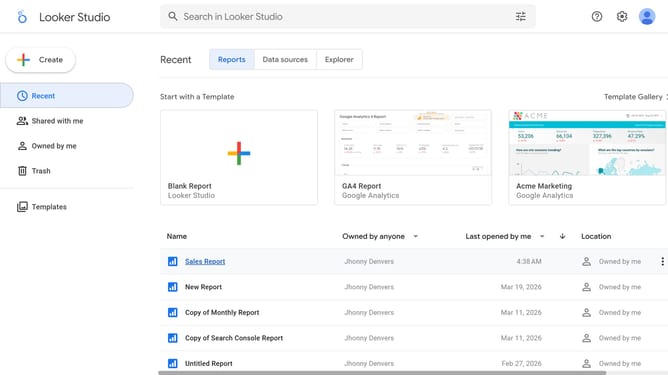
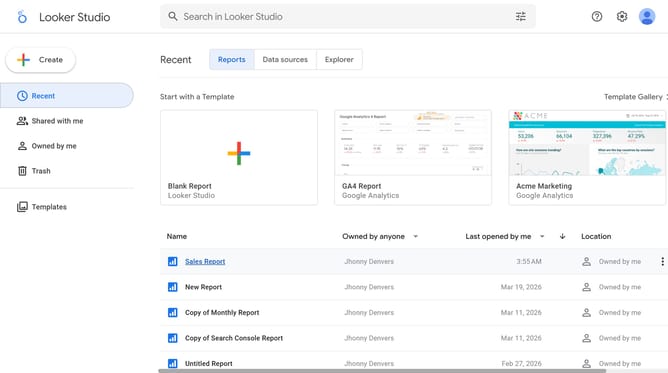
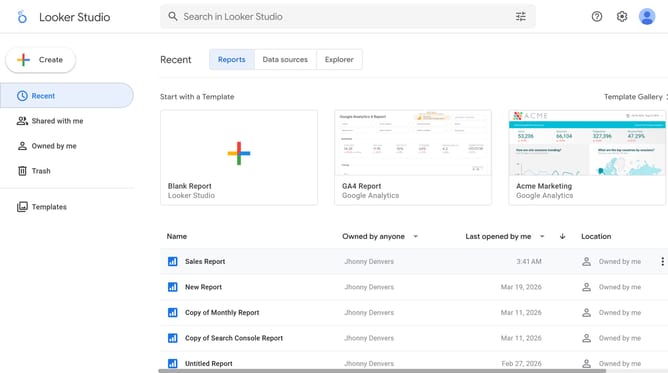
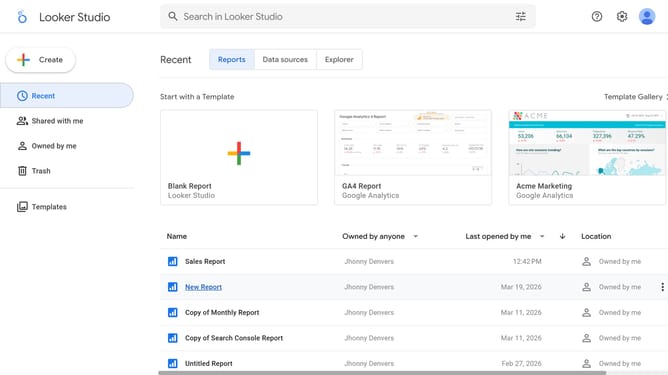
- First click on the file name from the reports list to open it
- Then click on "Edit" button in the top toolbar
- Next click on "Manage pages" option in the page navigation toolbar
- Then click on the page name in the Report Pages sidebar panel
- Next click on the pie chart to select it and show properties
- Finally click on "Display legend" toggle on in the right sidebar properties panel
Why should you show display legend in a chart in Looker Studio
Looker Studio is a powerful tool for transforming complex data into insightful visualizations.
Displaying a legend in a Looker Studio chart enhances understanding by illustrating what each color or symbol represents. Including legends ensures that viewers can quickly decipher chart components, leading to faster insights and decision-making.
Leverage this feature to elevate your data stories, providing clarity and depth. It's a simple yet critical element that enriches your data presentation.
Last update