How to align a table chart title to the right in Looker Studio
Here is how to align a table chart title to the right in looker studio
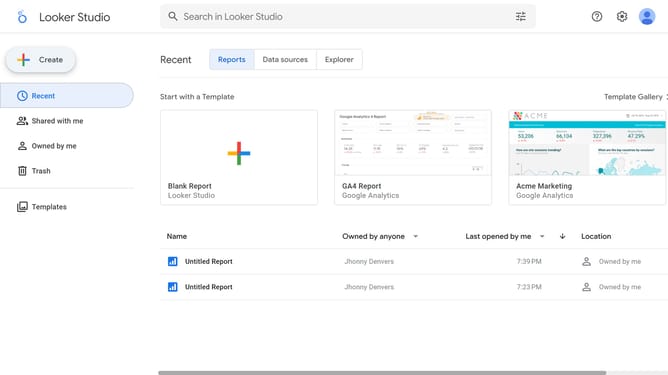
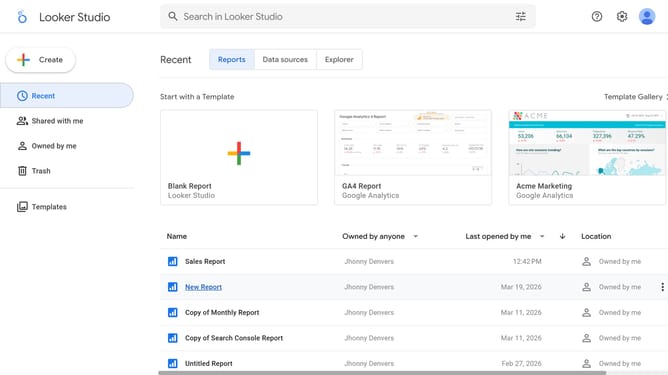
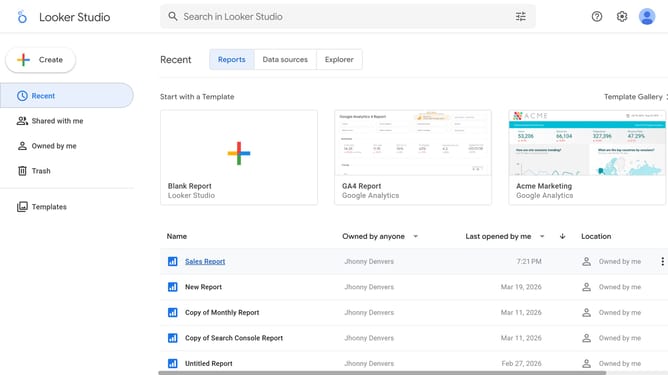
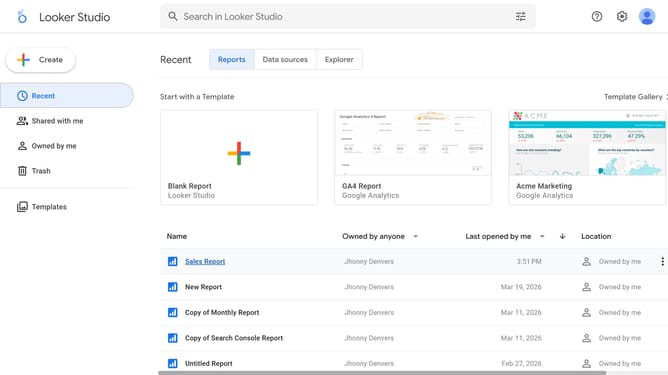
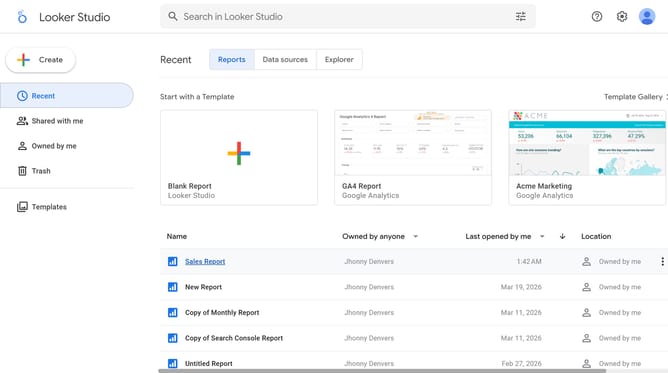
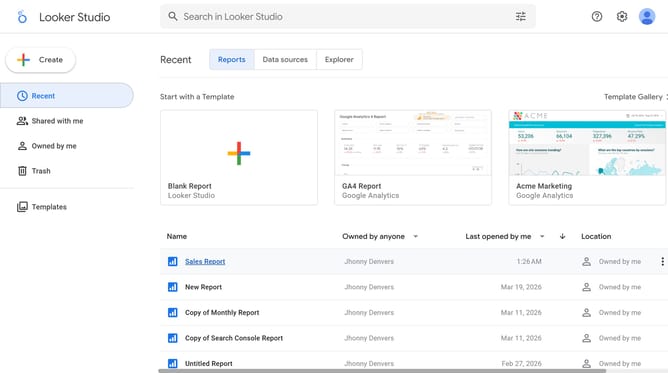
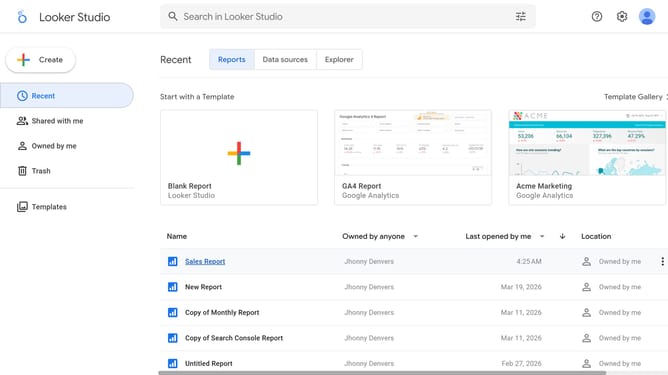
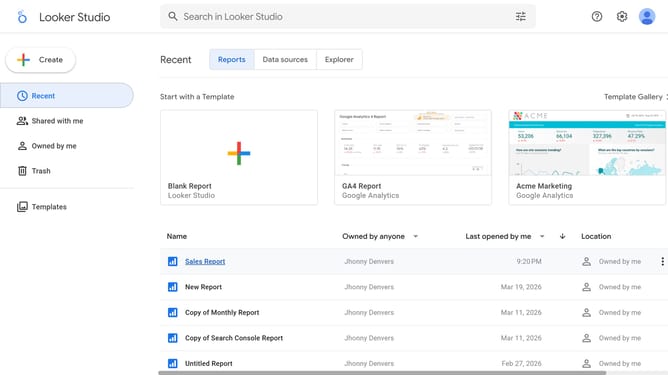
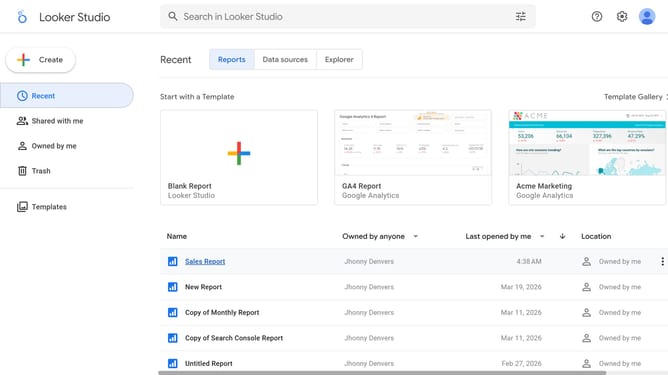
- First click on the file name from the reports list to open it
- Then click on "Edit" button in the top toolbar to enter edit mode
- Next click on "Manage pages" option in the page navigation toolbar
- Next click on the page name that you want to manage in the right sidebar
- Next click on the table edit icon in the top-right corner of the table to show properties
- Then click on alignment option under the Style tab in the Table properties panel
- Finally click on "Right" alignment option in the alignment dropdown in the Table properties panel
Why should you align a table chart title to the right in Looker Studio
Looker Studio transforms complex data into insightful visualizations, empowering businesses to make informed decisions.
Aligning a table chart title to the right in Looker Studio creates a sleek, modern look that enhances readability and draws attention.
This feature helps maintain a consistent design language across your reports, ensuring they are both professional and aesthetically pleasing.
By aligning titles to the right, you allow viewers to focus on the data itself, enhancing the overall effectiveness and engagement of your visual presentation.
Last update