How to italicize the font of a pie chart title in Looker Studio
Here is how to italicize the font of a pie chart title in looker studio
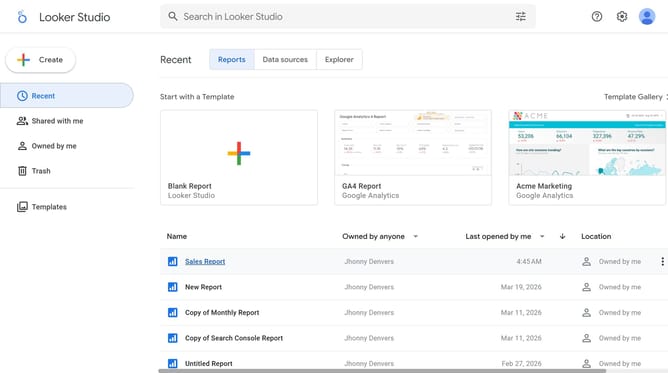
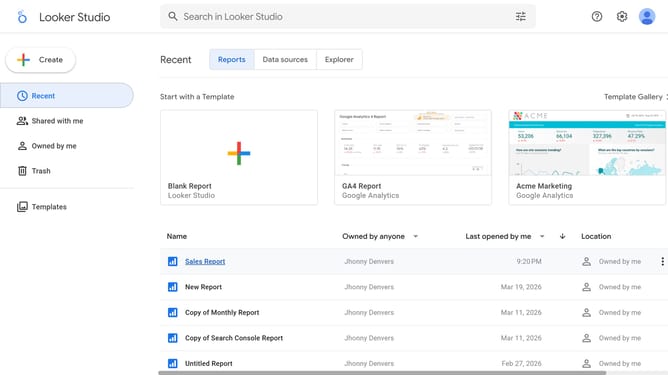
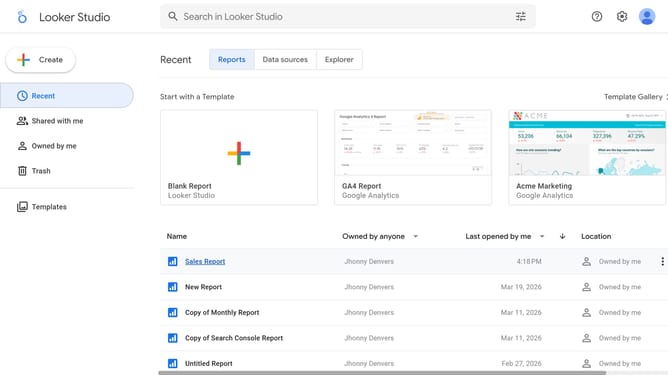
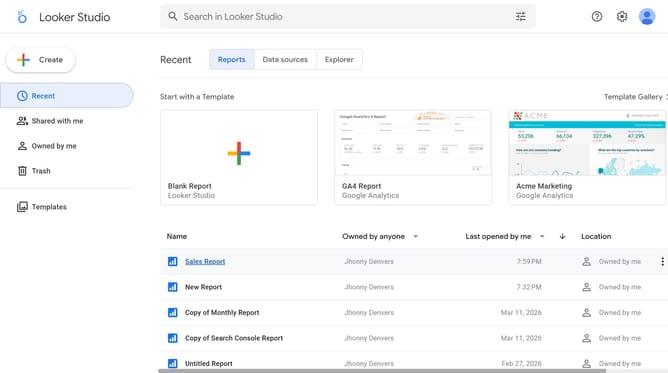
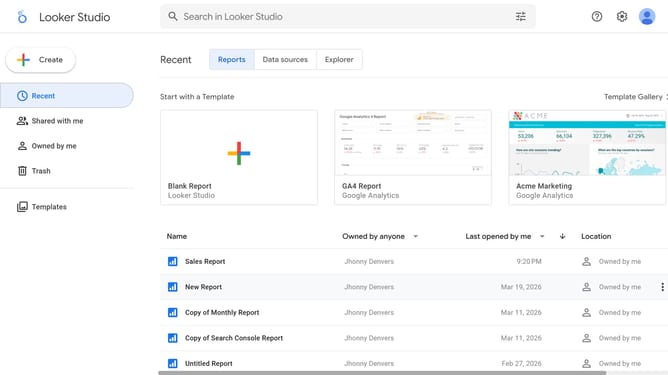
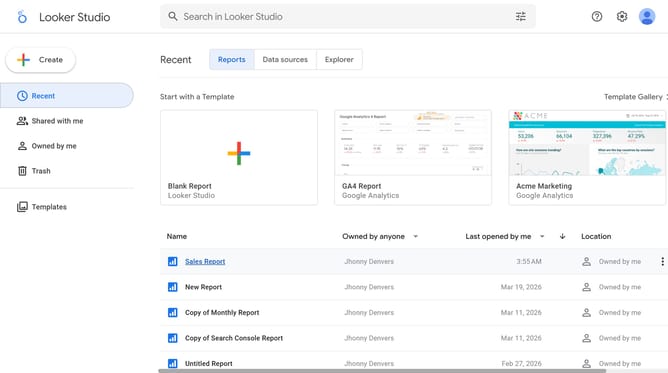
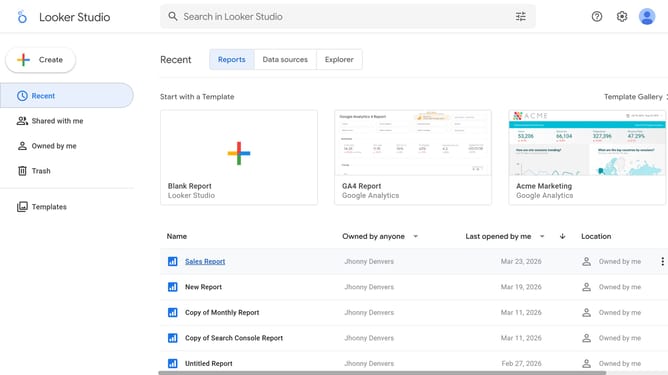
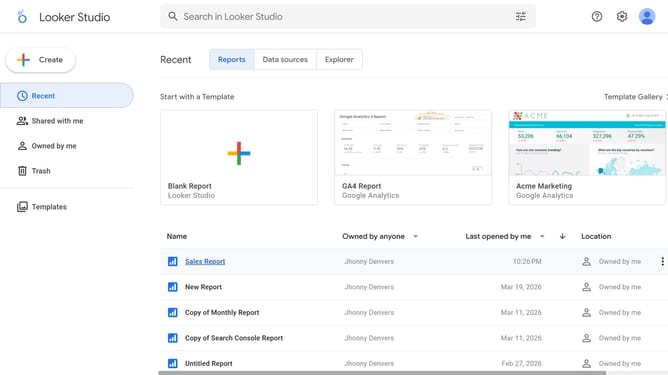
- First click on the file name from the reports list to open it
- Then click on "Edit" button in the top toolbar
- Next click on "Manage pages" option in the page navigation toolbar
- Then click on the page name in the Report Pages panel
- Next click on the chart title edit button in the chart toolbar
- Finally click on the "Italic" formatting button in the Pie chart properties panel
Why should you italicize the font of a pie chart title in Looker Studio
Looker Studio is a powerful tool that transforms data into insightful visualizations, enabling informed decisions.
Among its versatile features, Looker Studio allows you to italicize the font of a pie chart title, enhancing its visual appeal. This subtle design choice can be instrumental in drawing attention and adding a sophisticated touch to your data presentation.
By italicizing the chart title, you emphasize the chart's significance, making key insights stand out. This feature not only personalizes your reports but also improves readability, ultimately aiding in effective communication of data narratives.
Last update