How to manage location of a table chart title in Looker Studio
Here is how to manage location of a table chart title in looker studio
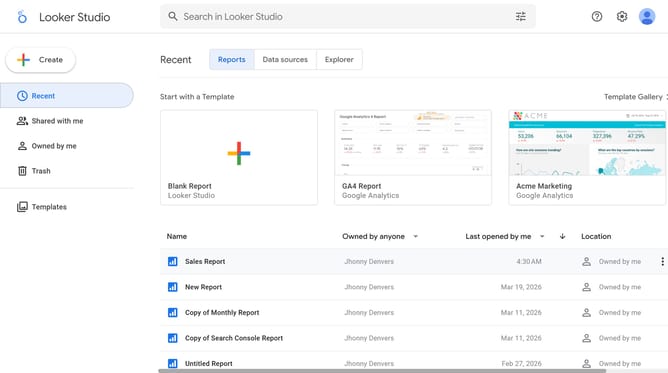
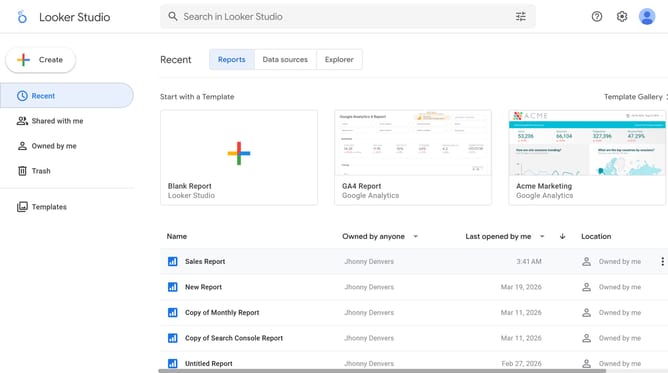
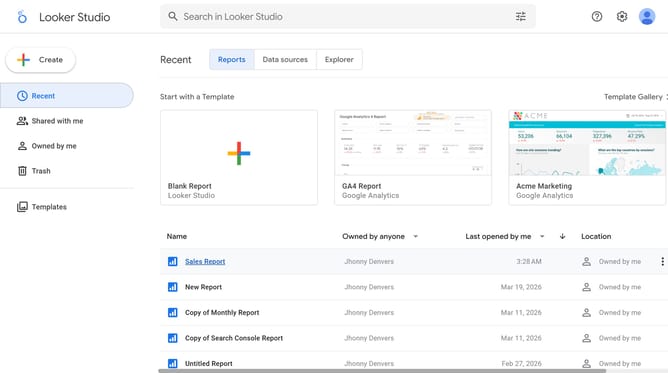
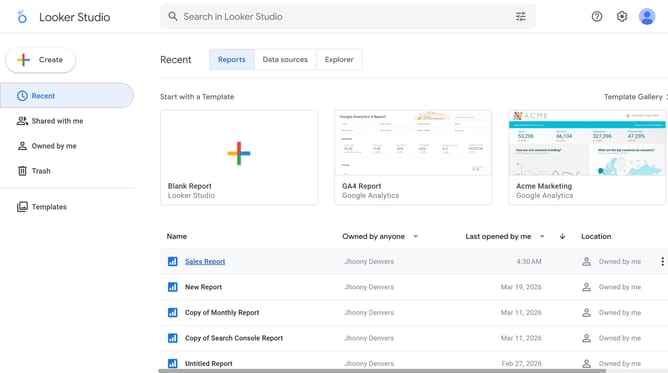
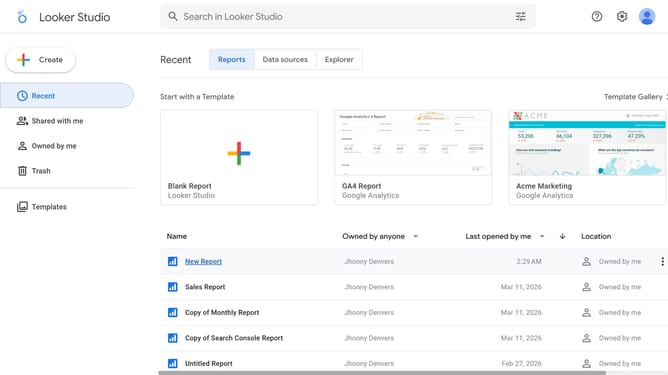
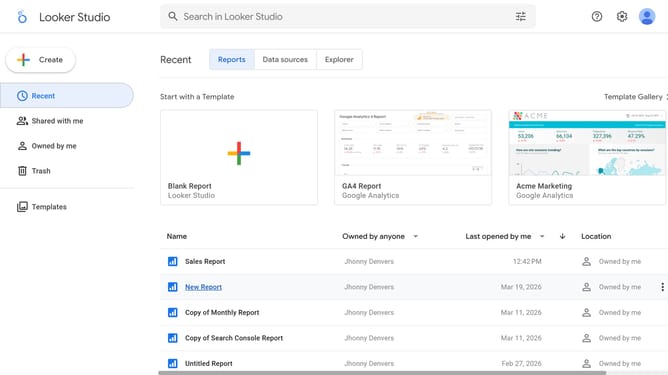
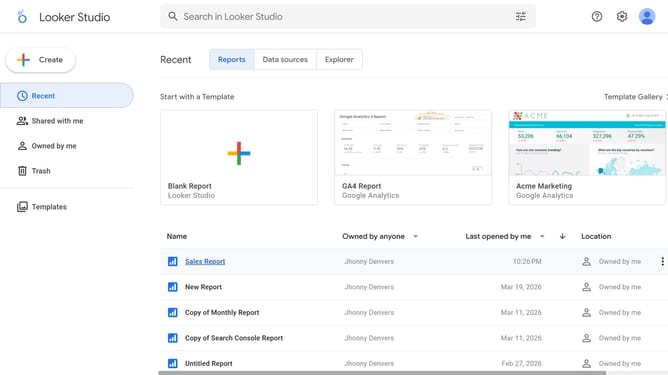
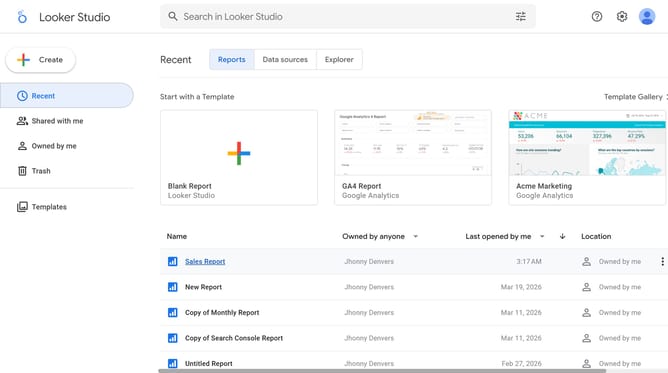
- First click on the file name from the reports list to open it
- Then click on "View" button in the top toolbar
- Next click on "Manage pages" option in the page navigation toolbar
- Next click on the page name that you want to manage in the right sidebar
- Next click on the "Show properties" button above the table chart
- Then click on the location dropdown option
- Finally click on the alignment button in the font color dropdown menu
Why should you manage location of a table chart title in Looker Studio
Looker Studio empowers users by transforming data into insightful visualizations effortlessly.
Managing the location of a table chart title in Looker Studio is an intuitive feature that enhances your data presentation. By easily adjusting the title's position, users can create a cleaner and more organized layout.
This flexibility allows for improved readability and a more appealing visual display, which is crucial for effective communication and data analysis.
Ultimately, it contributes to making your presentations more impactful and your insights more compelling.
Last update