How to show title of your table chart in Looker Studio
Here is how to show title of your table chart in looker studio
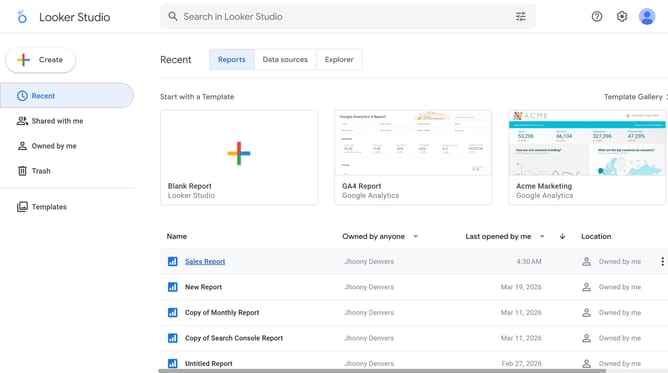
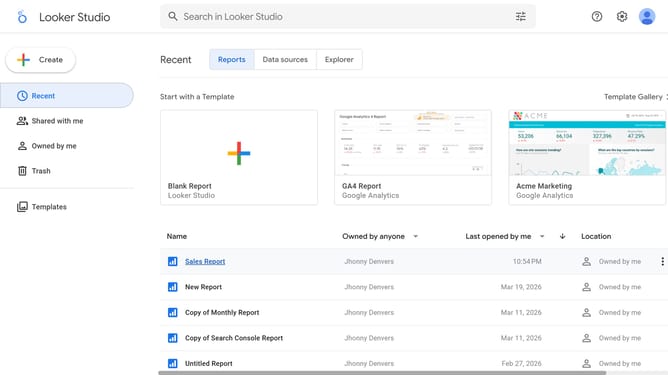
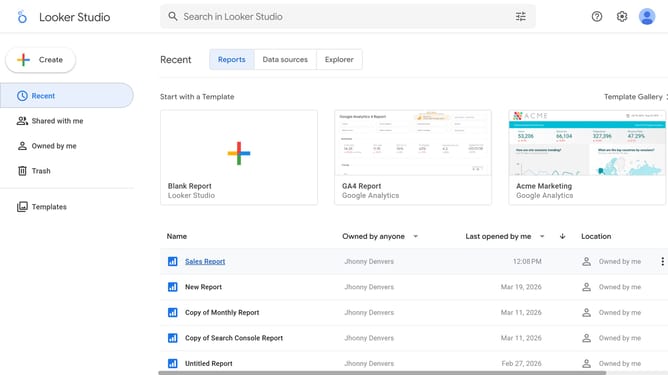
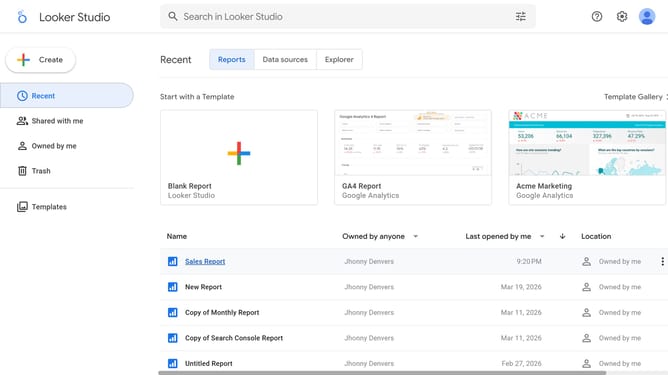
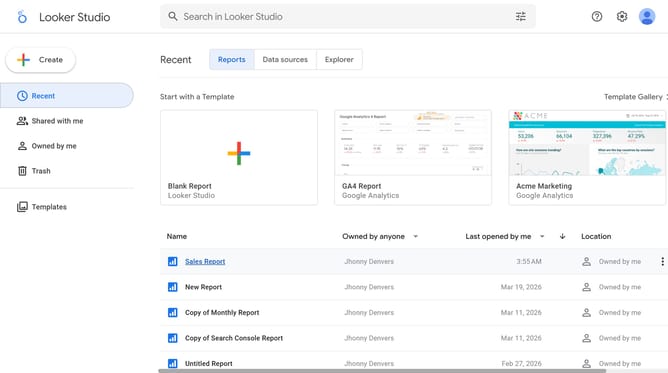
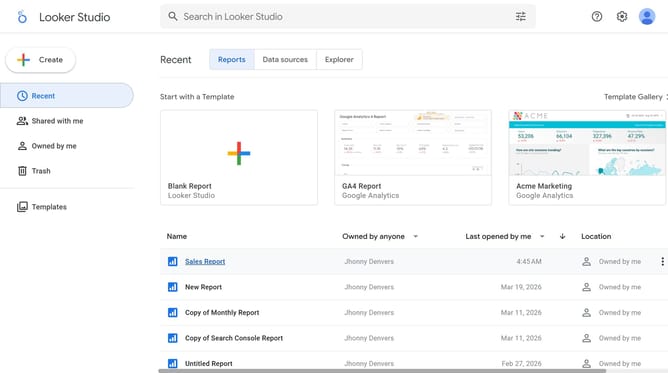
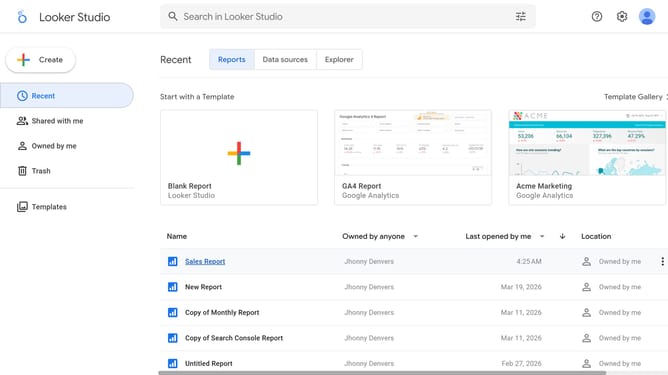
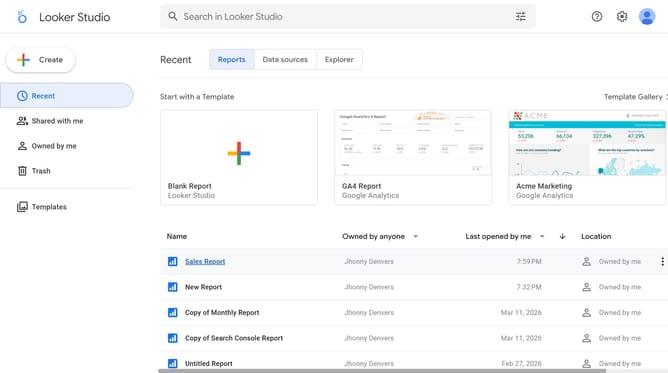
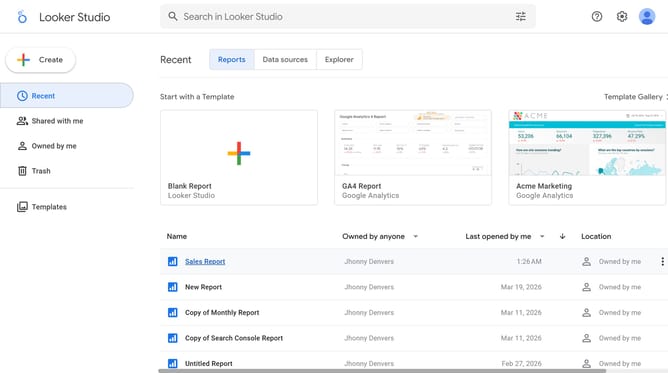
- First click on the file name from the reports list to open it
- Then click on "Edit" button in the top toolbar
- Next click on "Manage pages" option in the page navigation toolbar
- Next click on the page name that you want to manage in the right sidebar
- Next click on the table properties icon to open table settings
- Finally toggle on the "Show title" switch in the Chart title section
Why should you show title of your table chart in Looker Studio
Looker Studio is a powerful tool designed to transform raw data into insightful visual stories.
One of its vital features is the ability to display titles on your table charts. This helps users quickly identify the data sets being viewed, enhancing comprehension and analysis.
A well-placed title not only improves clarity but also guides viewers through the narrative of your data presentation, ensuring a more focused and impactful communication of insights.
Last update