How to change font size of a pie chart title in Looker Studio
Here is how to change font size of a pie chart title in looker studio
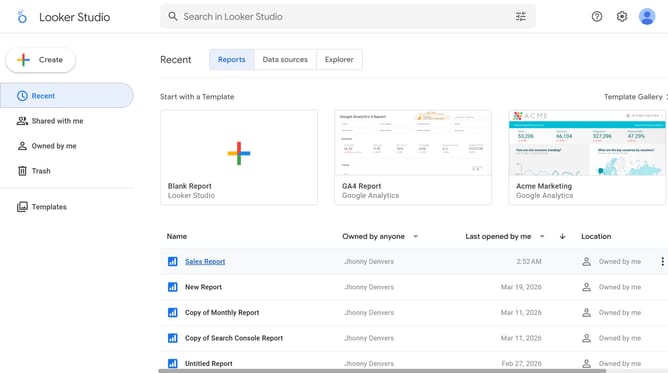
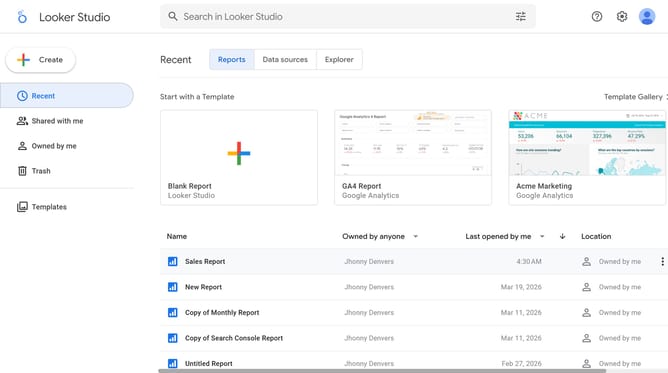
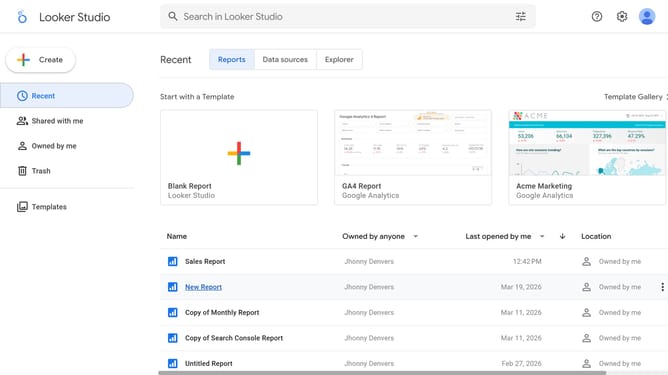
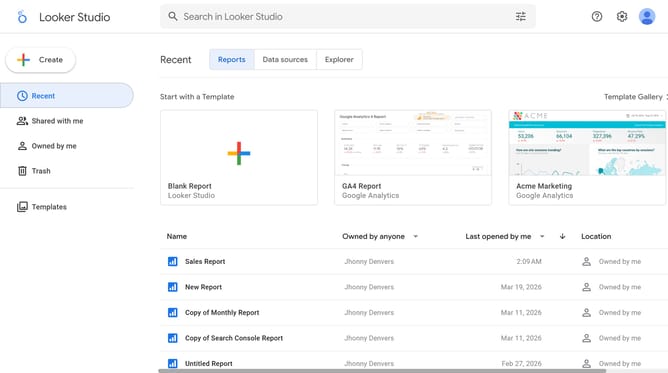
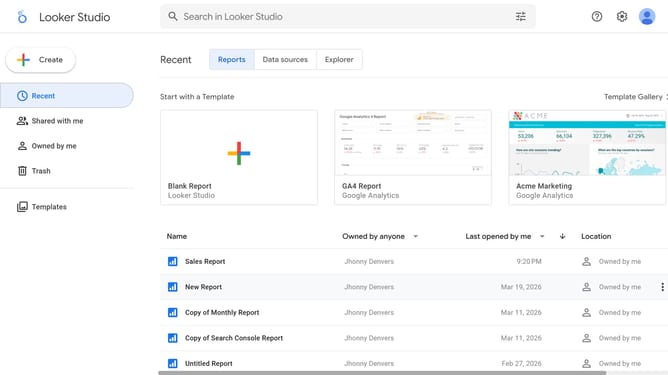
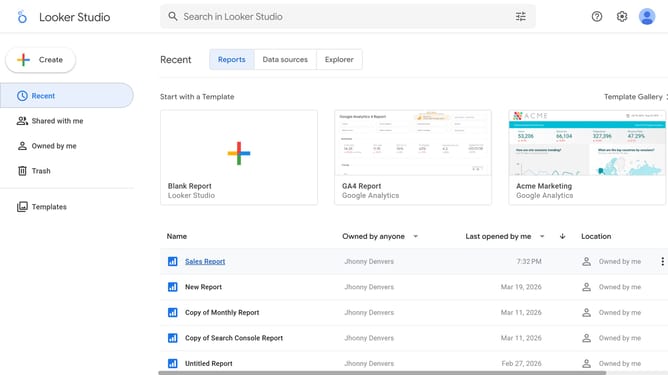
- First click on the file name from the reports list to open it
- Then click on the "Edit" button in the top toolbar to enter edit mode
- Next click on the "Manage pages" button in the toolbar to view report pages
- Then click on the page name in the sidebar Report Pages panel to navigate to that page
- Next click on the pie chart element to select it and open its properties panel
- Then click on the "Font size" dropdown in the Style tab of the right sidebar properties panel
- Finally select the an option from the font size dropdown menu
Why should you change font size of a pie chart title in Looker Studio
Looker Studio, a powerful tool for data visualization, transforms data into digestible insights, enabling swift, informed decision-making.
One of its standout features is the ability to change the font size of a pie chart title.
This feature allows users to customize their reports, emphasizing essential insights vividly.
By adjusting the font size, clarity and appeal are boosted, ensuring that critical information is never overlooked, improving overall presentation and comprehension.
Last update