How to italicize the font of a table chart title in Looker Studio
Here is how to italicize the font of a table chart title in looker studio
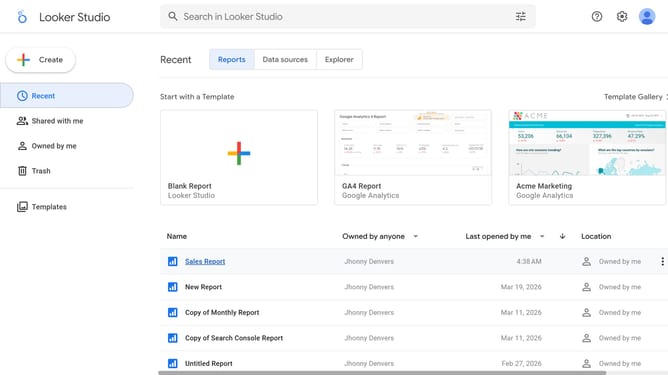
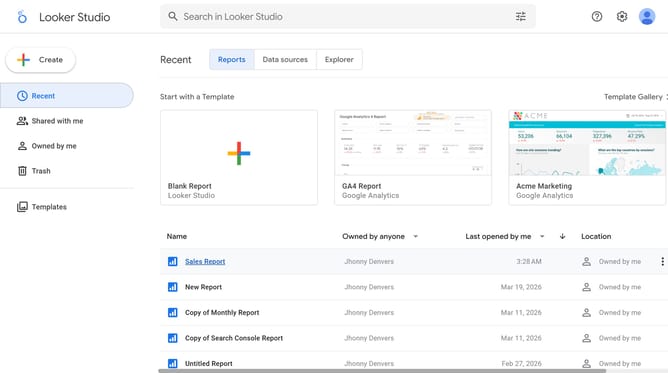
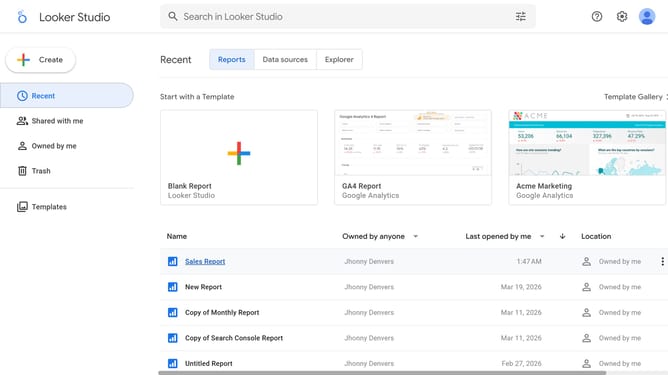
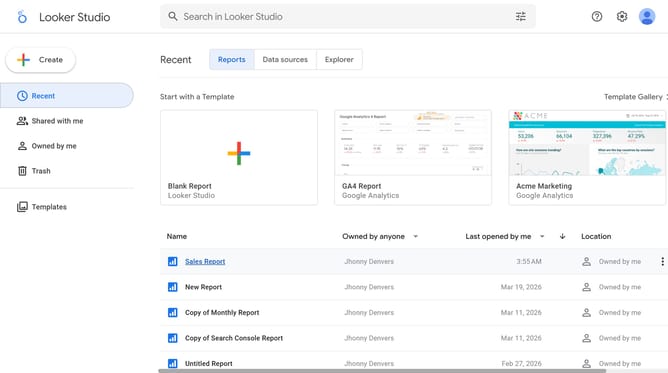
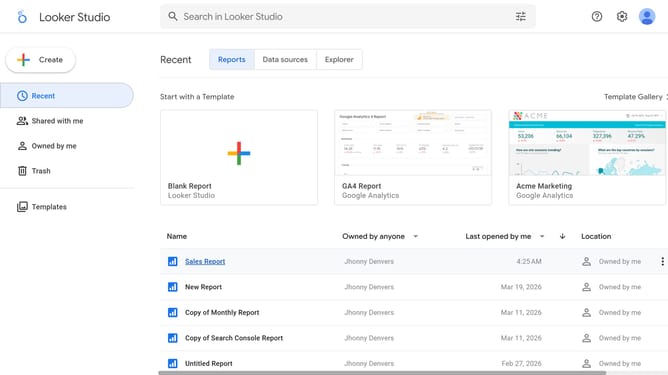
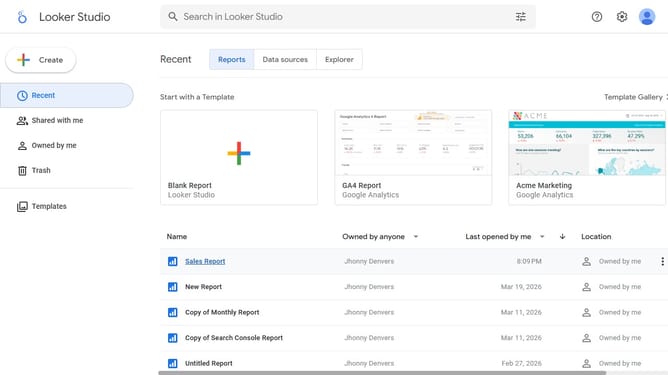
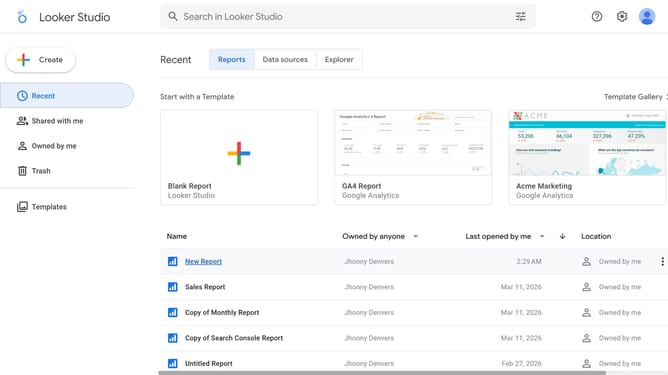
- First click on the file name from the reports list to open it
- Then click on "Edit" button in the top toolbar
- Next click on "Manage pages" option in the page navigation toolbar
- Next click on the page name that you want to manage in the right sidebar
- Next click on the "Show properties" button above the table chart
- Finally click on "Italic" button in the font formatting options of the Table properties panel
Why should you italicize the font of a table chart title in Looker Studio
Looker Studio is a powerful data visualization tool designed to transform complex data into actionable insights.
When styling your charts in Looker Studio, a simple feature like italicizing a table chart title can add a touch of elegance and improve readability.
Using italics can guide viewers' attention, distinguishing titles from other text and helping to emphasize the importance of the data presented.
This subtle styling choice not only refines the aesthetic appeal of your reports but also enhances the viewer's overall experience by providing a clear hierarchy of information.
Last update