How to hide title of your funnel chart in Looker Studio
Here is how to hide title of your funnel chart in looker studio
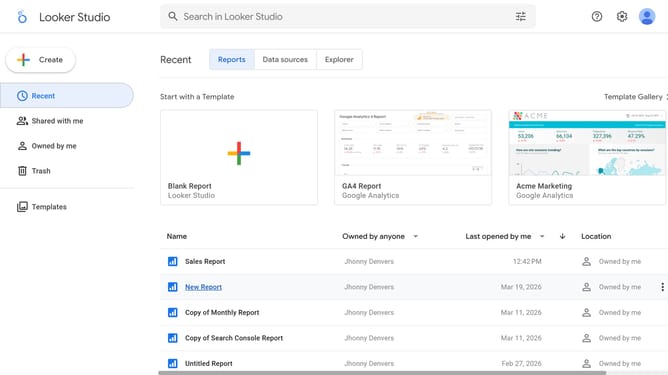
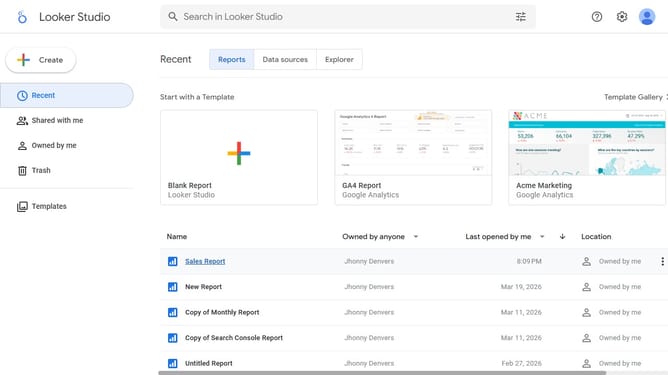
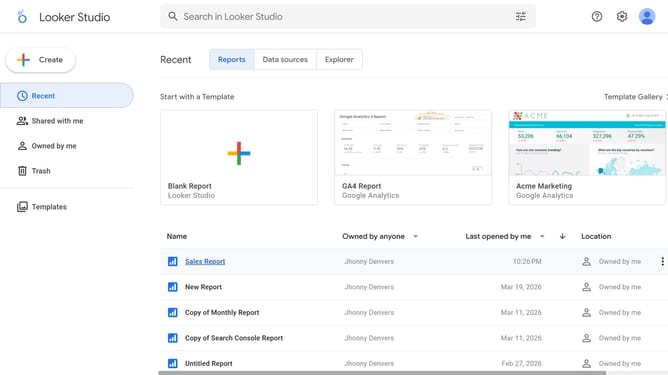
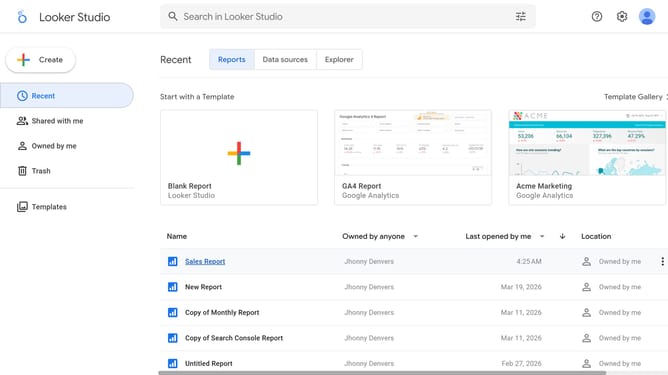
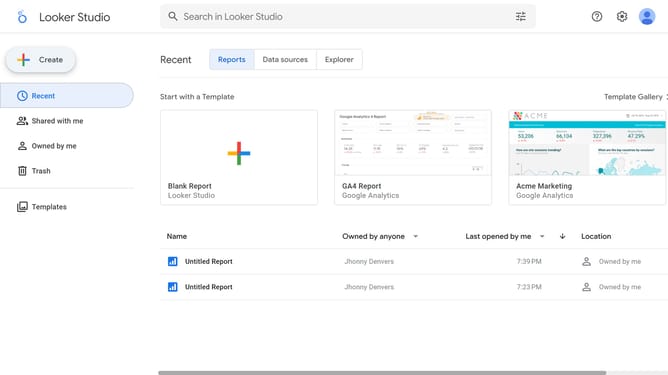
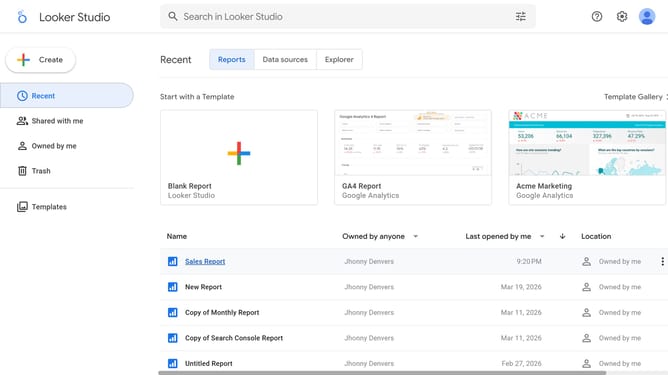
- First click on the file name from the reports list to open it
- Then click on "Edit" button in the top toolbar
- Next click on "Manage pages" dropdown in the toolbar to open page navigation
- Next click on the page name that you want to manage in the right sidebar
- Next click on the "Show properties" button above the table chart
- Finally toggle off "Show title" switch in the Chart title section of the right sidebar properties panel
Why should you hide title of your funnel chart in Looker Studio
Looker Studio is a powerful tool designed for creating interactive and dynamic data visualizations with ease.
The ability to hide the title of your funnel chart in Looker Studio enhances the aesthetics of your data presentation, giving a cleaner and more professional look.
This feature allows you to maximize space for your data, focusing viewer attention more directly on the insights rather than on redundant headings.
Utilizing this feature can streamline your presentation, improve audience engagement, and provide a sleeker, more modern interface.
Last update