How to hide display legend in a pie chart in Looker Studio
Here is how to hide display legend in a pie chart in looker studio
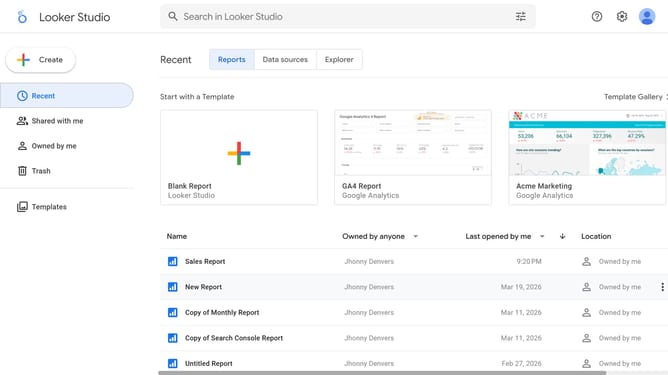
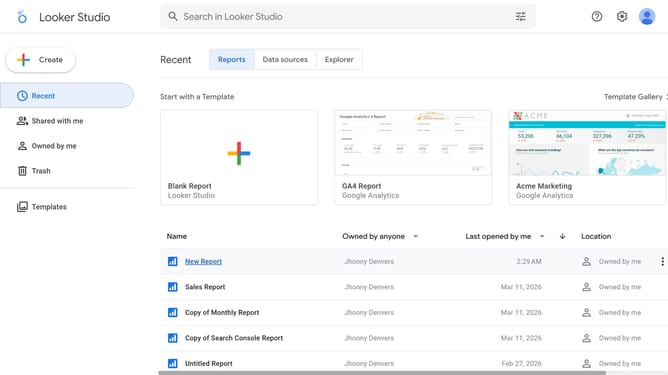
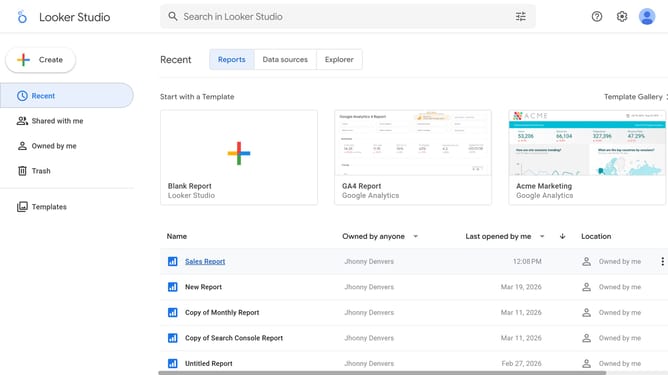
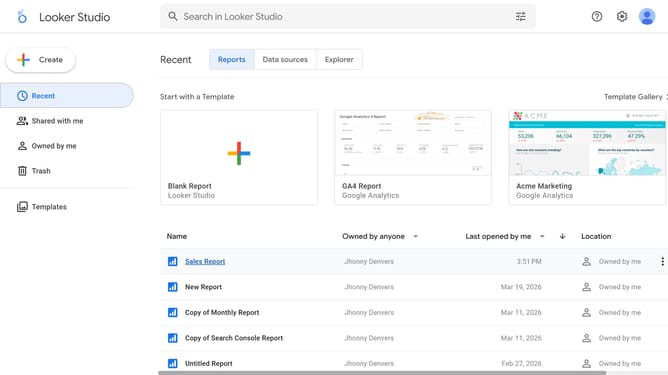
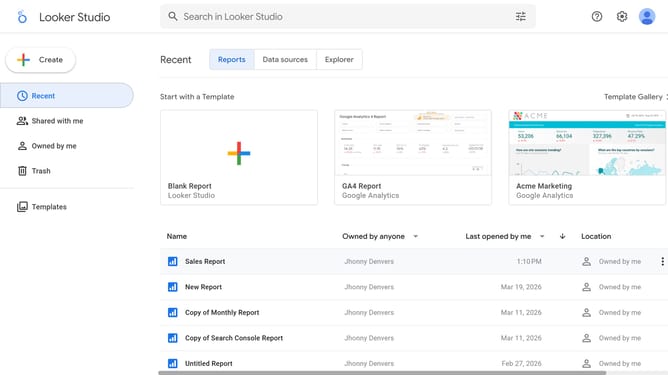
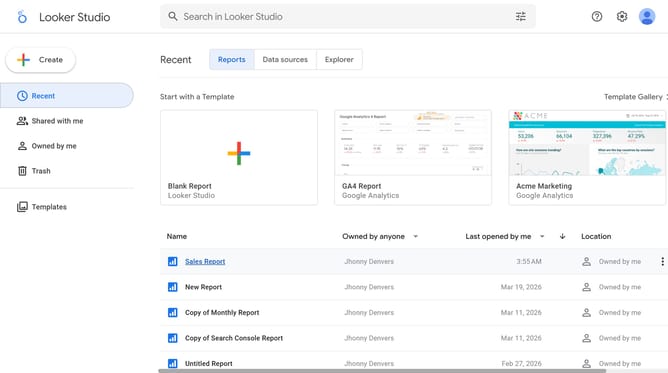
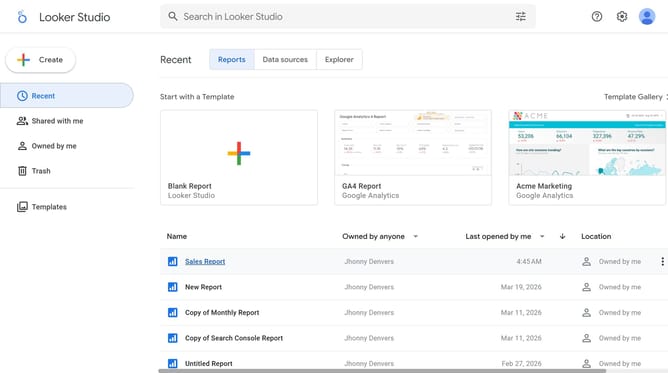
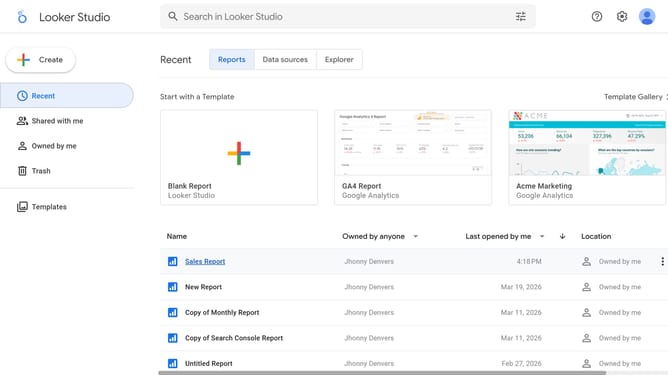
- First click on the file name from the reports list to open it
- Then click on "Edit" button in the top toolbar
- Next click on "Manage pages" option in the page navigation toolbar
- Next click on the page name in the right sidebar
- Next click on the edit icon button above the pie chart on the canvas
- Finally click on "Display legend" toggle switch off in the Pie chart properties panel
Why should you hide display legend in a pie chart in Looker Studio
Looker Studio is a versatile data visualization tool designed to transform complex data into clear insights.
One of its dynamic features is the ability to hide the display legend in a pie chart, giving users the flexibility to customize their visualizations.
Removing the legend can declutter the chart and help emphasize the pie segments, enhancing the viewer's focus on key data points.
This feature is beneficial for creating streamlined reports and presentations where simplicity and clarity are paramount.
Last update