How to align a pie chart title to the center in Looker Studio
Here is how to align a pie chart title to the center in looker studio
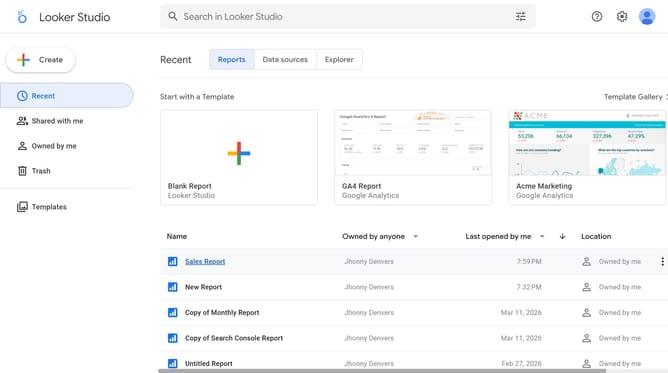
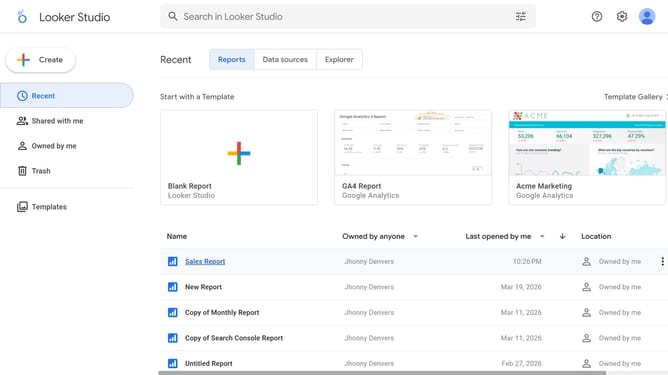
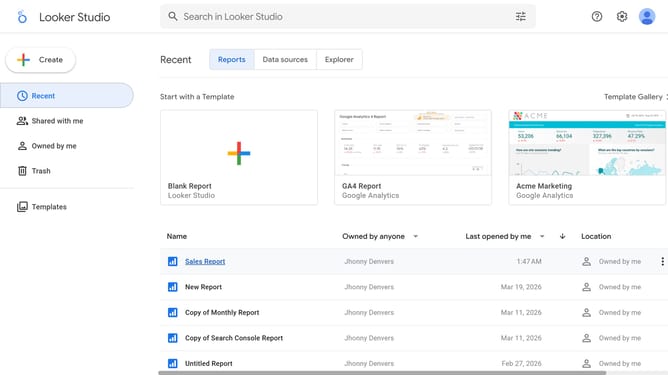
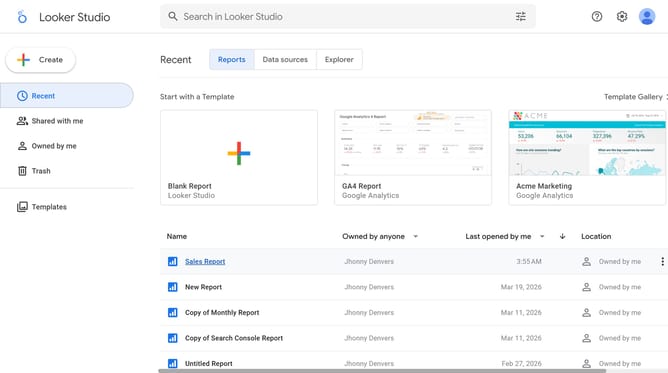
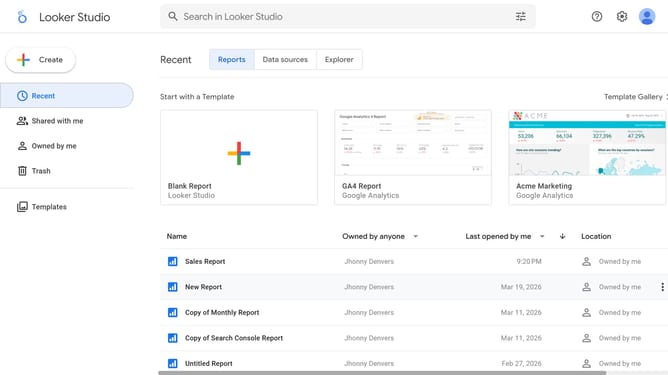
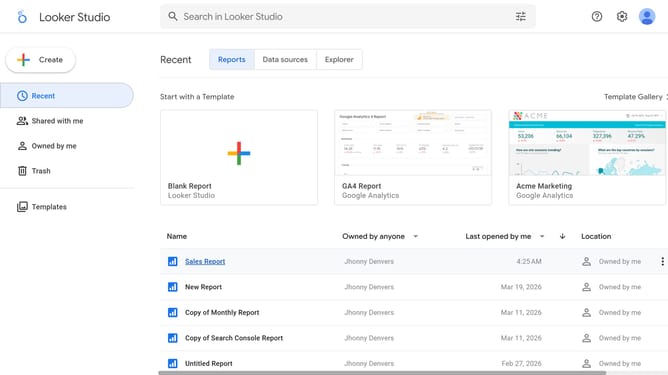
- First click on the file name from the reports list to open it
- Then click on "Edit" button in the top toolbar
- Next click on "Manage pages" option in the page navigation toolbar
- Then click on the page name in the Report Pages sidebar panel
- Then click on the edit icon in the chart toolbar to show properties
- Then click on the alignment button in the Style tab of Pie chart properties panel
- Finally click on "Center" alignment button in the Style tab of Pie chart properties panel
Why should you align a pie chart title to the center in Looker Studio
Looker Studio is an intuitive platform that transforms raw data into compelling visual insights.
Aligning a pie chart title to the center ensures a clean, professional look, enhancing both aesthetics and comprehension.
Centered titles draw immediate attention, guiding viewers smoothly through the data story. This precise alignment offered by Looker Studio not only streamlines data presentation but also strengthens user engagement through clear and organized storytelling.
Last update