How to sort campaigns alphabetically in Constant Contact
Here is how to sort campaigns alphabetically in constant contact
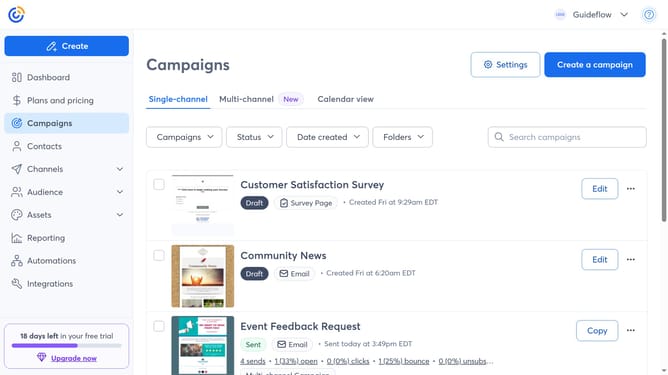
- First click on "Campaigns" in the left sidebar menu
- Next click on the Sort by dropdown at the top of the campaigns list
- Then select the "Name A-Z" or "Name Z-A" option from the sorting options
- The campaigns list will now display campaigns in alphabetical order (A to Z or Z to A)
Why should you sort campaigns alphabetically in Constant Contact
Constant Contact is a versatile tool that empowers businesses to create impactful email marketing campaigns.
One useful feature is the ability to sort campaigns alphabetically.
This organizational feature allows users to easily navigate and locate specific campaigns, streamlining the management process.
By sorting campaigns alphabetically, businesses can quickly access their content, saving time and improving efficiency, ensuring they remain effective in their outreach efforts.
Last update