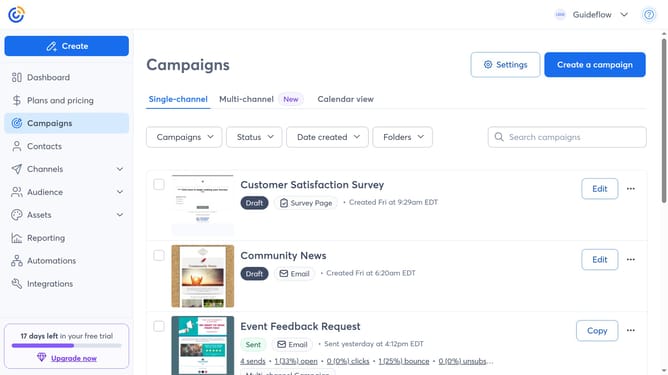
How to update your email signature name in Constant Contact
Here is how to update your email signature name in constant contact
- First click on your profile name in the top navigation bar
- Click on "Settings" in the dropdown menu
- Next select "Account details" tab in the settings navigation menu
- Scroll down to the "Other settings" section
- Then find the Email settings and click on the "Edit" button
- Next locate the "Signature name" field in the Email settings modal
- Then update it with your preferred name
- Finally click the "Save" button to confirm your changes
Why should you update your email signature name in Constant Contact
Constant Contact is a dynamic platform designed to optimize email marketing efforts with ease and efficiency.
Keeping your email signature current in Constant Contact is a breeze and ensures your communication remains professional and consistent.
Regularly updating your signature name fosters trust and reinforces your brand identity in every interaction.
This small yet vital feature enhances personalization, which is crucial in building strong connections with your audience.
Last update