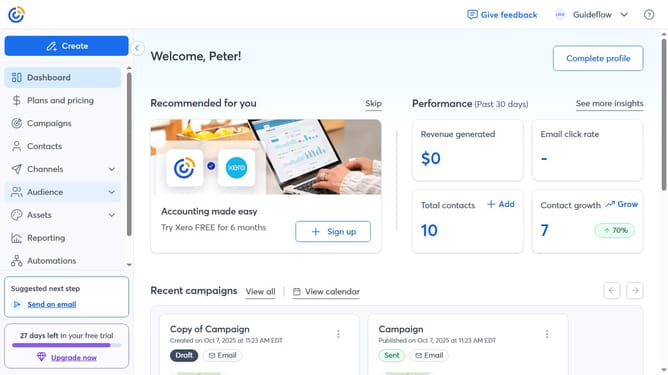
How to update your security details in Constant Contact
Here is how to update your security details in constant contact
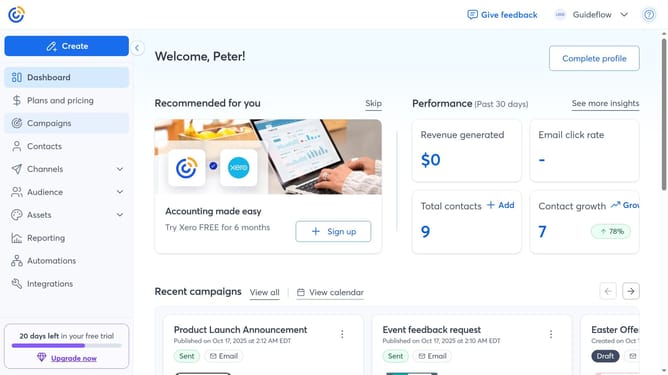
- First click on your profile name in the top navigation bar
- Click on "Settings" in the dropdown menu
- Next select "Account details" tab in the settings navigation menu
- Scroll down to the "Password & security" section
- From here, you can update your Username and Account Email
- You can also set or update your security question
- To change your password, click the "Edit" button next to the Password section
- Then type and confirm your new password
- Finally set up Multi-Factor Authentication if needed
Why should you update your security details in Constant Contact
Constant Contact is a robust platform designed to empower businesses with effective email marketing solutions.
Regularly updating your security details in Constant Contact is crucial for safeguarding your account and ensuring data integrity. By keeping your security information current, you enhance protection against unauthorized access and fortify your account against potential cyber threats.
Moreover, updated security details streamline the process of account recovery, providing peace of mind and allowing you to focus on creating successful marketing campaigns.
Last update