How to change your logo in Constant Contact
Here is how to change your logo in constant contact
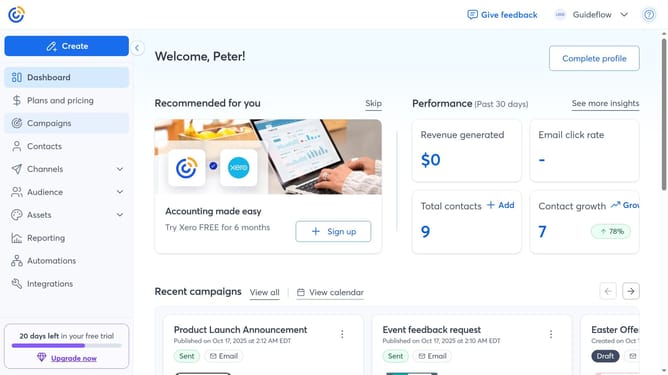
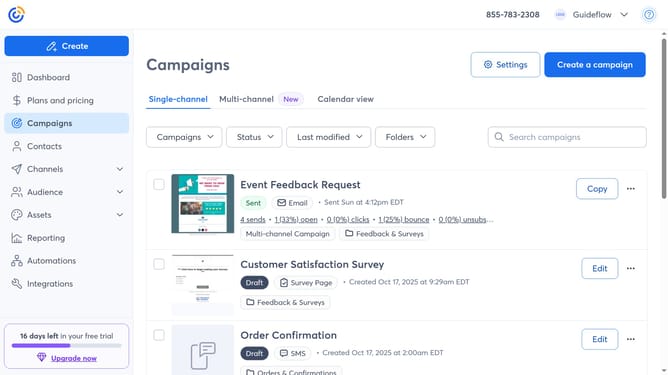
- First click on your profile name in the top navigation bar
- Click on "Settings" in the dropdown menu
- Next select "Account details" tab in the settings navigation menu
- Locate the Business details section and click on the "Edit" button
- In the modal that appears, hover over your logo and click the "Edit" icon
- In your Library, select an existing logo or upload a new one
- Then click "Insert" to add the new logo
- Finally click "Save" to apply the changes
Why should you change your logo in Constant Contact
Constant Contact is a versatile platform designed to enhance your email marketing efforts with ease.
Among its many features, the ability to change your logo swiftly stands out. This simple yet powerful feature allows you to keep your branding fresh and relevant, reflecting the latest updates to your business identity.
By easily updating your logo, you maintain a consistent brand image across all your communications, reinforcing recognition and trust with your audience.
Incorporating your new logo seamlessly into your campaigns helps ensure that every piece of content aligns with your evolving business goals, giving your communications a professional and polished appearance.
Last update