How to rename a campaign in Constant Contact
Here is how to rename a campaign in constant contact
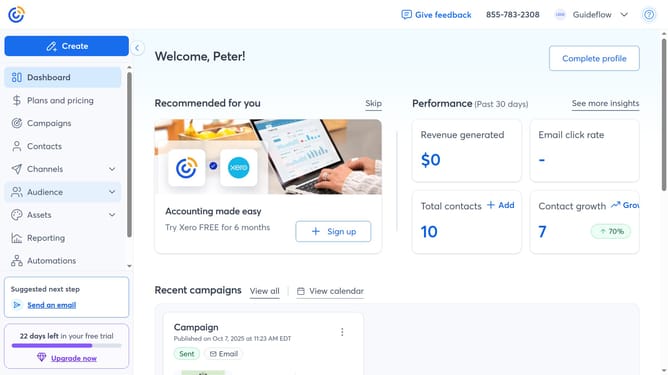
- First click on "Campaigns" in the left sidebar menu
- Find the campaign you want to rename from the list
- Next click on the more options menu (three dots) button next to the campaign
- Click on the "Rename" option from the dropdown menu
- Then enter the new name for your campaign
- Finally click the "Save" button to confirm the name change
Why should you rename a campaign in Constant Contact
Constant Contact is a powerful tool designed to streamline and enhance your email marketing efforts.
One of the key features of Constant Contact is the ability to rename a campaign, offering flexibility and organization to marketers.
Renaming your campaigns helps maintain clarity, allowing you to easily track performance and make informed decisions.
This simple feature contributes to efficient marketing management, ensuring that each campaign aligns with your goals and strategies.
Last update