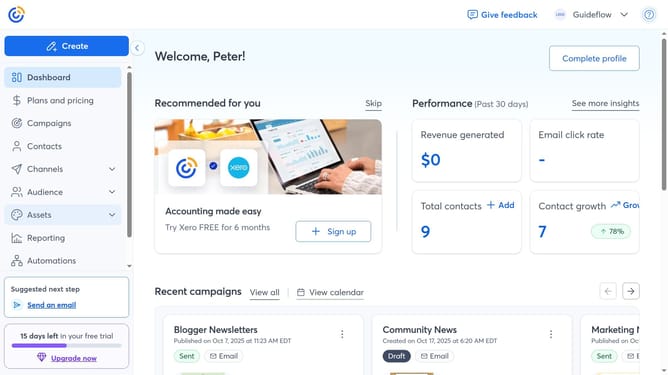
How to change your first and last name in Constant Contact
Here is how to change your first and last name in constant contact
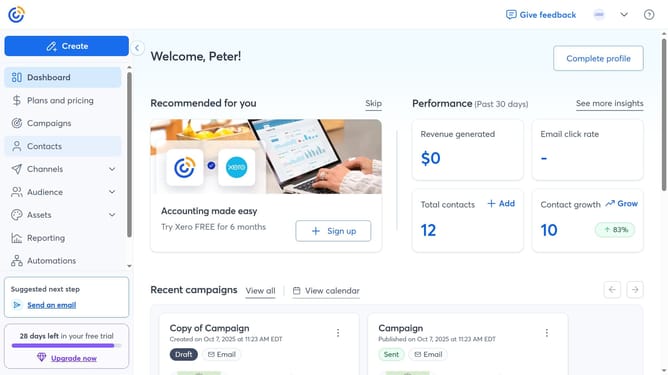
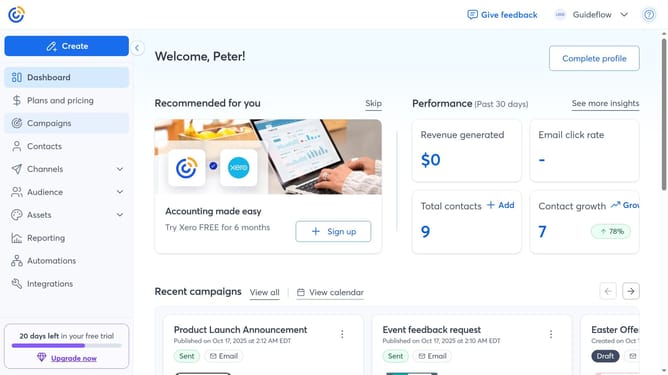
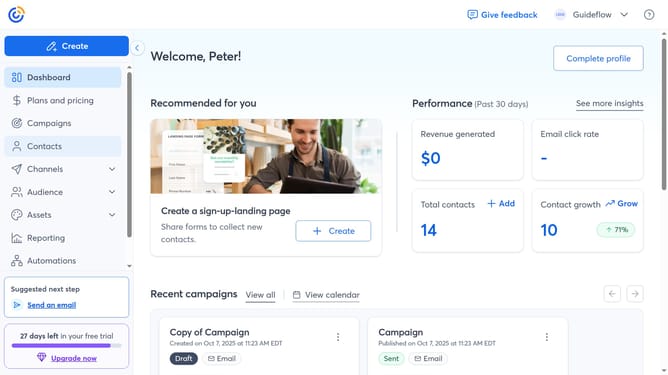
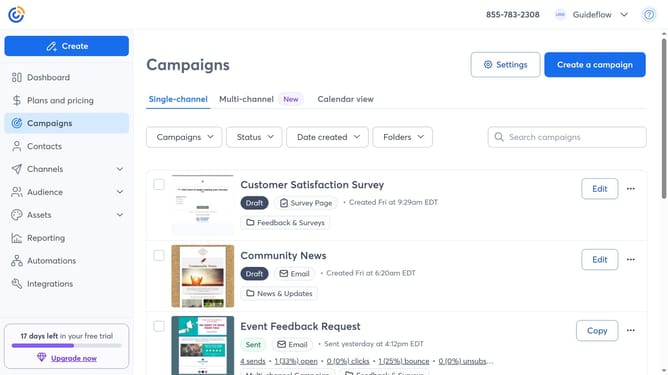
- First click on your profile name in the top navigation bar
- Click on "Settings" in the dropdown menu
- Next select "Account details" tab in the settings navigation menu
- Locate the Profile details section and click on the "Edit" button
- Then update your First Name and Last Name fields
- Finally click “Save” to apply the changes
Why should you change your first and last name in Constant Contact
Constant Contact is a powerful tool designed to simplify your email marketing efforts.
One beneficial feature of Constant Contact is the ability to easily change your first and last name within the platform. This simple feature enhances your professional identity and ensures your personal details are current and accurate.
Keeping your profile information up-to-date helps maintain credibility and reinforces positive engagement with your contacts. This leads to improved communication and potentially stronger business relationships.
Last update