How to update your business details in Constant Contact
Here is how to update your business details in constant contact
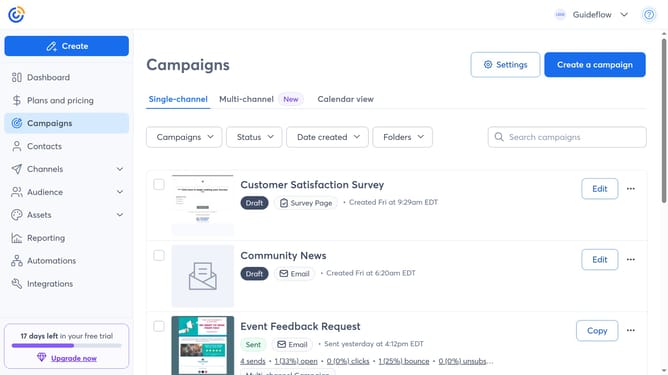
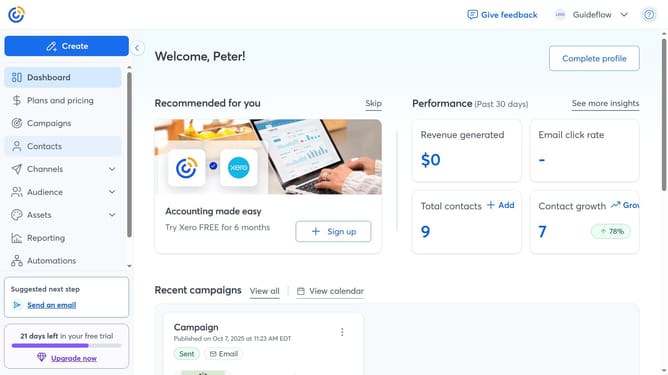
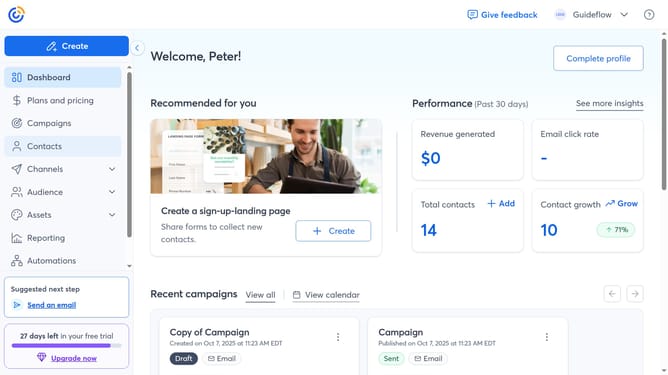
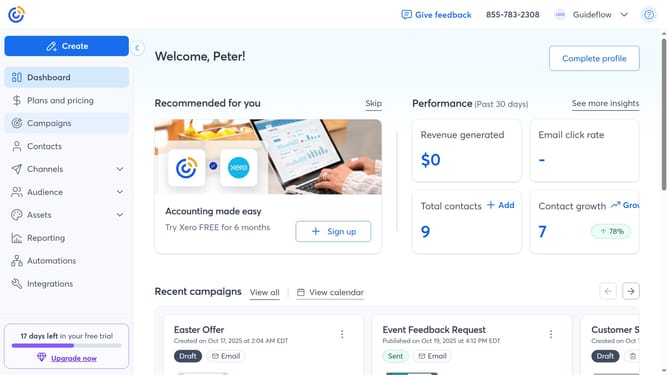
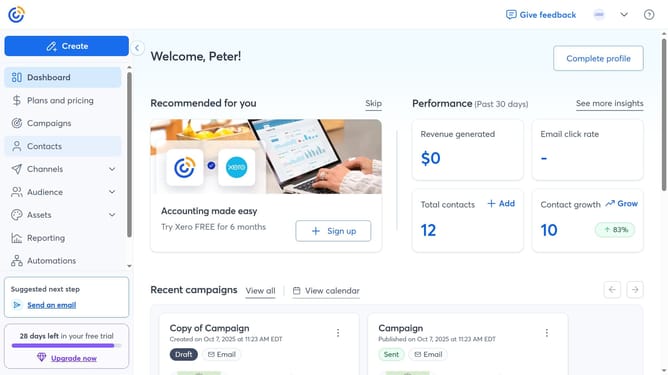
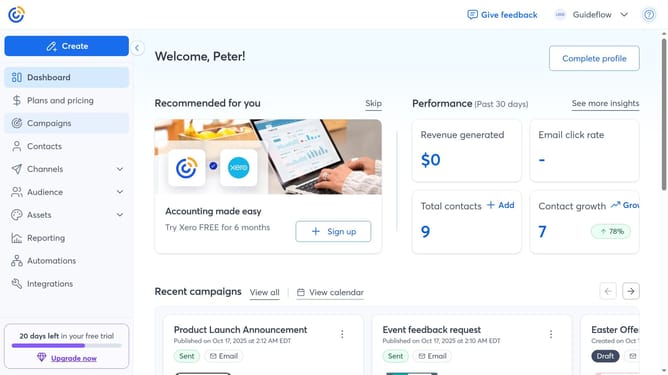
- First click on your profile name in the top navigation bar
- Click on "Settings" in the dropdown menu
- Next select "Account details" tab in the settings navigation menu
- Locate the Business details section and click on the "Edit" button
- Then the Account details modal will appear
- Update any business information as needed such as Logo, Industry, Business name, phone number and website
- Scroll down to the Address section to update the business address
- Finally once you’re done, click "Save" to save the changes
Why should you update your business details in Constant Contact
Constant Contact is a powerful email marketing platform designed to help businesses efficiently manage their customer communications.
By updating your business details in Constant Contact, you ensure your communications are consistent and professional, which strengthens your brand’s image.
This feature allows customers to easily access relevant information, boosting trust and enhancing customer relationships.
Regular updates also keep your audience informed and engaged, contributing to a more dynamic and effective marketing strategy.
Last update