How to delete a contact in Constant Contact
Here is how to delete a contact in constant contact
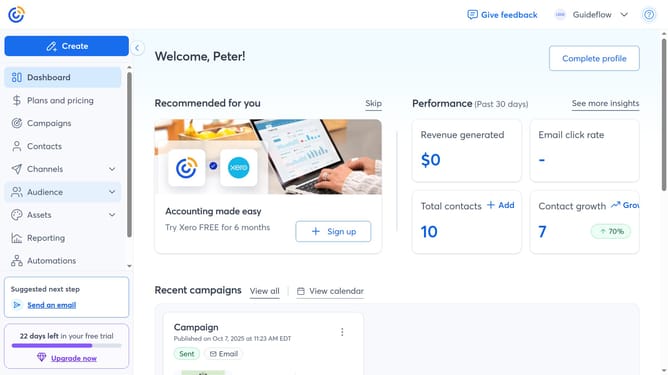
- First click on "Contacts" in the left sidebar menu
- Locate the contact you want to delete in the contacts list
- Next hover over the contact's name and click the "View details" icon
- Then click on the "More options" menu button in the contact details panel
- Click on the "Delete contact" option in the dropdown menu
- Finally click the "Delete contact" button in the confirmation dialog
Why should you delete a contact in Constant Contact
Constant Contact is a dynamic platform designed to streamline email marketing campaigns effectively.
One of its practical features is the ability to effortlessly delete a contact. This feature is vital for maintaining a clean and organized email list.
By removing outdated or inactive contacts, you help enhance your campaign's performance by ensuring it targets an engaged audience.
This process simplifies list management, ultimately saving you time and improving email deliverability rates.
Last update