How to view all your contact lists in Constant Contact
Here is how to view all your contact lists in constant contact
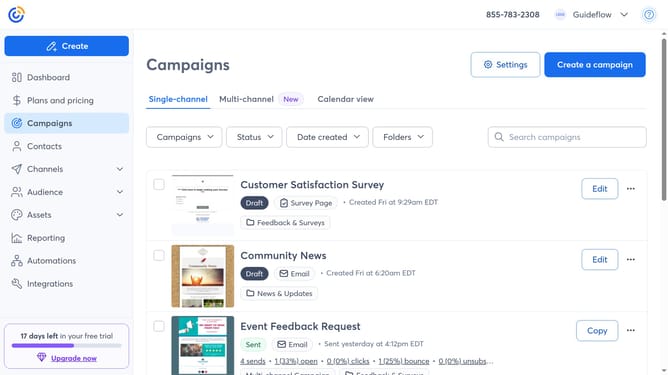
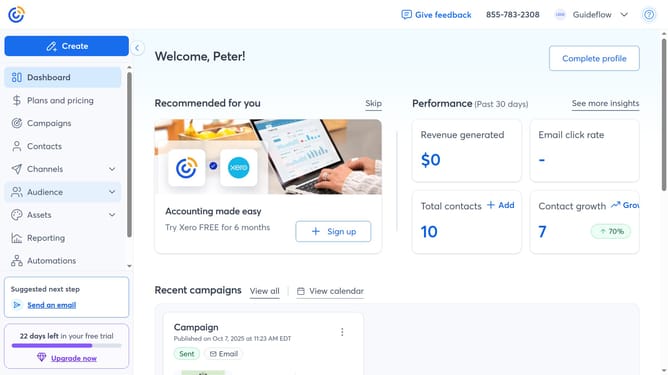
- First click on the "Contacts" in the left sidebar menu
- Next click the three dots menu button in the top-right corner of the Contacts page
- Then click on "View contact lists" from the dropdown menu
- You’ll now see all your contact lists, and you can click any list name to view the contacts inside that specific list
Why should you view all your contact lists in Constant Contact
Constant Contact is a powerful email marketing tool designed to help businesses connect with their audience effectively.
Viewing all your contact lists in Constant Contact is streamlined, ensuring you have easy access to your data. All your lists are centralized, making organization and management a breeze. This feature is incredibly beneficial for maintaining efficient communications.
By having a clear view of all your contact lists, you can segment audiences easily, tailor your messages, and boost engagement rates. This not only enhances customer relationships but also optimizes marketing strategies for success.
Last update