How to view all your campaign folders in Constant Contact
Here is how to view all your campaign folders in constant contact
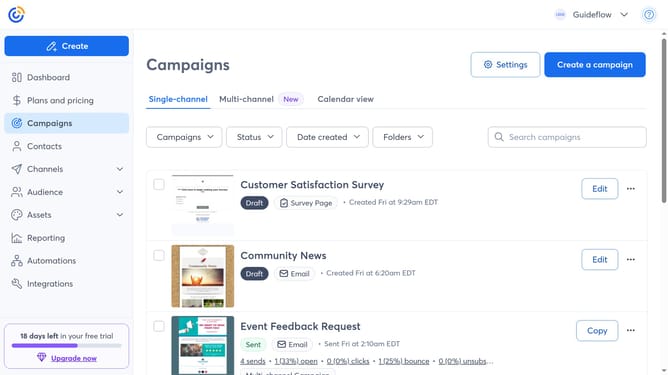
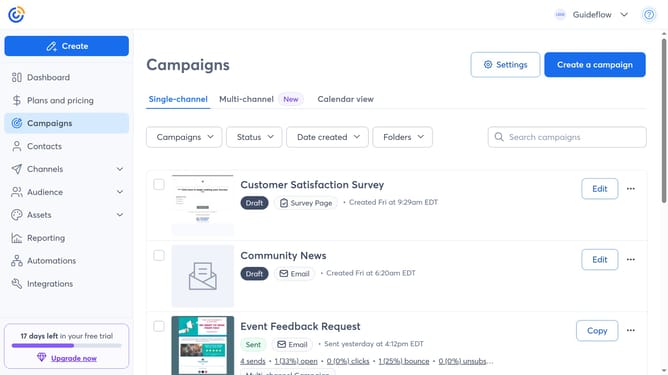
- First navigate to the "Campaigns" from the left sidebar
- Next click on the "Folders" dropdown menu in the toolbar
- Then click on "Manage folders" in the folders dropdown menu
- From here, you will see all your campaign folders and can manage them as needed
Why should you view all your campaign folders in Constant Contact
Constant Contact is a powerful tool designed to streamline your email marketing efforts.
By utilizing the feature that allows you to view all your campaign folders, you gain the convenience of having your entire campaign history organized and easily accessible in one place.
This feature simplifies campaign management, boosting productivity by saving you time and reducing the workload involved in tracking and organizing campaigns manually.
With everything neatly arranged, you can make more informed decisions, enhance collaboration, and ultimately drive your marketing success forward.
Last update