How to move a campaign into another folder in Constant Contact
Here is how to move a campaign into another folder in constant contact
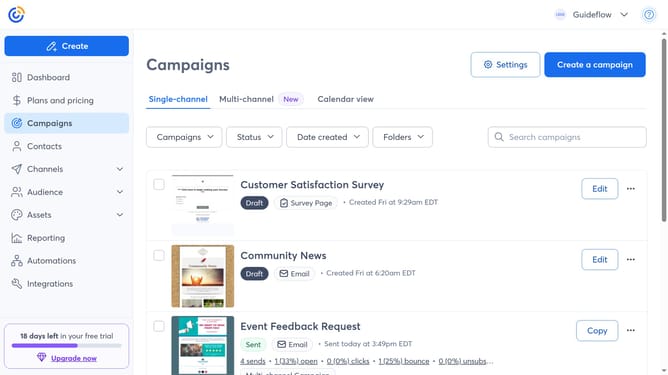
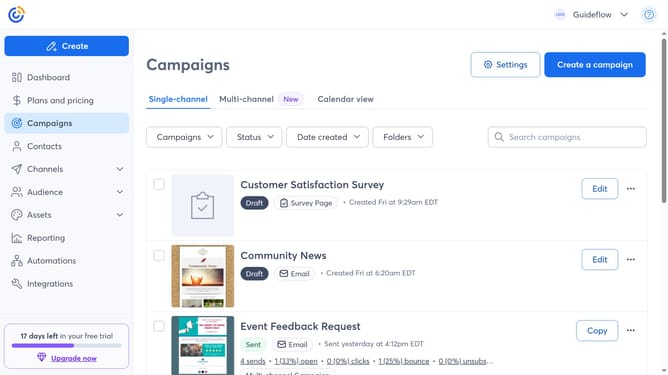
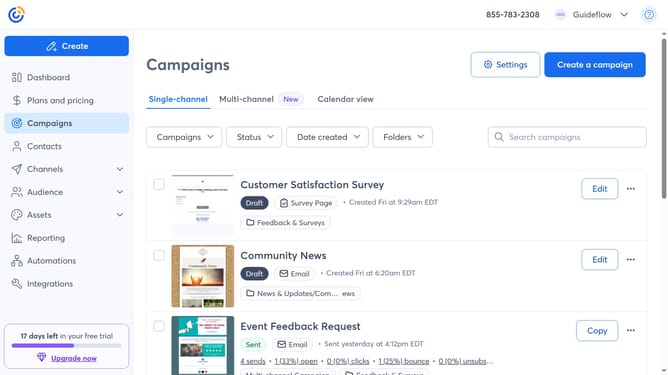
- First navigate to "Campaigns" from the left sidebar
- Locate the campaign you want to move
- Next click on the "More options" menu (three dots) button next to it
- Click on "Move to folder" option from the dropdown menu
- Then select the destination folder where you want to move the campaign
- Finally click on the "Move to" button to confirm
Why should you move a campaign into another folder in Constant Contact
Constant Contact offers streamlined solutions for managing email marketing campaigns with ease.
One of its standout features is the ability to move a campaign into another folder effortlessly. This feature helps users keep their workspace organized, enhancing productivity and focus.
By relocating campaigns, users can maintain a clear overview of different projects, making it simpler to access, edit, and track them as needed.
The flexibility to rearrange your campaigns ensures your workspace adapts to your evolving marketing strategies.
Last update