How to resend a campaign in Constant Contact
Here is how to resend a campaign in constant contact
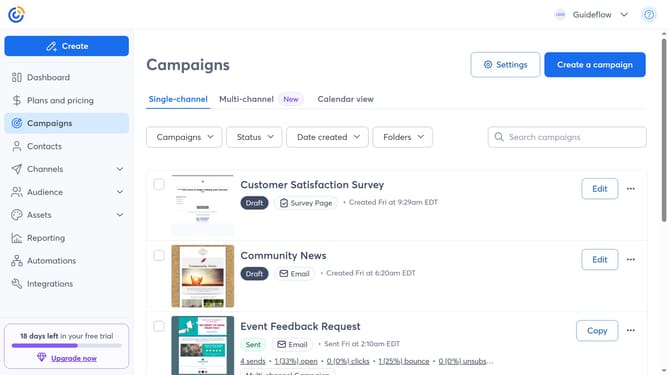
- First click on "Campaigns" in the left sidebar
- Find the sent campaign you want to resend from the campaign list
- Next click the "more options" menu (three dots) button next to it
- Select "Resend" from the dropdown menu
- Then choose one of the options in the resend dialog such as "Send to new contacts", "Resend to non-openers" or "Edit and send again"
- Choose the contacts or lists you want to send the campaign to
- You can also edit the physical address and email settings if needed
- Next click on the "Send Now" button in the top right corner
- Finally click the "Send Now" confirmation button in the popup dialog
Why should you resend a campaign in Constant Contact
Constant Contact is a powerful platform designed to help businesses grow through effective email marketing.
An impactful feature of Constant Contact is the ability to effortlessly resend a campaign. This comes in handy when you want to reach those who missed your message the first time, ensuring no opportunity goes unnoticed.
Resending campaigns can increase your open rates and engagement by targeting users who didn't open the email initially, maximizing the campaign's reach.
Utilize this feature to ensure your message lands effectively in your audience's inbox, reinforcing your marketing efforts.
Last update