How to create a new contact list in Constant Contact
Here is how to create a new contact list in constant contact
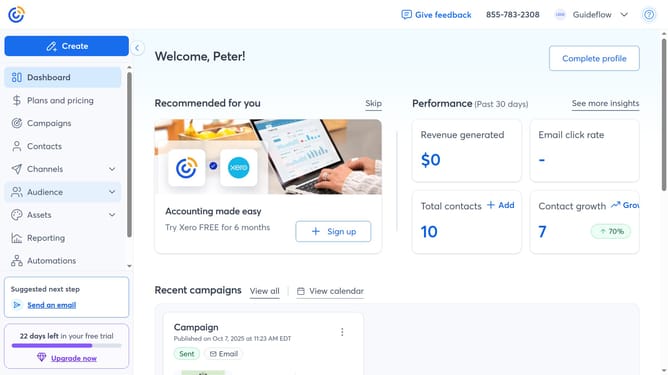
- First click on "Audience" in the left sidebar menu
- Next select "Lists and segments" from the expanded Audience menu
- Click the "Create new" button in the top-right corner of the Lists and segments page
- Select the "List" option from the list type selection modal
- Click the "Continue" button to proceed with creating a new list
- Then enter a unique name for your new contact list
- Finally click the "Save" button to create the list
- The new list is now created, and you can then add contacts to it from the available choices
Why should you create a new contact list in Constant Contact
Constant Contact is a powerful tool designed to simplify your email marketing strategy.
Creating a new contact list in Constant Contact allows you to organize and target your audience effectively. By segmenting your contacts, you can tailor your campaigns to specific groups, enhancing engagement and response rates.
Use this feature to streamline communication, foster stronger customer relationships, and ultimately drive better business results.
Last update