How to create a campaign sub-folder in Constant Contact
Here is how to create a campaign sub-folder in constant contact
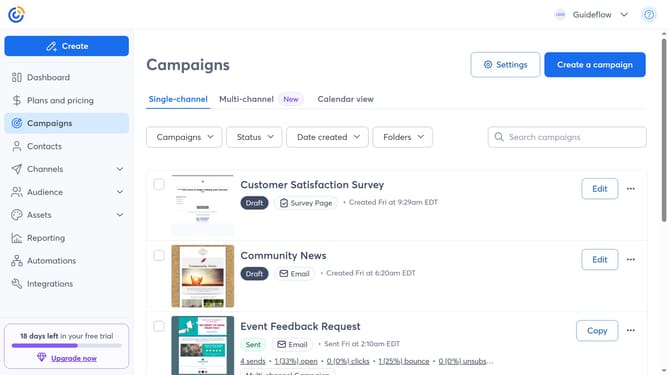
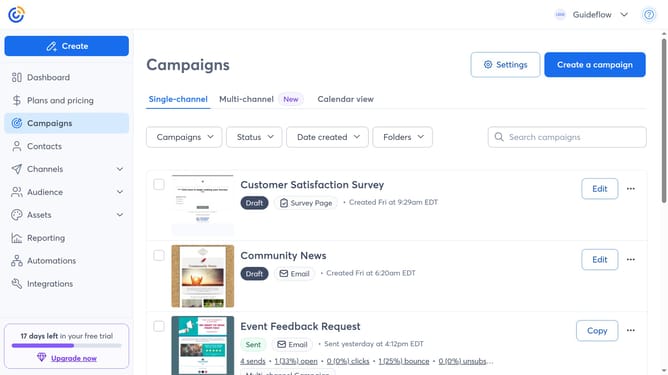
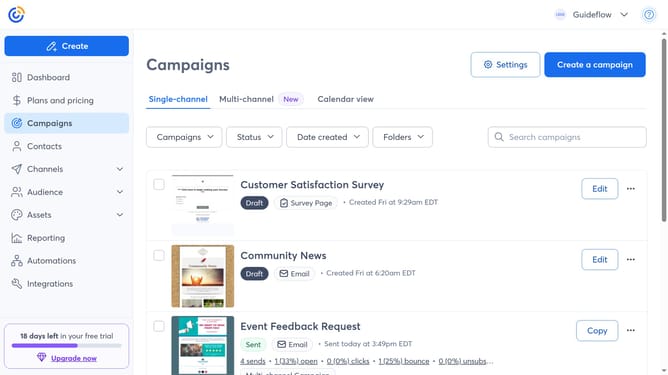
- First navigate to "Campaigns" from the left sidebar menu
- Next click on the "Folders" dropdown button in the main toolbar
- Click on "Manage folders" option from the dropdown menu
- In the folder list, locate the existing top-level folder (the parent folder) where you want to add the sub-folder
- Click on the "More options" button (three dots) next to the folder
- Select "Add a folder" option from the context menu
- Then enter a name for your sub-folder in the name input field
- Finally click the "Add" button to create the new subfolder
Why should you create a campaign sub-folder in Constant Contact
Constant Contact is a robust tool designed to streamline your email marketing endeavors through effective campaign management.
Creating a campaign sub-folder in Constant Contact allows you to organize your campaigns efficiently, making it easier to locate and manage them as needed.
This feature enhances productivity by ensuring that all campaigns are neatly categorized, which is particularly beneficial for businesses that run multiple campaigns concurrently.
Effective organization leads to better focus and time savings, ultimately improving your overall marketing strategy.
Last update