How to filter campaigns by folder in Constant Contact
Here is how to filter campaigns by folder in constant contact
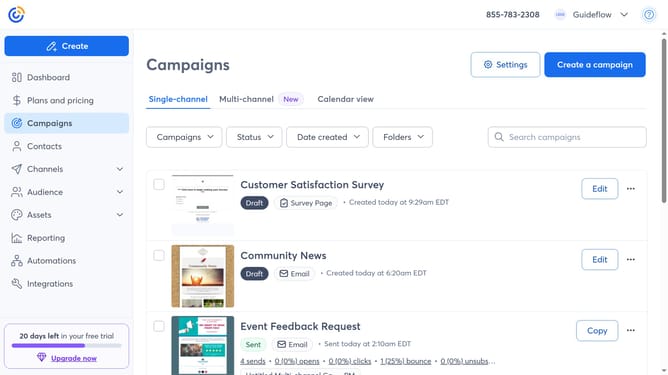
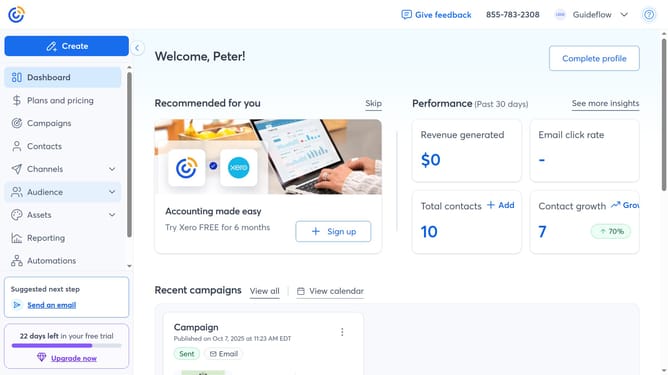
- First navigate to "Campaigns" from the left sidebar
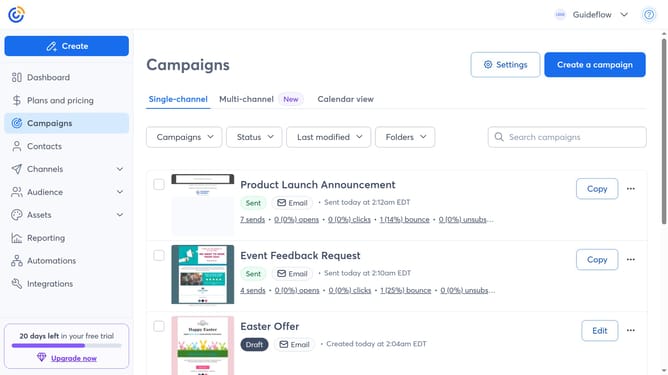
- Next click the "Folders" dropdown button in the top filter bar
- Then click the folder name you want to filter by from the dropdown menu
- The campaign list will now show only the campaigns contained in that folder
Why should you filter campaigns by folder in Constant Contact
Constant Contact is a premier email marketing platform designed to streamline your communication efforts.
One standout feature is the ability to filter campaigns by folder, offering a straightforward method to manage and organize your marketing initiatives effortlessly.
This feature allows marketers to sort and categorize campaigns efficiently, saving time and enhancing productivity.
Using folders ensures that tracking progress across different campaigns becomes a seamless process, which ultimately contributes to more focused and strategic marketing efforts.
Last update