How to download a campaign in Constant Contact
Here is how to download a campaign in constant contact
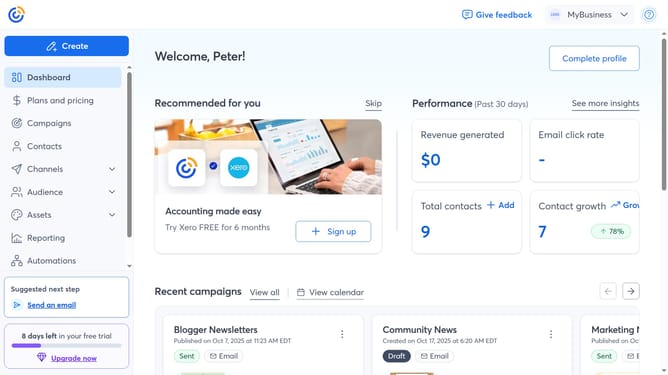
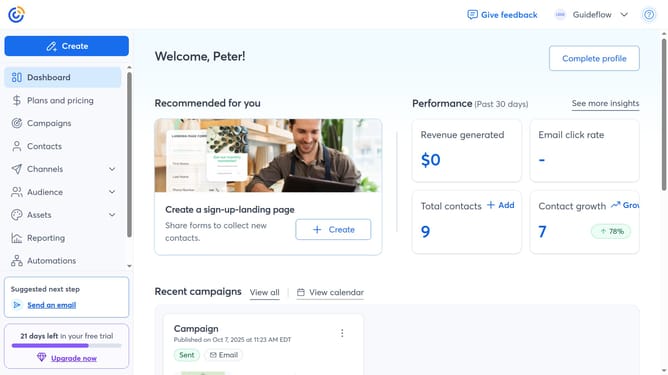
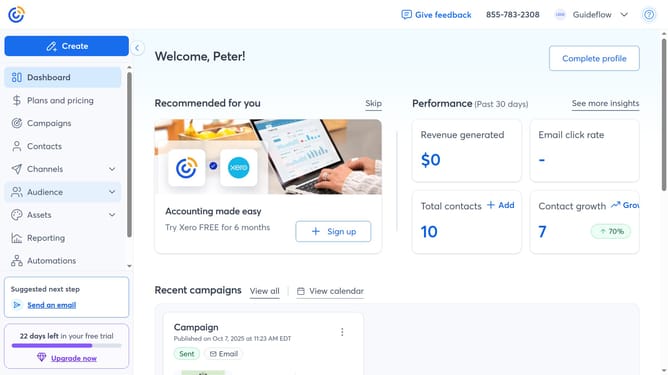
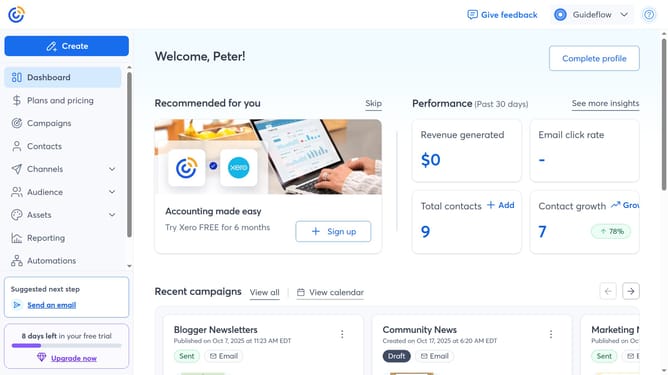
- First click on "Campaigns" in the left sidebar menu
- Find the specific email campaign you want to download from the campaign list
- Next click on the "More options" button (three dots menu) next to the campaign
- Click on "Download & print" option from the dropdown menu
- Then select your preferred settings, such as file type, scale, and more
- Finally, click the “Download” button in the top-right corner, and the file will be downloaded to your device
Why should you download a campaign in Constant Contact
Constant Contact is a powerful tool designed to streamline your email marketing efforts with ease and efficiency.
Downloading a campaign in Constant Contact is a straightforward feature that offers users the flexibility of archiving and analyzing their marketing content offline.
This capability is invaluable for businesses aiming to maintain comprehensive records of their marketing strategies, ensuring transparency and facilitating improved planning.
Moreover, having a downloadable campaign enables seamless collaboration across teams, fostering innovation and consistency in future campaigns.
Last update